
Question
Optical Flow Export Bug
Hi all,
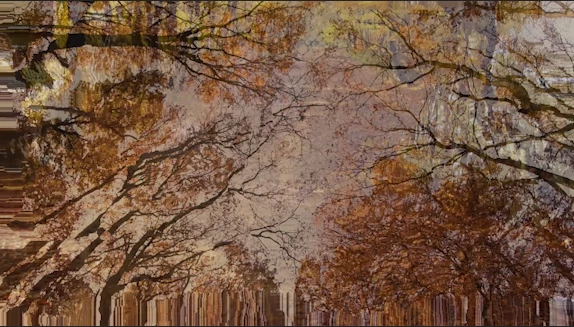
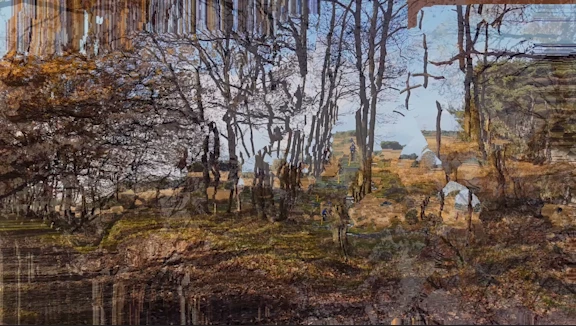
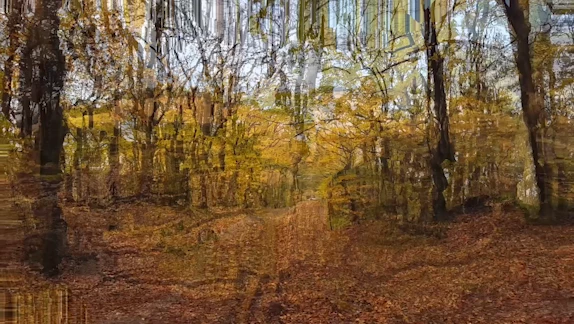
I noticed that whenever I export a media project in premiere with the Time Interpolation setting set to Optical Flow, cuts between 2 unrelated clips has a weird frame that blends them together which is really bothering to the eyes when playing the final video.
I attached a few examples below, I would appreciate if there's a way to fix this besides changing Time Interpolation to a different setting.
Thanks
 AdChoices