
Participant
June 12, 2021
Question

Ordering clips in sequence

  • June 12, 2021
  • 1 reply
  • 434 views

Hello editors,


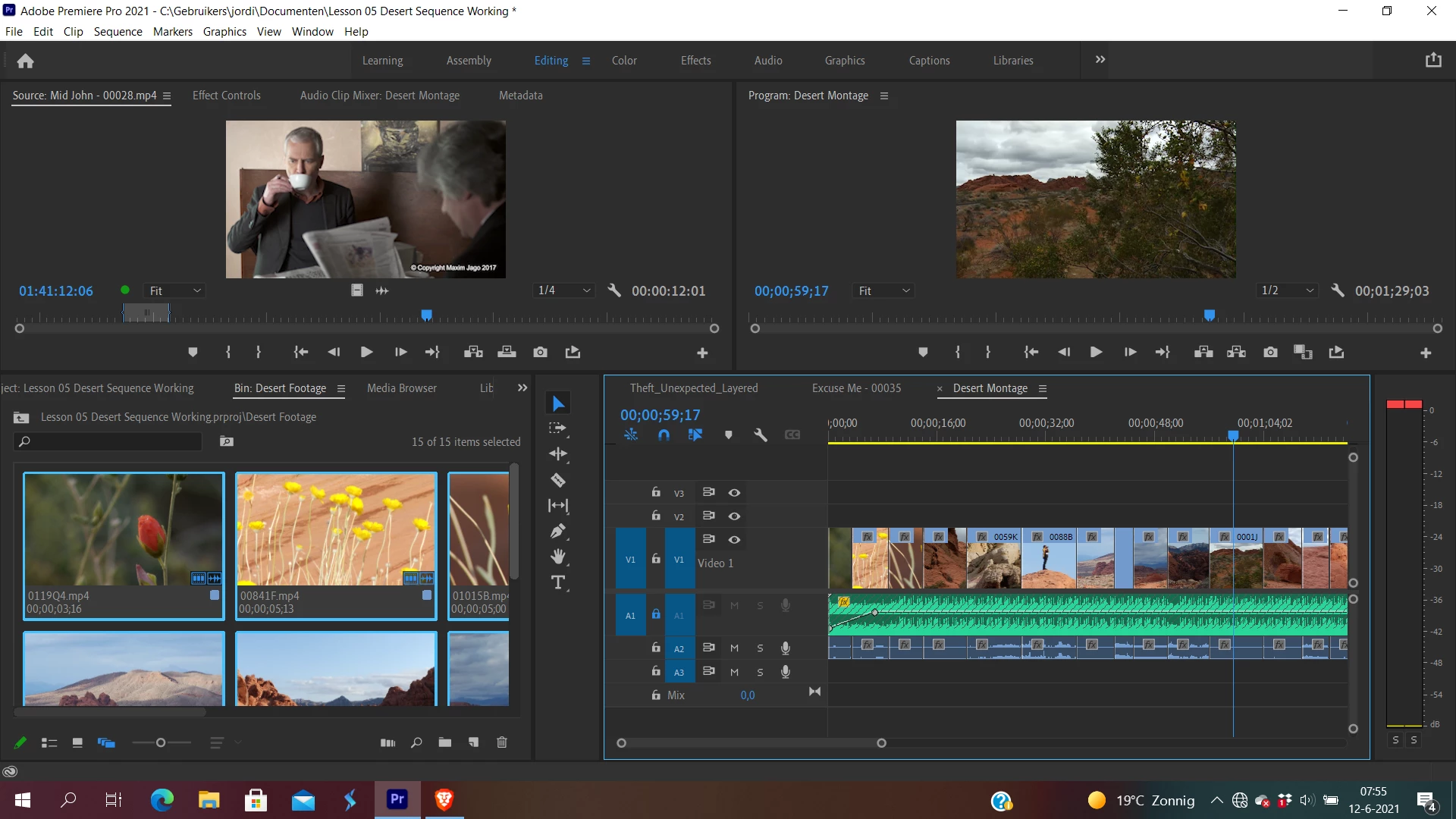
In Freeform View in the Project Panel I made a selection of the clips I have and the order I want them to display in my sequence. 


Selecting all the clips and adding them to the V1 Track, I was assuming that the clips would be added in the order I gave them in Freeform View. Instead, the clips are added randomnly.


How do I get the clips ordered correctly in the sequence without having to drag them one by one onto the track?


Jordi
This topic has been closed for replies.

1 reply

Ann Bens
Community Expert
Community Expert
June 12, 2021

You have to select the clips in the order you want them displayed on the timeline.

Jordi5C23Author
Participant
June 19, 2021

I put them in the right order and then selected them from left to right, in the order I want them displayed on the timeline. It didnt get it. 

Peru Bob
Community Expert
Community Expert
September 18, 2024

Try list view.


If that doesn't work, try resetting the Workspaces:
Reset a workspace
Reset the current workspace to return to its original, saved layout of panels.
1. Do one of the following:
• Click the Workspace menu icon and select Reset to Saved Layout.
• Choose Window > Workspace > Reset to Saved Layout.
from here:
https://helpx.adobe.com/premiere-pro/using/workspaces.html
 be set to No Input.