

Participant
August 22, 2025
Question

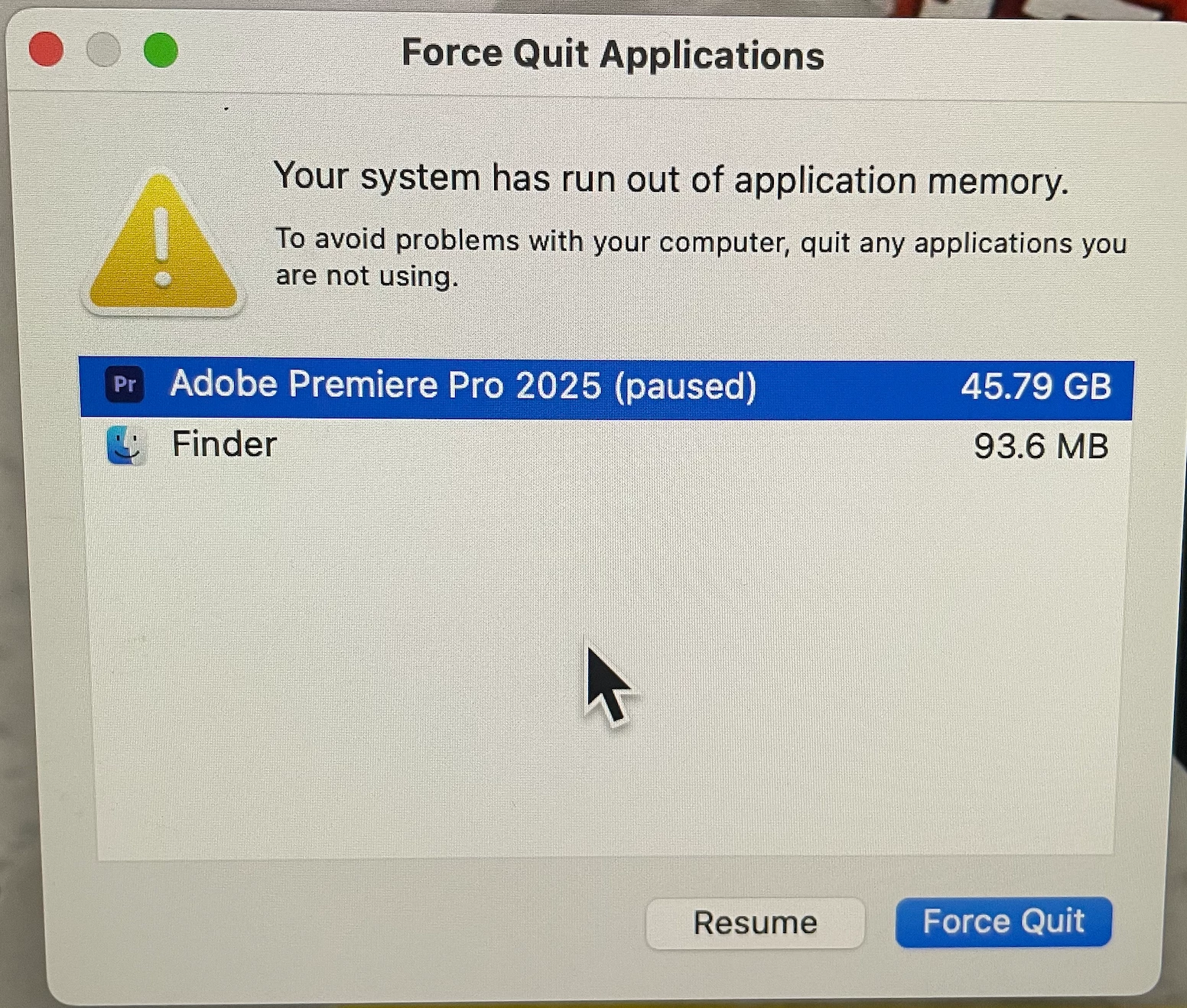
Out of Application Memory (Premiere Pro 2025, version 25.4.0)

  • August 22, 2025
  • 5 replies
  • 505 views

Working on an iMac, Apple M1, running on Sequoia 15.6.1, I get a "Force Quit Applications" notification on screen when attempting to export an 80 minute video. The application completely stops the exporting process at 22% and doesn't move for more than 30 minutes. I've cleared all caches. A little frustrated on this, as this has been a problem since early in the week, and I edit a weekly video podcast. How can this be fixed? Please advise.
 

5 replies

Community Manager
August 26, 2025

Hi everyone,

We're sorry about the poor experience. We're aware of this issue & are currently working on getting it addressed as soon as possible. For the time being, you may revert to the previous version of Premiere Pro as a workaround. We will update this thread as soon as we have more details.


Thanks,

Sumeet

Participant
August 27, 2025

Thank you for your response. The previous version is functioning well for me, but I expect you to address the issues promptly.

Community Manager
August 27, 2025

I'm glad to hear that the previous version is working well for you. We're actively working on addressing this issue and will update this thread as we make progress. Thanks for your patience!


-Sumeet

Participant
August 22, 2025

I have been having the exact same problem for almost a week trying daily.

I am exporting a 50min video.

I reset my MacBook Pro m3Pro 18gb Ram and installed only Premiere Encoder (25.4) and neither of them works. Adobe should launch a new update fixing these issues asap.


I tried using older versions (25,25,1,2,3) and the same. Crashing, restarting my mac, out of application memory)

Community Manager
August 22, 2025

Hi Matthew_Craig0228,

Sorry about the poor experience. Are you using any third-party effects or After Effects compositions in your sequence? Is it always freezing at that 22% mark & have you tried exporting in smaller chunks to see if it exports properly?


Thanks,

Sumeet

Participant
August 22, 2025

There are no After Effects compositions in the sequence. I was able to download and use a previous version of Premiere Pro and had no issues exporting the entire video.

Participating Frequently
August 22, 2025

Hi, I'm having a similar memory issue this week too since updating to 25.4. Rendering has been almost impossible on 5 and 6 min videos. I'm working on AMD Ryzen 7 PRO 5850U, Windows 11 24H2, 40 GB Ram


Thanks for any help here.

Participant
August 22, 2025

Getting the same problem with the new version 25.4 of Premiere Pro, I am working on Windows 11, Intel i9 13900k, 32 gb Ram