

Participant
July 28, 2024
Answered

Pen tool not making a straight line in premiere pro 2024

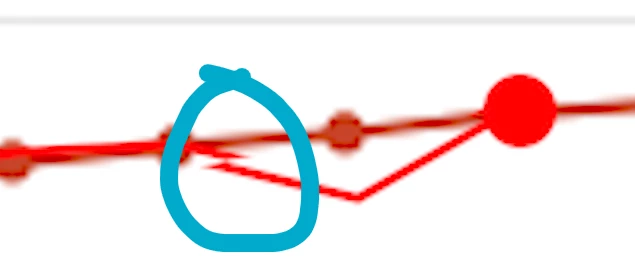
Hello, I was trying to make a line with the pen tool, for some reason it seems to be broken. PLEASE HELP!



This topic is closed to new replies. Start a new post to keep the conversation going.
MyerPj
MyerPjCorrect answer
Community Expert
July 28, 2024

Click once move to your new spot, click again. Or, click once, move to new spot, hold down shift, click again.

Do not drag a line or drag once you click, if you do, you get a bezier handle.

2 replies

MyerPj
Community Expert
MyerPjCommunity ExpertCorrect answer
Community Expert
July 28, 2024

Click once move to your new spot, click again. Or, click once, move to new spot, hold down shift, click again.

Do not drag a line or drag once you click, if you do, you get a bezier handle.

Translate
Participant
July 28, 2024

Thank you, this worked

Translate
