
Question
Phantom Source Out Point Spoils My 3-point Editing
Had a problem with 3-point editing. Just wanna make sure it works the same way for everyone else too.
With two markers on the timeline and one marker in Source, Premiere still asks me which of the 4 points to ignore. Although there is no Source Out marker at all.
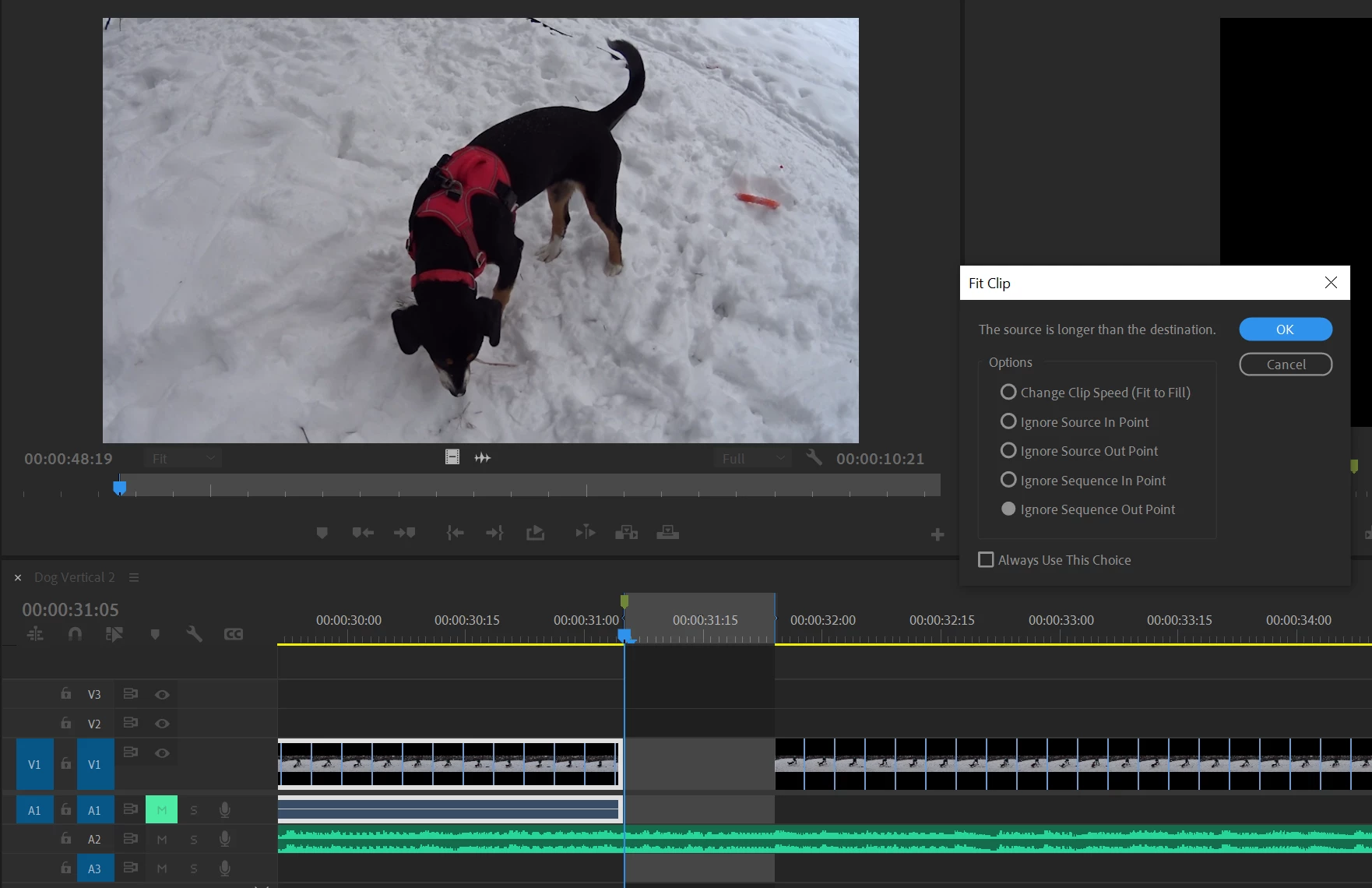
So, the Fit Clip window appears anyway. If you click the Always Use This Choice checkbox, it will always ignore Source Out next time. And in general this window is only for the 4-point dilemma
In Adobe's YouTube guide it works like charm
Timecode
2022 v22.1.2
At the same time, it works only when I have 2 marks in Source
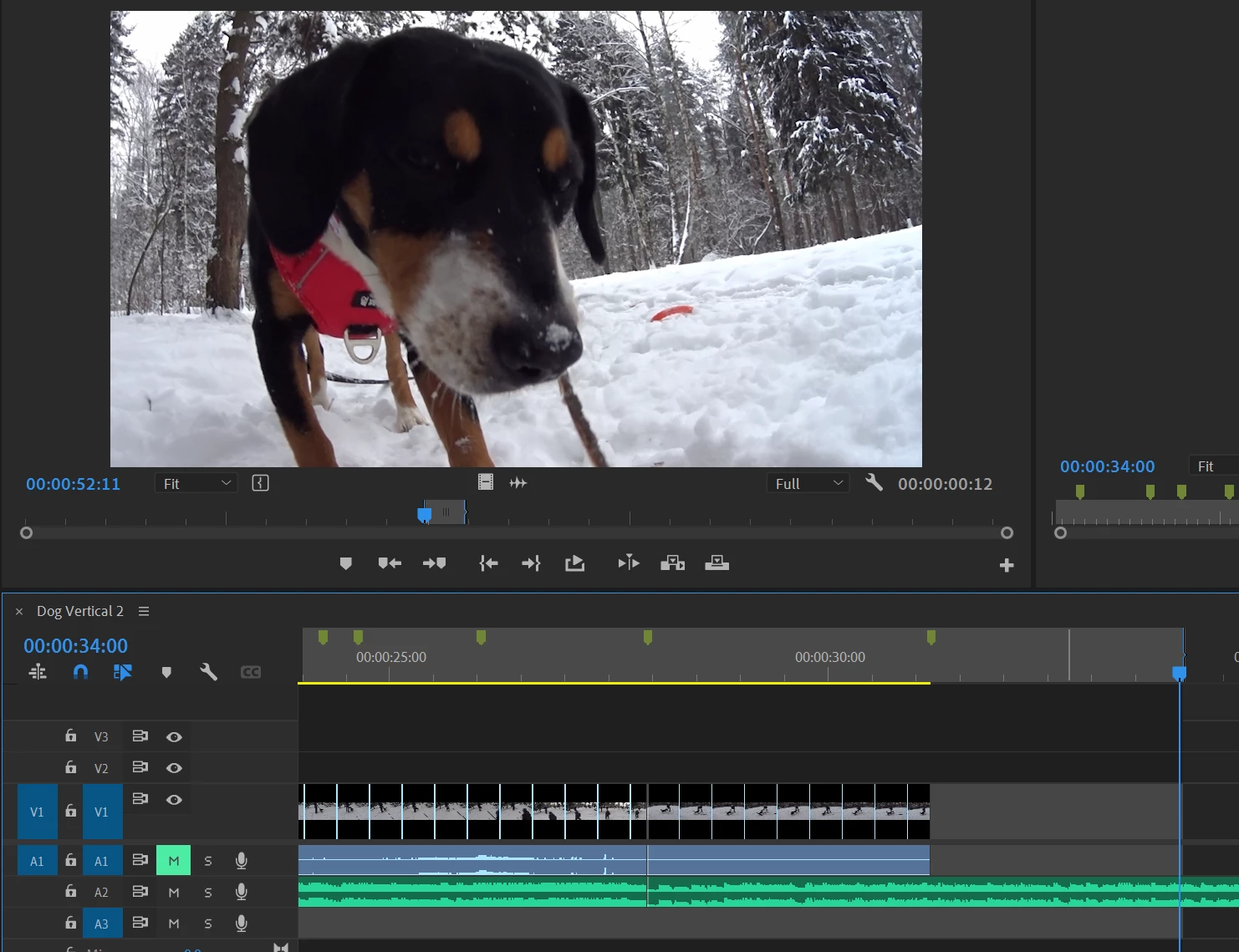
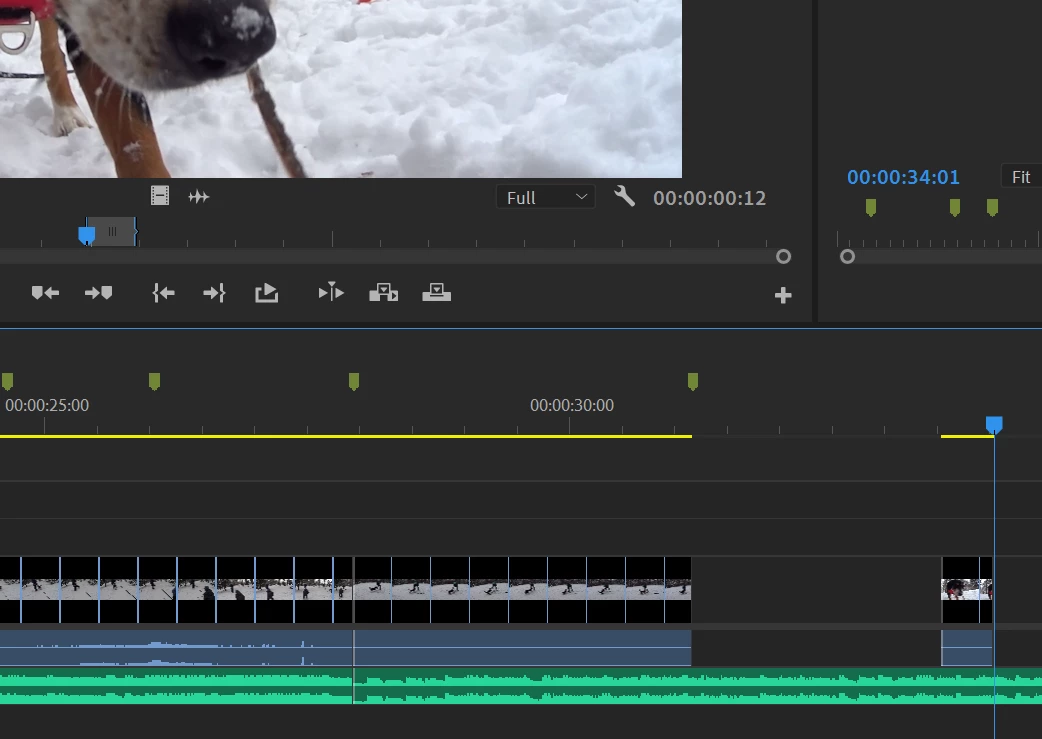
No Fit Clip window or anything, which chould be the case for any 1 Source Point too


 AdChoices