Question
Photo overlay causing underlying layers to "jump" or shift upward
Running into a weird issue in Premiere this morning. I have several video & adjustment layers (v1-3), then an AE animation (v4), all below a couple of JPG photos (v5). When the v5 photos are faded in (or just toggled on/off directly, as in the GIF below), you can see the underlying layer (v1-4) "jump" upward several pixels. These layers are all pretty straightforward, and there shouldn't be any inter-relation here—ie, they're all very much independent of each other. When v5 is hidden, the issue goes away.
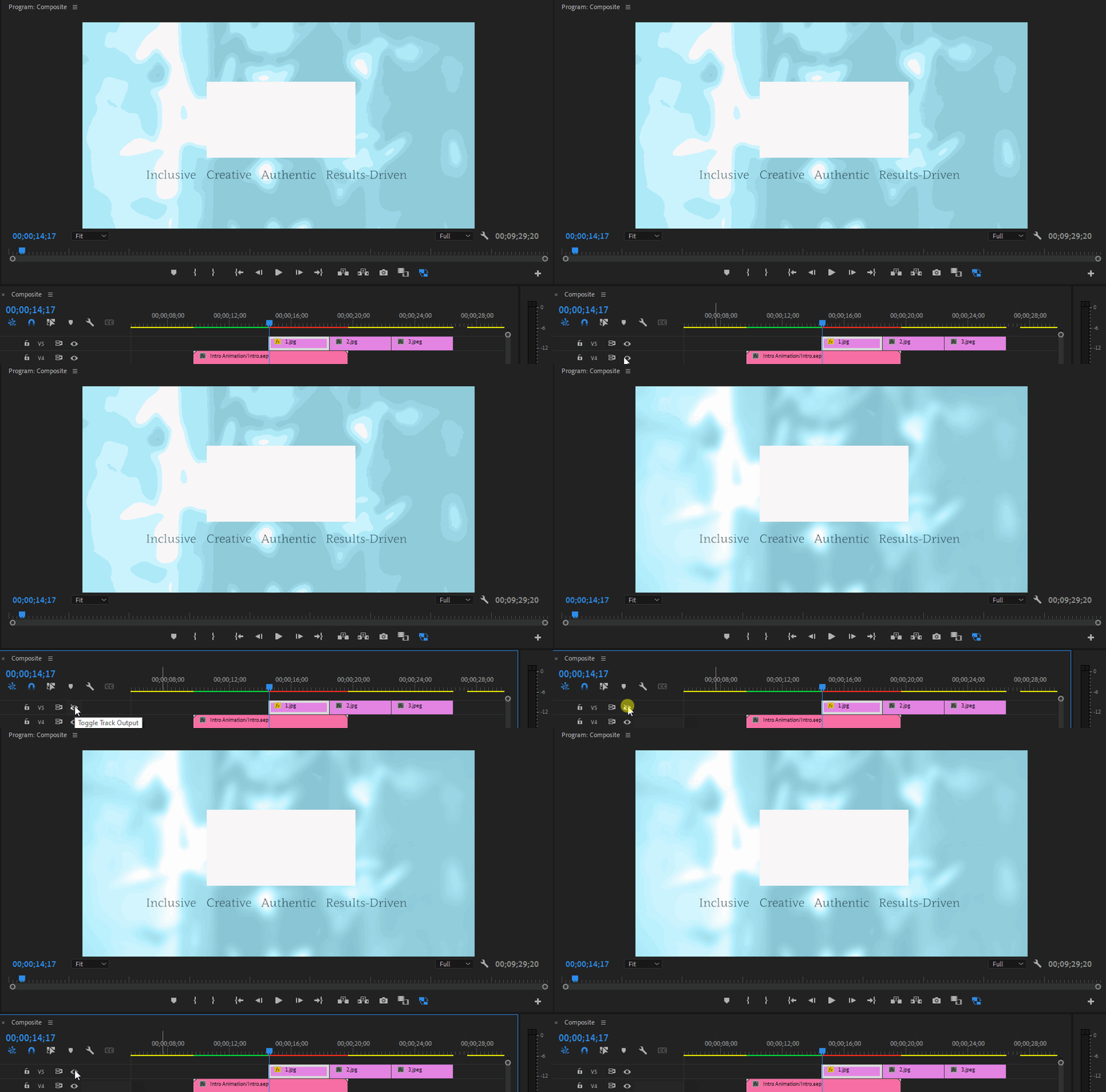
This sure feels like a bug to me, but wanted to see if anyone else had run into this or had a workaround.
Also very possible that I'm missing something obvious. 🙂 TIA for any assistance!
 AdChoices