folsieski
Participant
April 30, 2026
Question

Picking a wrong color when I create a Color Matte in 2026 Premiere

  • April 30, 2026
  • 2 replies
  • 15 views

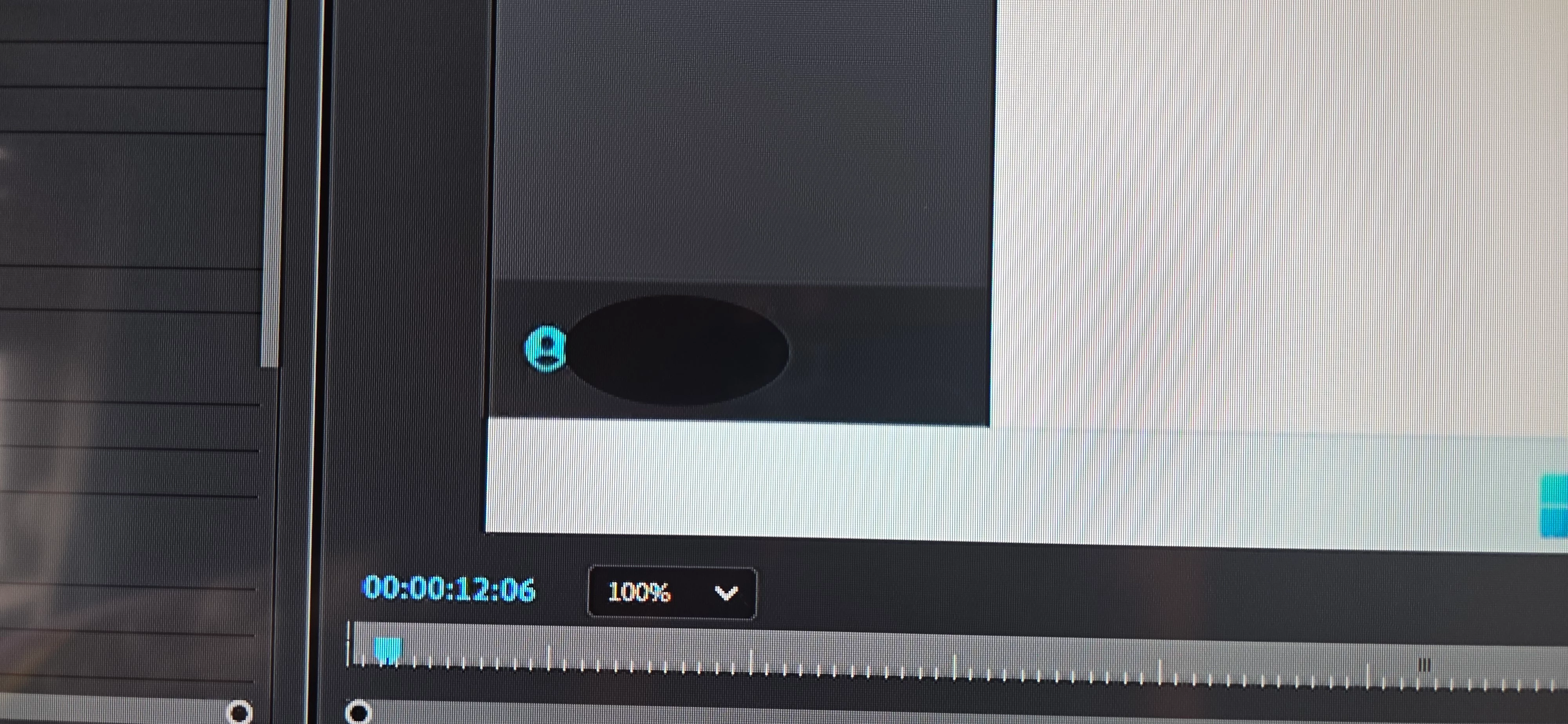
After the latest updates to Premiere 2026, when I create a color matte to mask something in my video using the Color Picker, the color that Premiere uses to create the color matte is darker than the original color I selected.

Same computer, just after an update.  

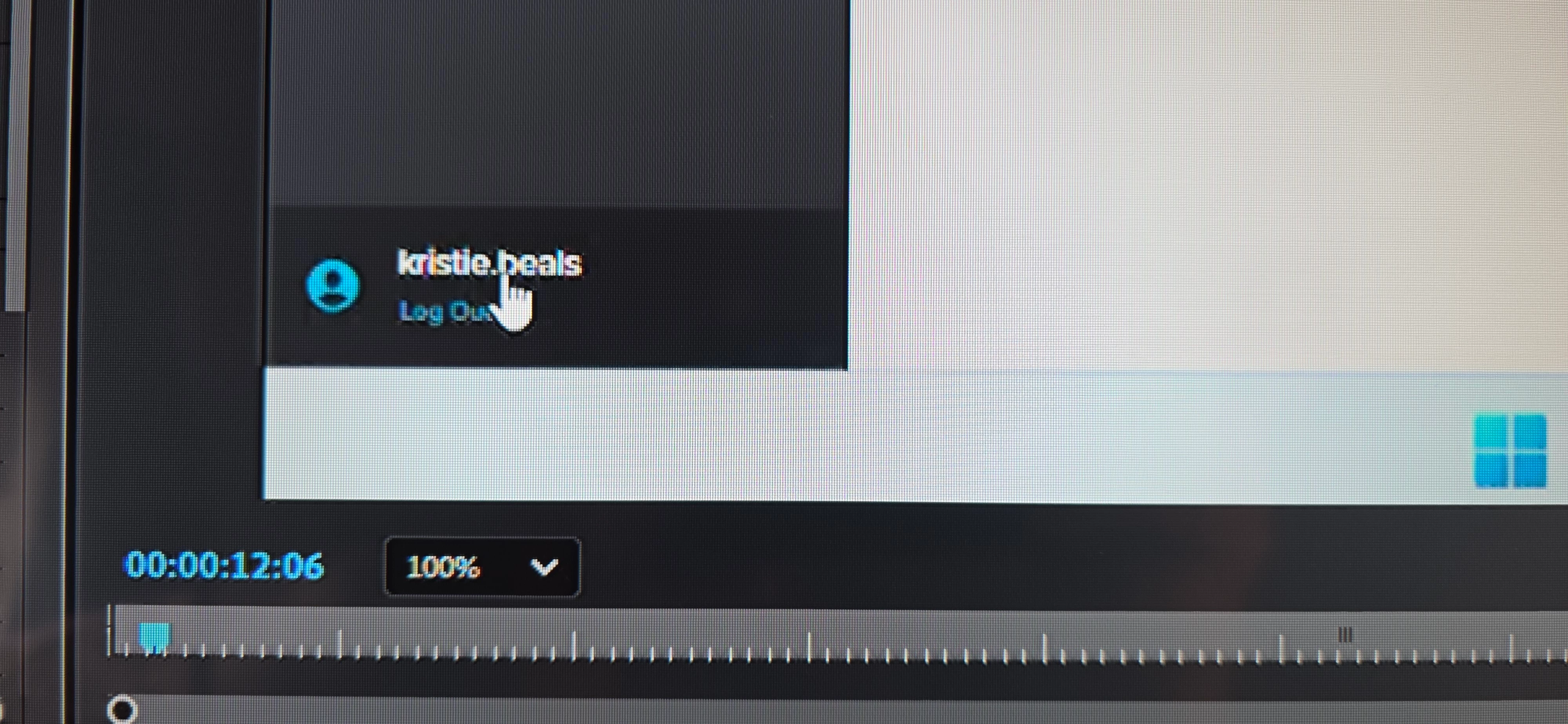
In the example, I tried to create this circle to cover the area where the mouse cursor is. I used the color picker to select that specific dark gray, but it created a darker Color Matte ( oval circle).

I’ve always done this and never had any problems
.

    2 replies

    folsieski
    folsieskiAuthor
    Participant
    May 1, 2026

    Thanks Kevin!

    My sequence was in rec709, but I turned Display Color Management off and this worked fine.

    Community Manager
    April 30, 2026

    Hey there, folsieski,

    Thanks for the question. This is likely due to Premiere 2026’s updated color management. The eyedropper samples the displayed color, but the Color Matte is created in the sequence color space—so it can come out darker.

    Try:

    • Toggle Display Color Management (Preferences)

    • Set your sequence to Rec.709 Gamma 2.4

    Seems to be a common mismatch in newer versions. Let me know if this worked for you.


    Thanks,
    Kevin