
Placing the anchor point
I feel like Adobe have made the anchor point so much more confusing than it needs to be.
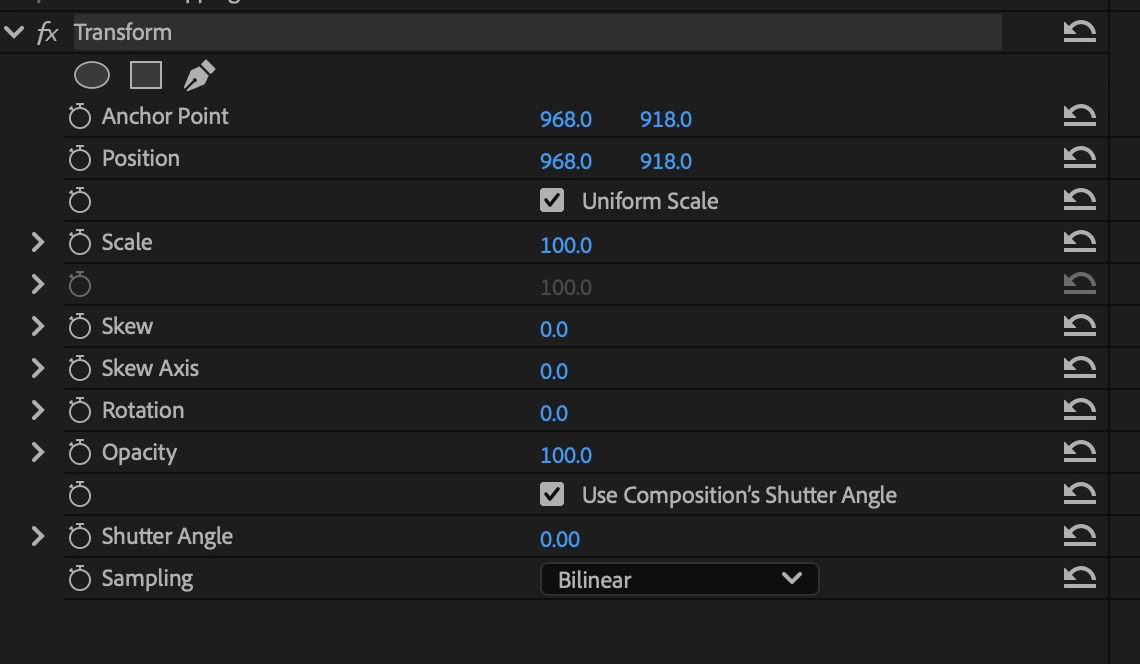
I've been looking for ages for a way to set the anchor point without messing everything up and messing up the position parameters of an object and I've finally found the solution. Before doing any animating in the Transform panel, I need to move the anchor point to where I want and then copy the coordinates to the Position so they have the same value. This now means I have a transform panel with position values that make no sense when looking at where the object now sits in the program monitor.
I understand this is quite a hard thing to explain but that's why I don't know why Adobe has made this so complicated.
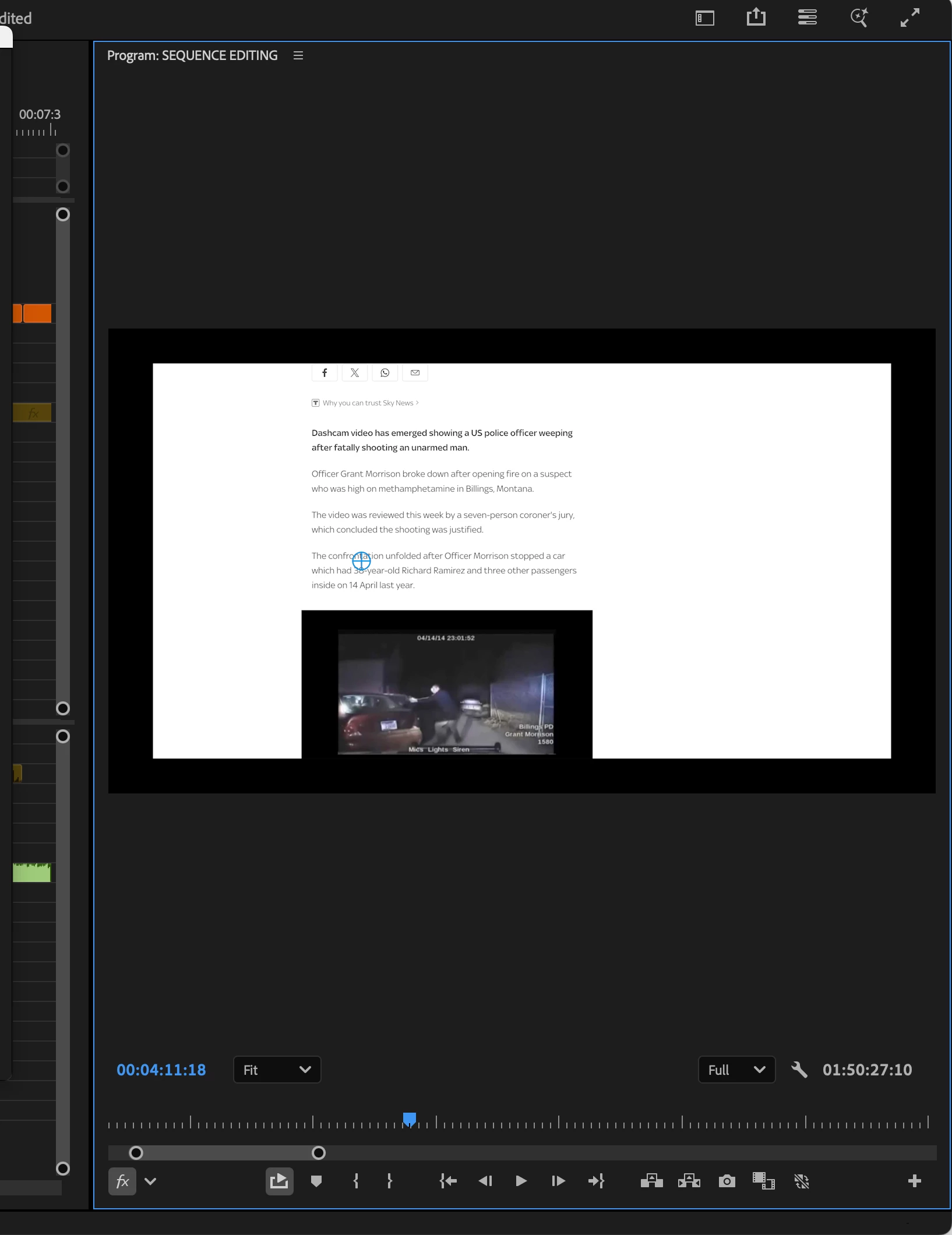
Hopefully this screenshot helps. It shows my position values being 968 x 918 despite the image being sat directly in the center (as I want my anchor point to share those values). This makes things really confusing when trying to animate with proper coordinates and is just generally such a weird way of setting the anchor point.


 AdChoices