luissanchez888
Participating Frequently
July 3, 2018
Question

Playback looks glitchy when working from Mac to PC

  • July 3, 2018
  • 2 replies
  • 209 views

Hello,

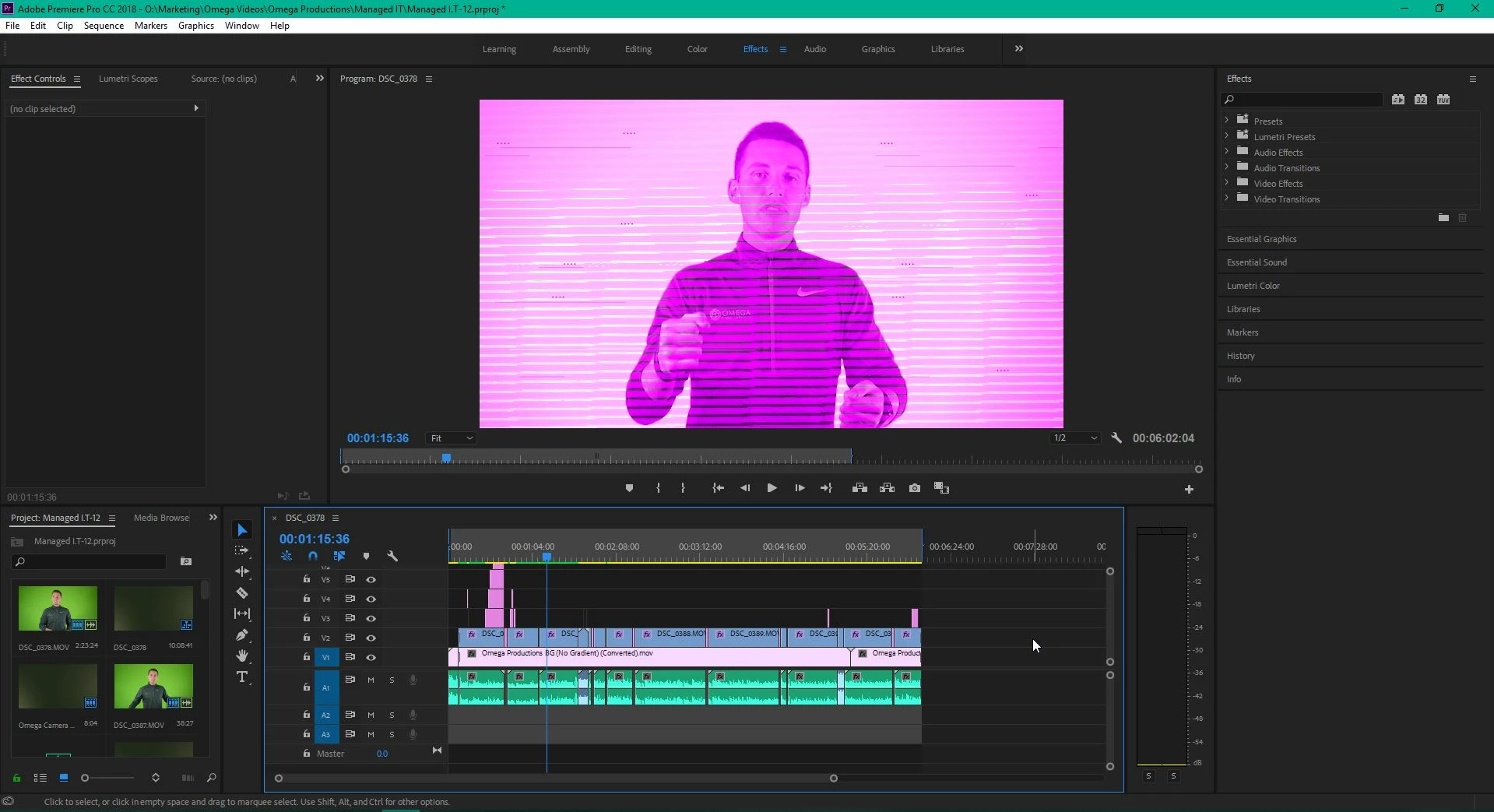
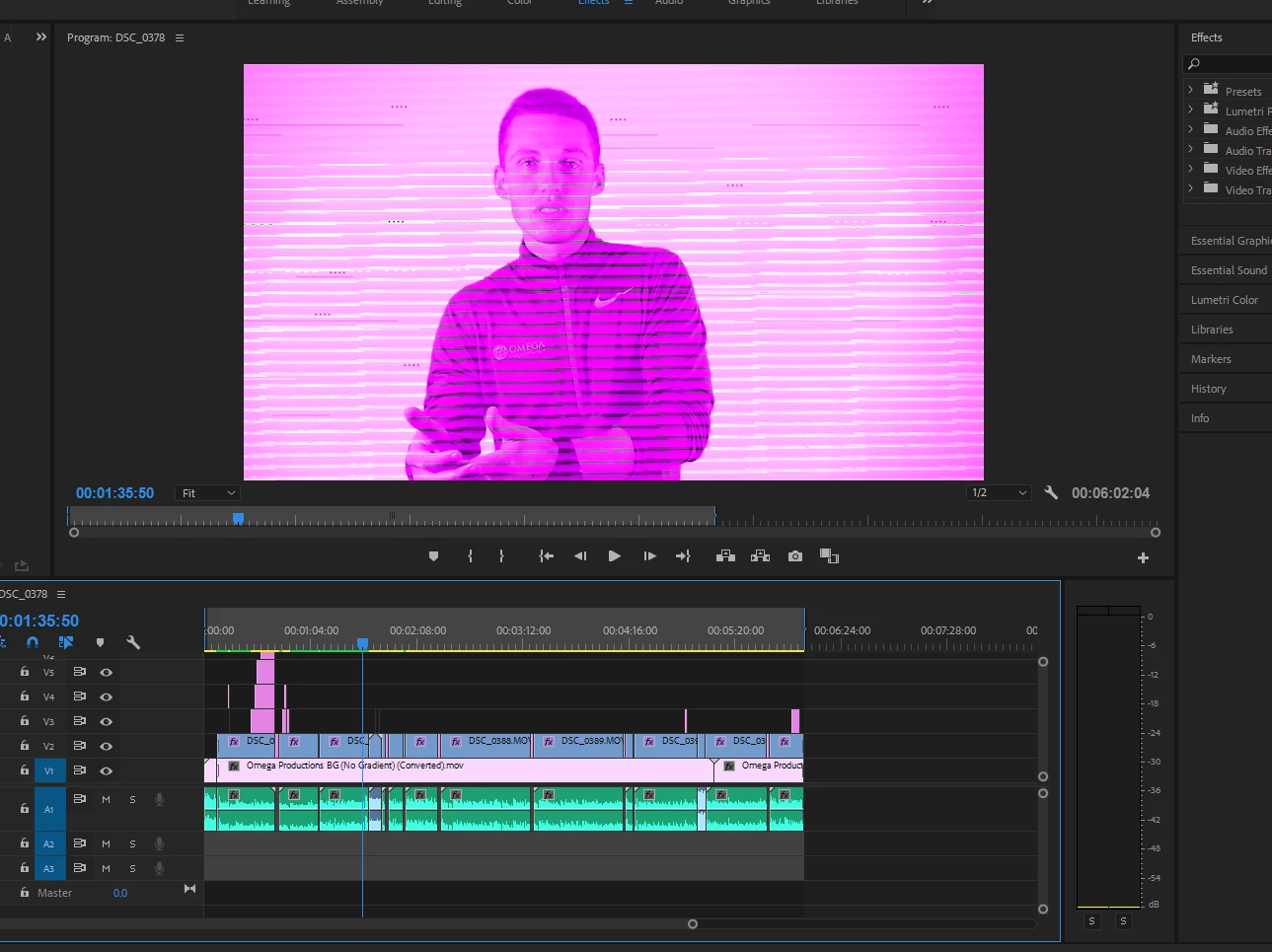
My coworker and I work on videos together. I have a PC and she has a Mac. Every time she saves a premiere file to our drive, no matter the premiere file, and I open it on my pc, the playback display looks terrible. Everything gets broken up and looks super glitchy. Everything else runs fine. I am still able to locate all files and previews, and I'm also able to export normally without it looking all messed up. But for the sake of actually editing the file, I need to know how to fix it! It's like editing blindly and it's so hard!!! Has anyone else experienced this? This is what i'm seeing...
This topic has been closed for replies.

2 replies

Legend
July 4, 2018

I believe that's a problem with Intel graphics.

I recommend a 1000 series nVidia card for an edit system.

R Neil Haugen
Legend
July 3, 2018

That's a video driver mis-match issue.

Check the Project Settings dialog for Mercury Acceleration, as I expect if she's on Mac she's using Metal, and if you're on PC with an Nvidia card you need to use CUDA.

Also, a quick check for GPU issues is always to just set "Mercury Acceleration" to Software Only. See if you get a clean image while bypassing the GPU.

Neil

Everyone's mileage always varies ...
luissanchez888
Participating Frequently
July 10, 2018

Thank you so much! This fixed it!!