

Playhead jumps to mid point in video when starting to play
Windows 10, Core i7 running at 3.6, 32 gig ram PP V 23.6.0 (Build 65)
I know only enough about Premier Pro to be dangerous. A good friend of mine asked me to edit some old home movie tapes that he had converted to a digital format and I've had pretty good luck so far but on this particular one when I completed the editing, I Went back to the start and pressed the space bar to start the movie the and the playhead jumped to 00;01;47:23 an edit point where I removed some solid blue frames. It did the same with the start arrow and got the same results.
The screenshots show start and where the playhead goes,
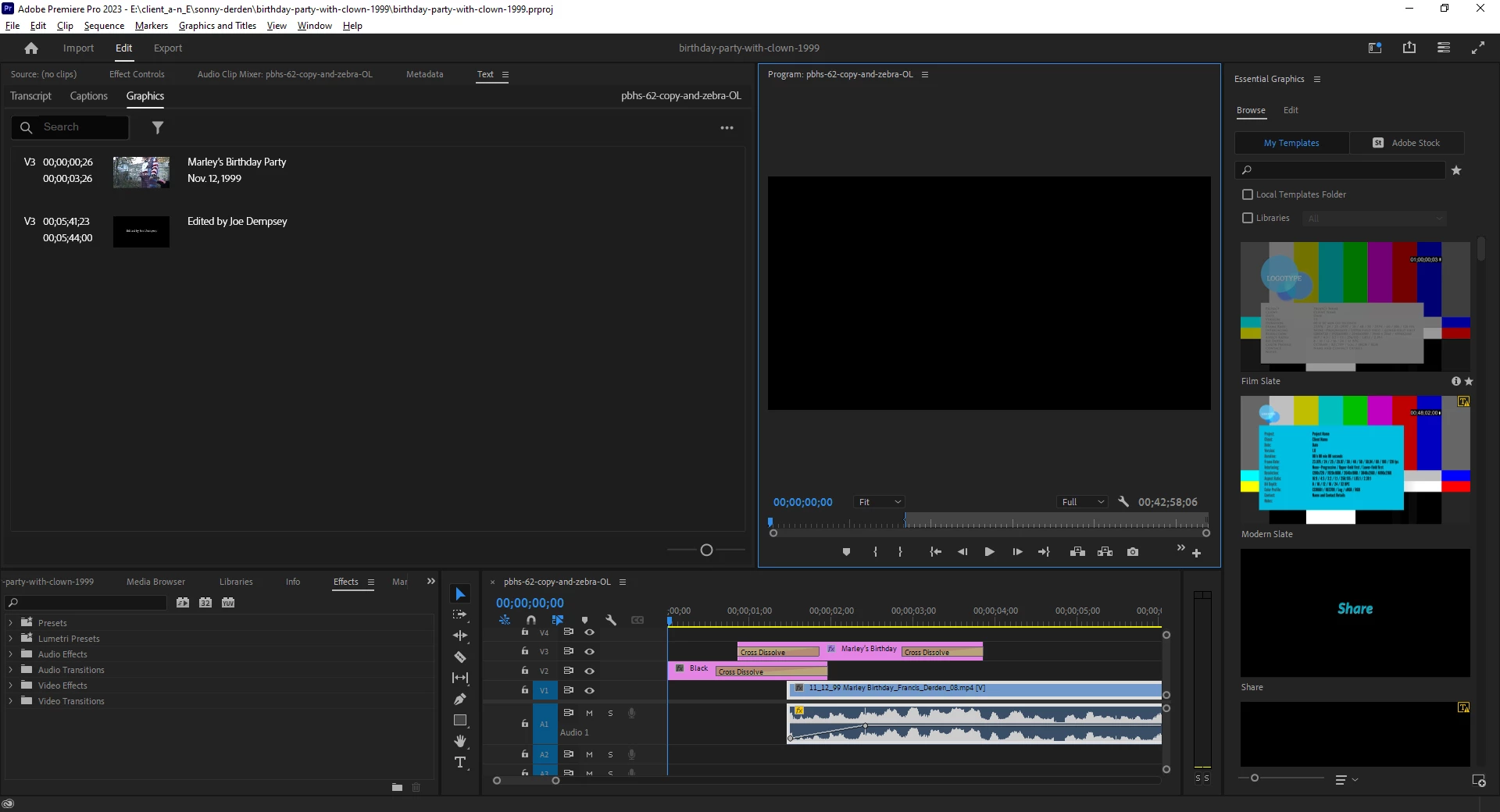
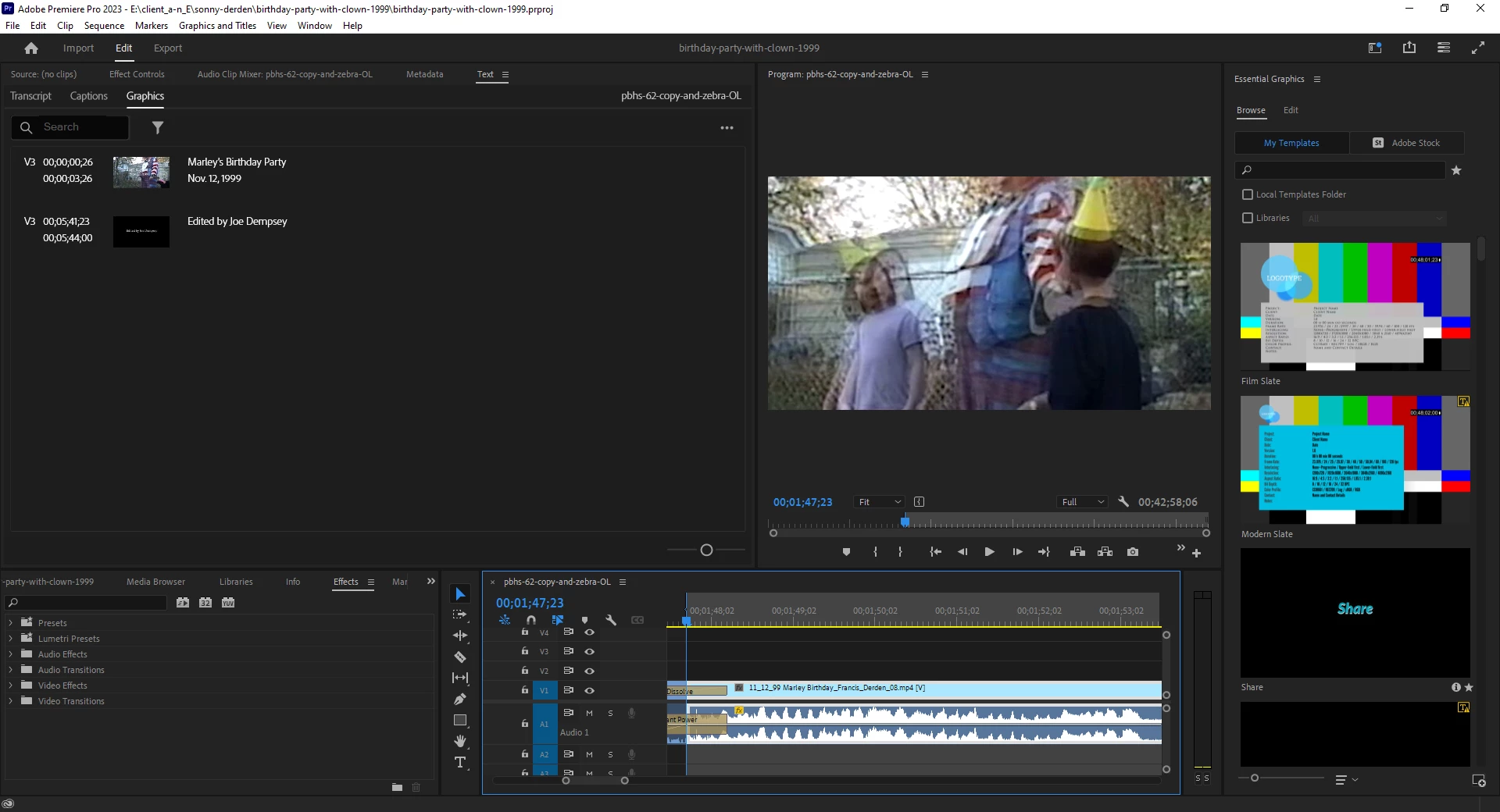
I do not have the foggiest idea of what I have done or how to fix it, so any help will be appreciated,
Thanks to those who know more than me
Joe
 AdChoices