Question
PLEASE HELP - Adobe Premiere exporting corrupted files
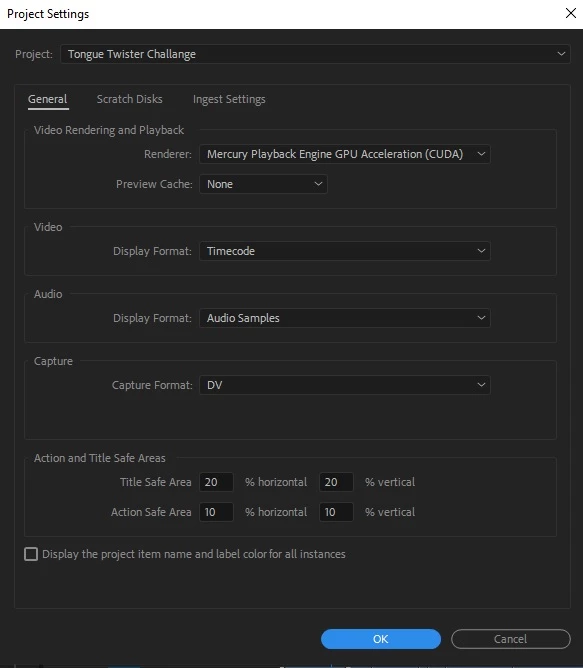
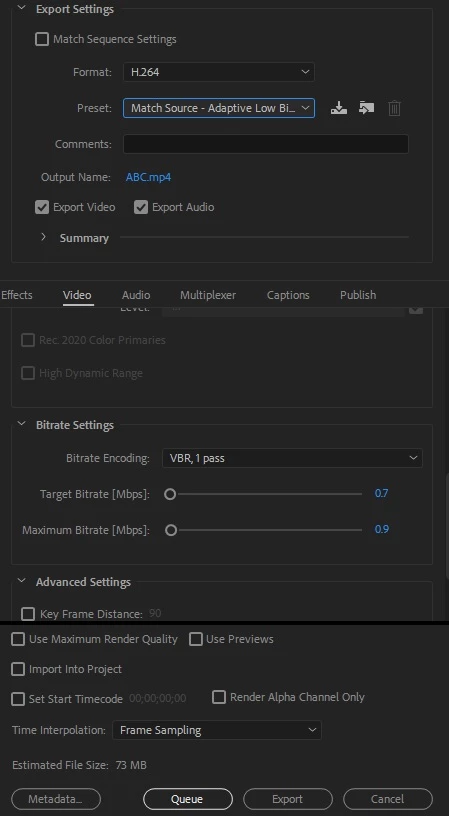
Video : 1280x720
So I really frustrated cause the output files (.mp4) wont show up the video preview,
i already try to use another video viewer (VLC) but i can only hear the audio, the video preview not show up at all...
i already try to open new project and try to import files from old project, but when i export the new one..
it still not showing video preview..
i try to export another project with the same setting, the output video is alright, i can see the video preview and audio well...
please help, anyone know how to fix so premiere will export normal for this project ?
(please other advise than use video fixing files)
 AdChoices