Participant
April 11, 2018
Answered

PNG Issue

  • April 11, 2018
  • 2 replies
  • 292 views

I have the same problem with the weird visuals

Other clips in the project keep on appearing where they're not supposed to be as background, like this.
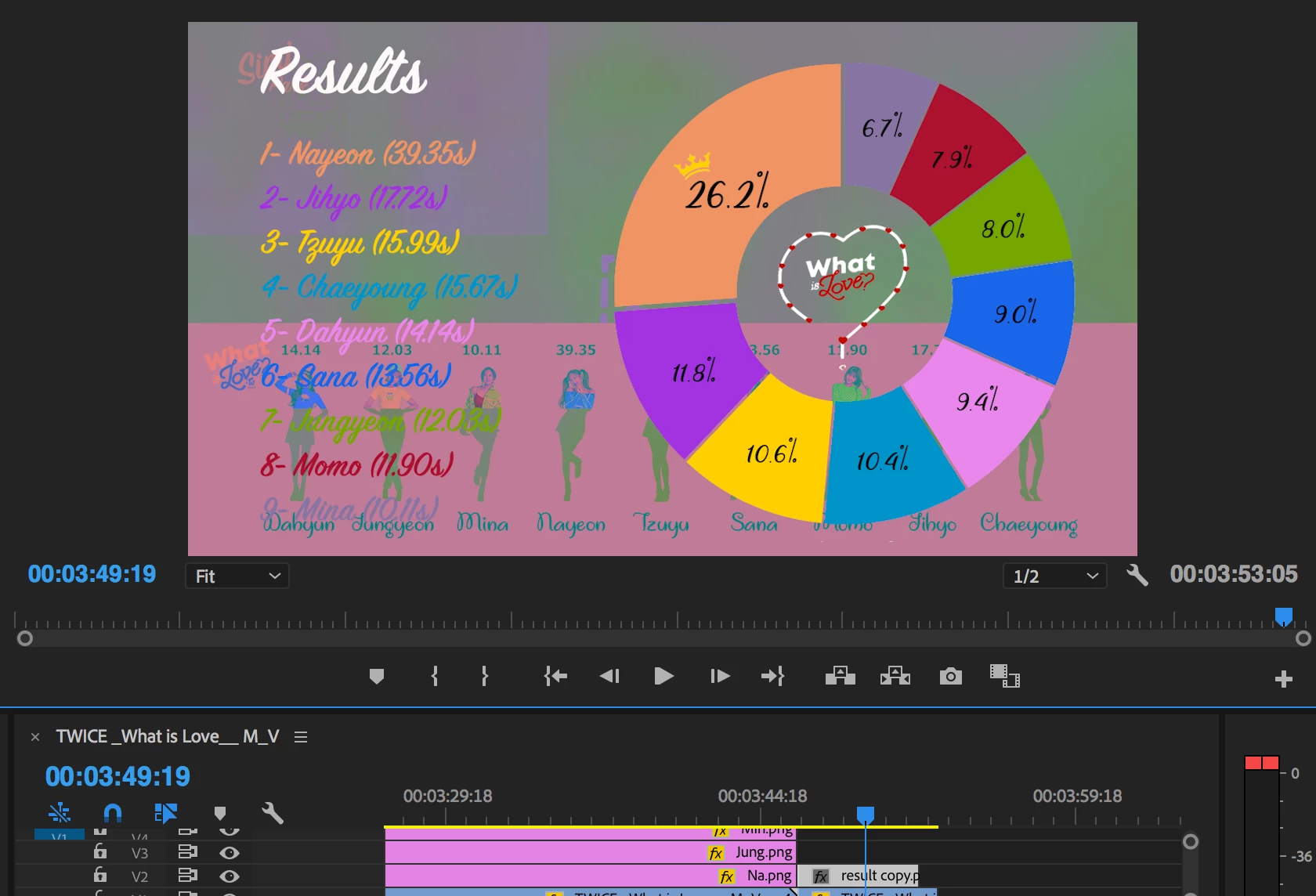
When I tried to export the clip with ME, the whole video becomes a mess and though I've tried many methods I found on internet, the problem's still not solved.

Please help!!!

    This topic has been closed for replies.
    Correct answer Kevin J. Monahan Jr.

    Hi simi,

    Update to 12.1.1, which should fix the issue.

    Thanks,
    Kevin

    2 replies

    Kevin J. Monahan Jr.
    Kevin J. Monahan Jr.Correct answer
    Legend
    May 16, 2018

    Hi simi,

    Update to 12.1.1, which should fix the issue.

    Thanks,
    Kevin

    Kevin Monahan - Sr. Community and Engagement Strategist – Adobe Pro Video and Audio
    R Neil Haugen
    Legend
    April 11, 2018

    That looks like a png with alpha channel problem ... could that be your problem?

    Neil

    Everyone's mileage always varies ...
    simi1997Author
    Participant
    April 11, 2018

    I'm not sure if the png is the only problem.

    The png files are totally fine when they are saved from Photoshop.

    When I saved the png again (to fix the issue), it will be okay at first, but after a while, it still become like that again.

    R Neil Haugen
    Legend
    April 12, 2018

    There's a bug in this release involving png fikes with alpha. There's a number of threads on it.

    You can look thru them, or search for the png workarounds discussion.

    One trick that's helped some is hust clicking the Nest icon on the left of the sequence header block.

    Neil

    Everyone's mileage always varies ...