
Popup Windows off screen
Hello,
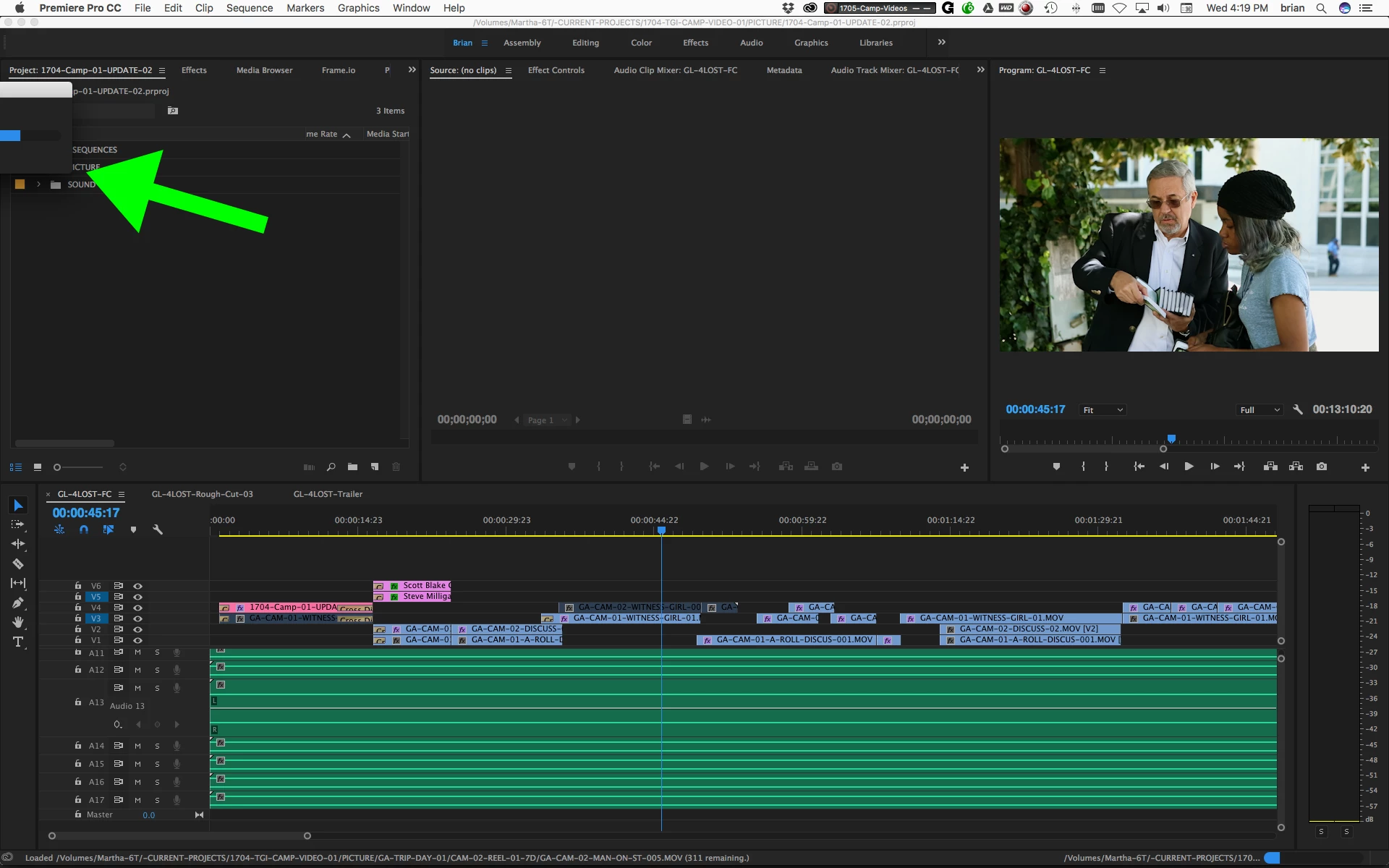
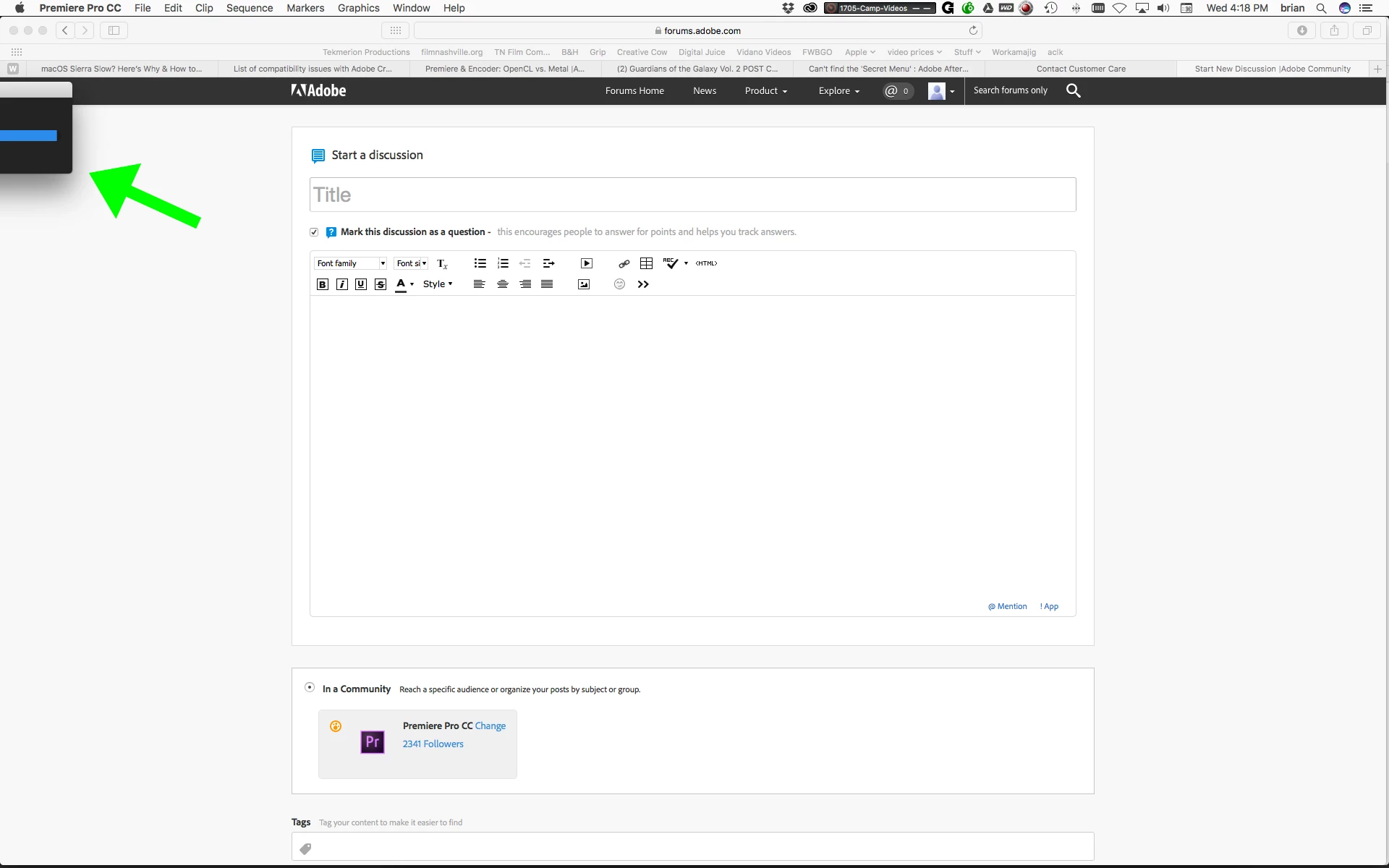
I'm using Premiere Pro CC 2017 on a MacPro(2013) with a dual monitor setup. One monitor is 4K (4096 X 2160) and one is an old cinema display (1920 X 1200). The cinema display is my main computer monitor on the left, and the 4K monitor is being used as program monitor in Premiere on the right. My issue is that all the pop windows in Premiere are no longer centered, but show up in the top left of my cinema display halfway off the screen. I've tried several things with system preferences, and deleted user preferences and things like that. This hasn't really disrupted my workflow too much, since all I have to do is drag the menu onto the screen, but it is annoying, and I would like to fix it. Any suggestions?
Thanks!
I'm attaching a couple screen shots.
 AdChoices