Answered
PP CC 12.0.1 Why Duplicating video files on import?
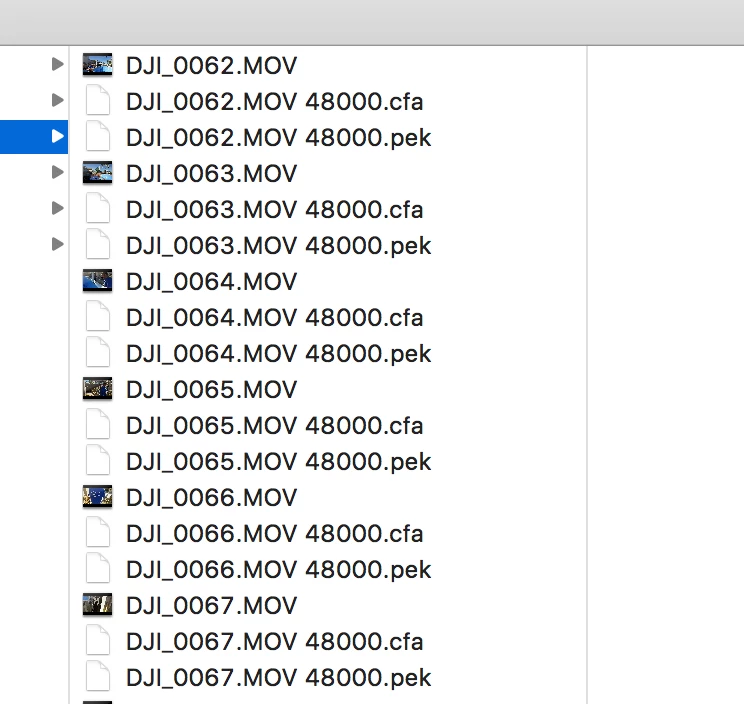
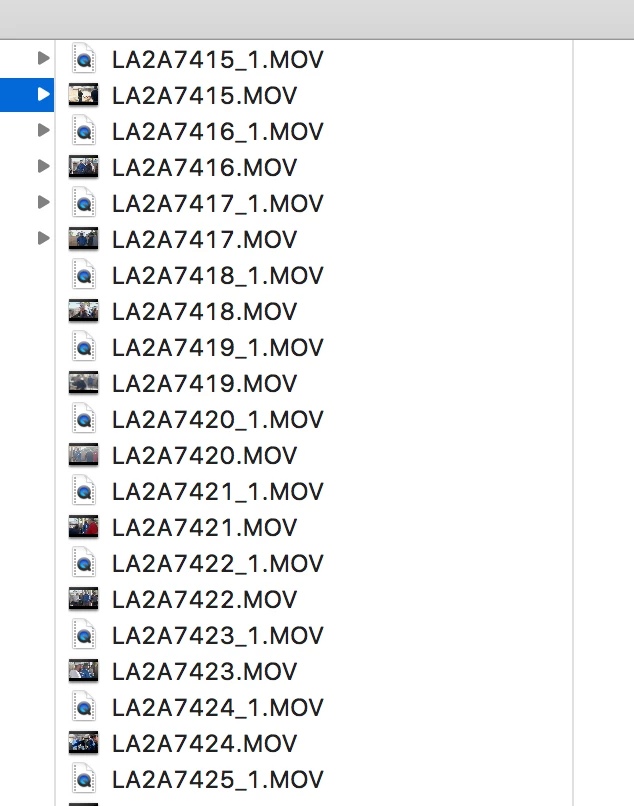
When I import files into a project, seems as if Premiere is duplicating the original video files. When I reveal project clips in the finder, Premiere looks as if it's using the original files, not the duplicates. Is this a setting? Is something else doing this? This is new to me for PP CC 2018. I'm working on an iMac 10.11.6. I used to convert my camera files to ProRes but I don't anymore, I just run a backup of everything on another drive. Files are from an DJI Osmo and a Canon MKIII. See photos below.
Help!! And thank you!!
 AdChoices