
Answered
Pp multicam ancient problem...
In Pp I do a lot of concerts with multiple cameras...
Why can't I stop the timeline when I expand it all the way...say, I want to make cuts, using the audio channel and see better where I should cut, for example on the drum, where the highest amplitude is on the channel, fast sequences, rhythmic movements ...etc...when the timeline is shrunky, can't edit like that, however, it's impossible, it's impossible to stop the timeline when it's fully expanded, even when it's shrunk by three steps from maximum....I simply can't stop where I want, please fix that age-old problem in future updates...thanks, I've been using Pp since version 1.5 😉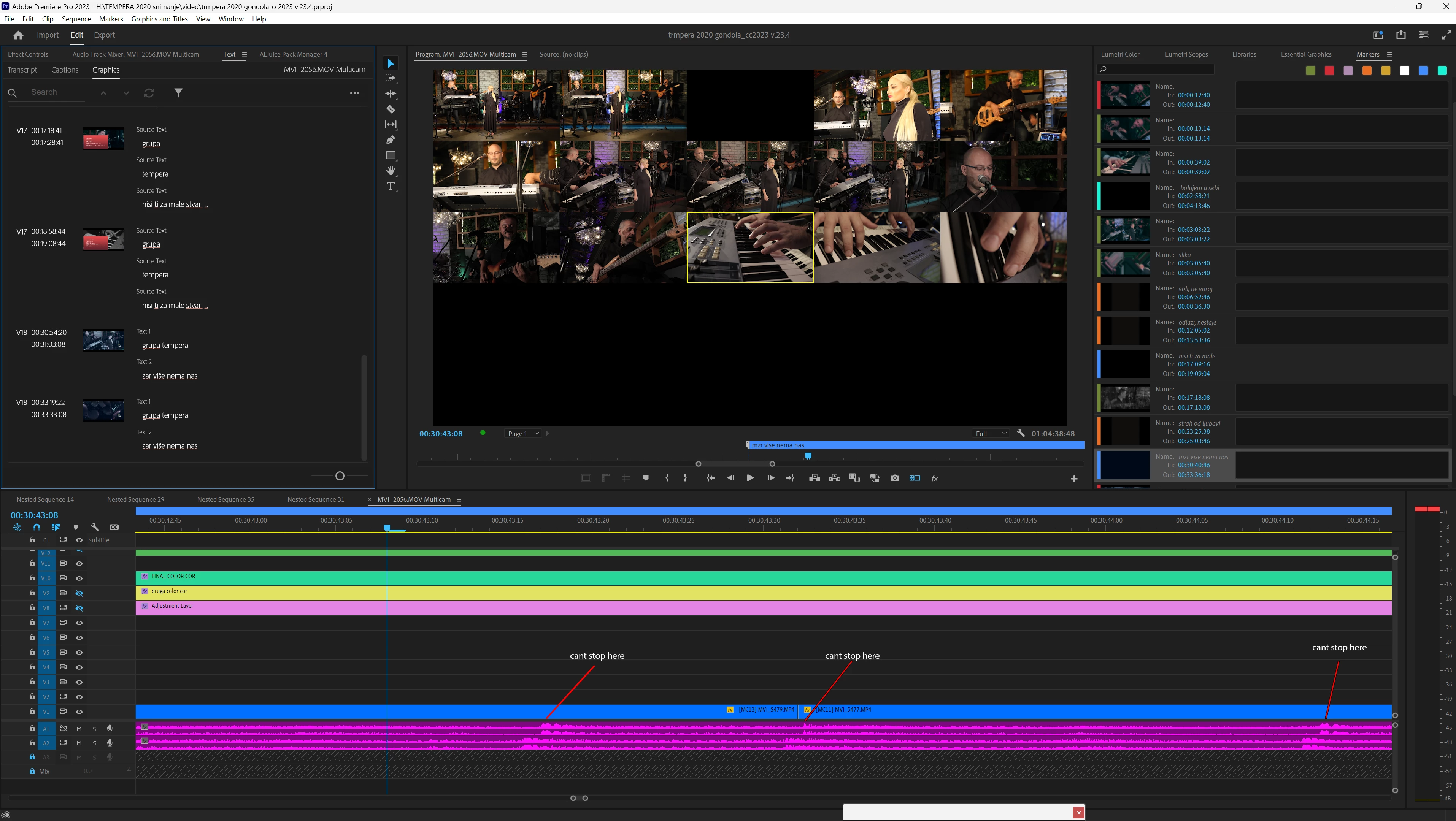


 AdChoices