PP specific sequence crashing repeatedly
Specs: iMac 2017, OS Big Sur, PP 14.4
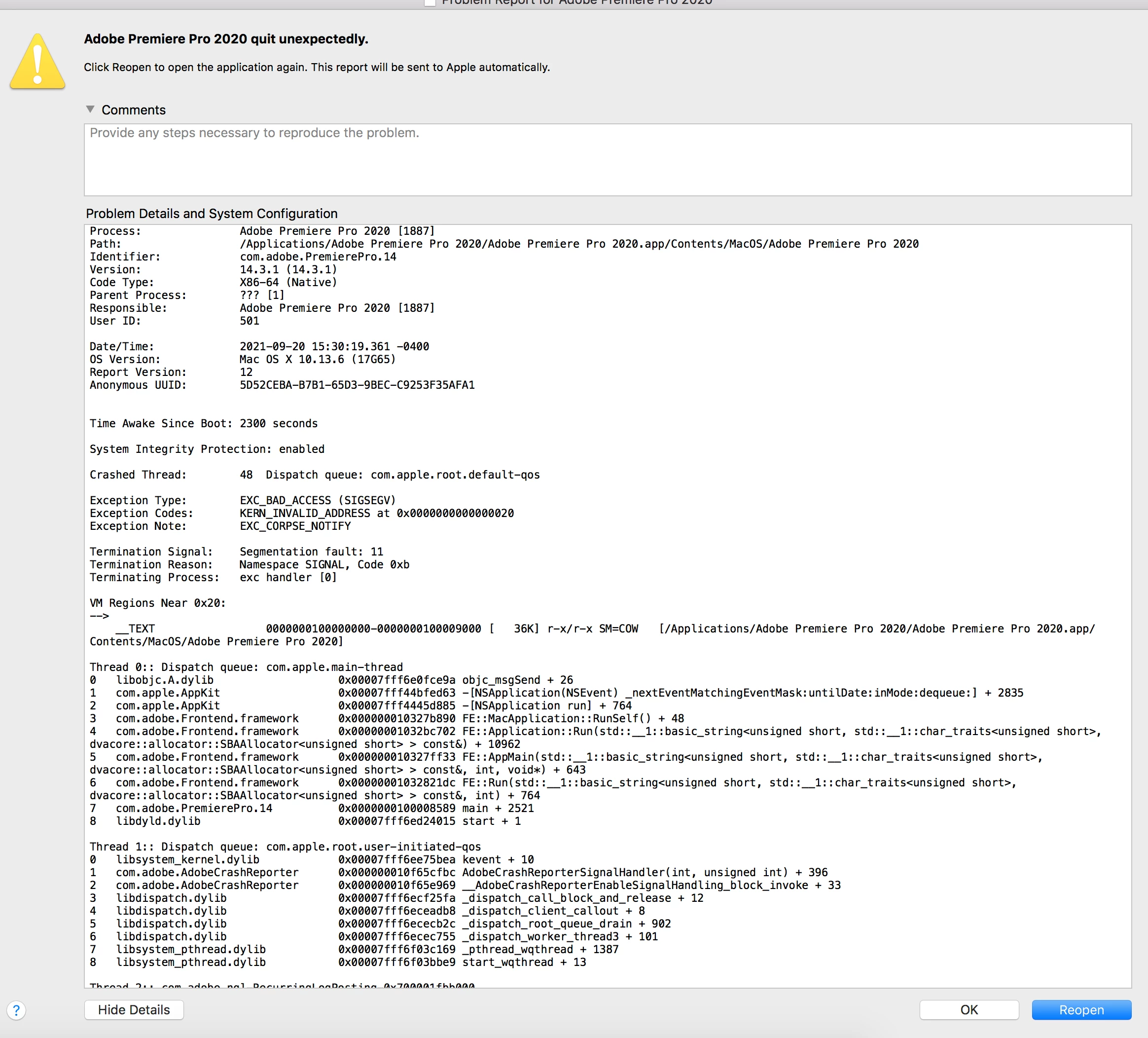
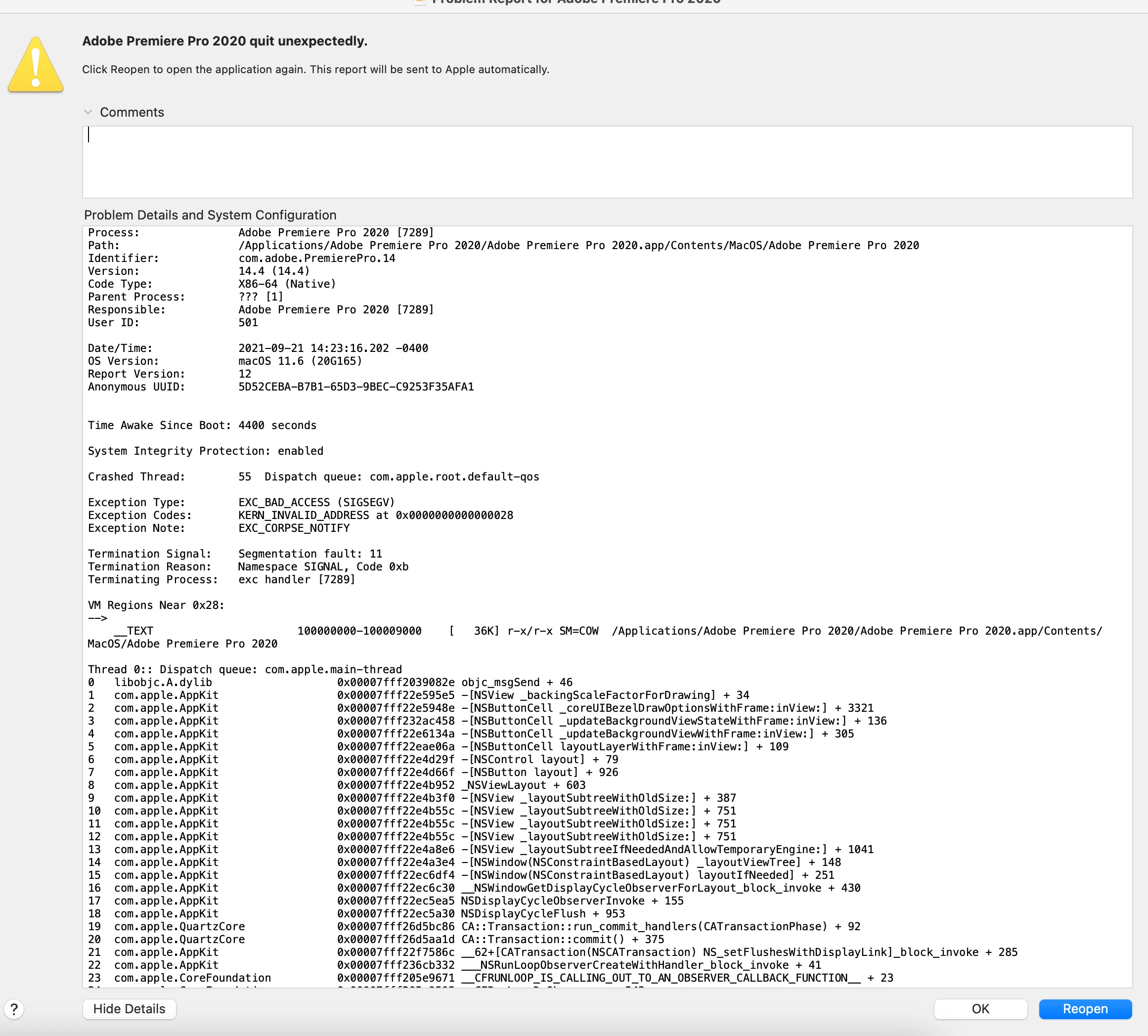
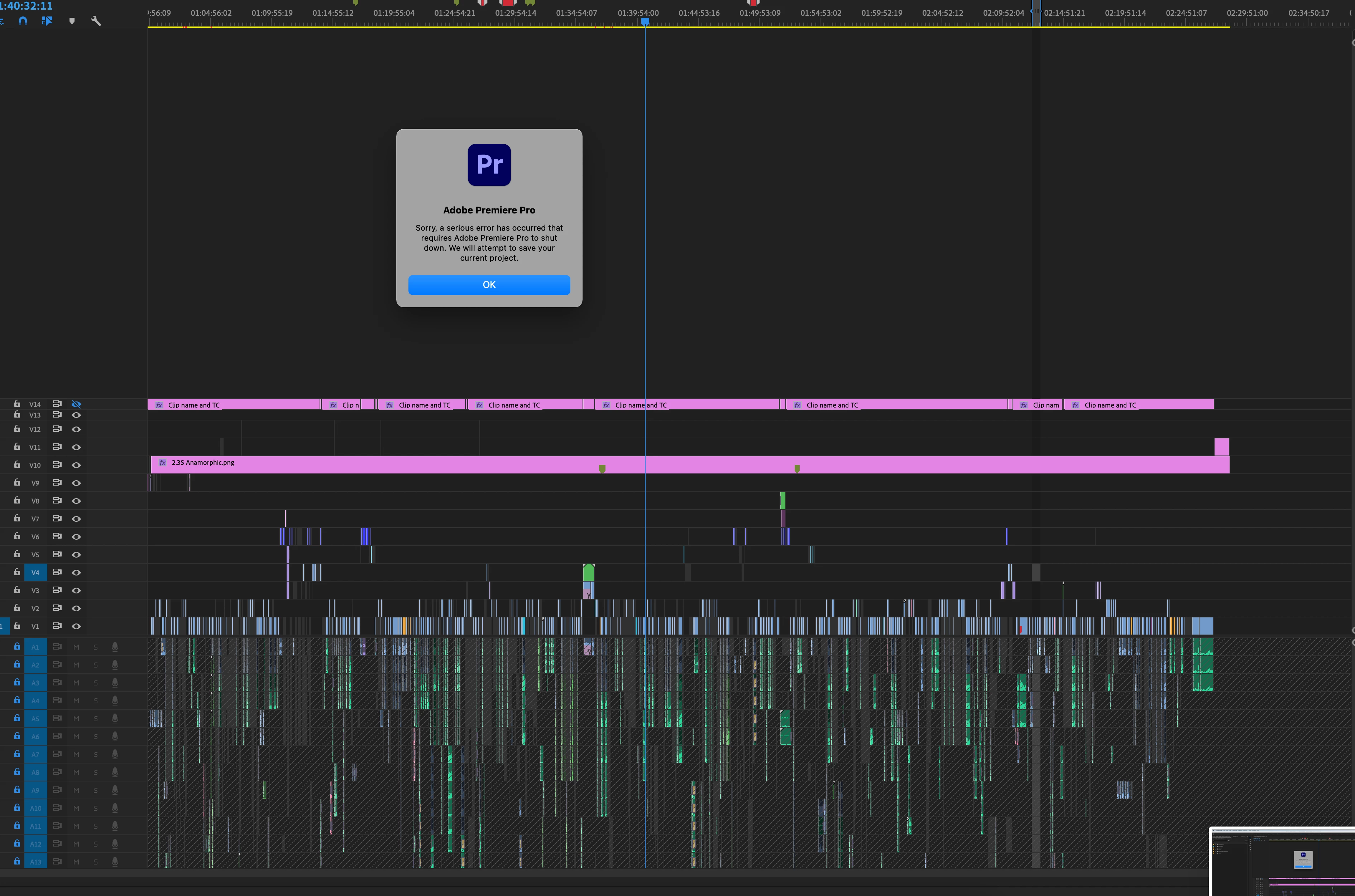
Hi! Got handed over a doc project to prep for color/sound and I've been trying since yesterday to get into the project but it keeps crashing anytime I literally touch the timeline. I've tried clearing the cash, trashing my preferences/settings, restarting everything, uninstalling/reinstalling, updating/downgrading to various versions of PP, updating my OS, exporting just the final sequence as Premiere Project to try with a "new" project. I waited overnight so that all peak files could be generated again, but same thing happened this morning. I've tried on another machine, same. I've tried opening other projects that contain the same sequence, same. Nothing seems to work. I can do "stuff" in the project (open/close bins, open clips, etc.), but cannot even click anywhere on that timeline.
Any idea what else I could try? Since the same happens on various machines it must be related to either filepath of some files, or just something with the hard drive, but I can't for the life of me figure out what it could be.
Thank you!
 AdChoices