PPro 12.1 and Windows 10 64bit 1803 (build 17134.48) FAILS !
So, yesterday an automatic Windows update came... hooray! - after it was installed I updated PPro and the Creative Cloud app and also Media Encoder to the latest versions.
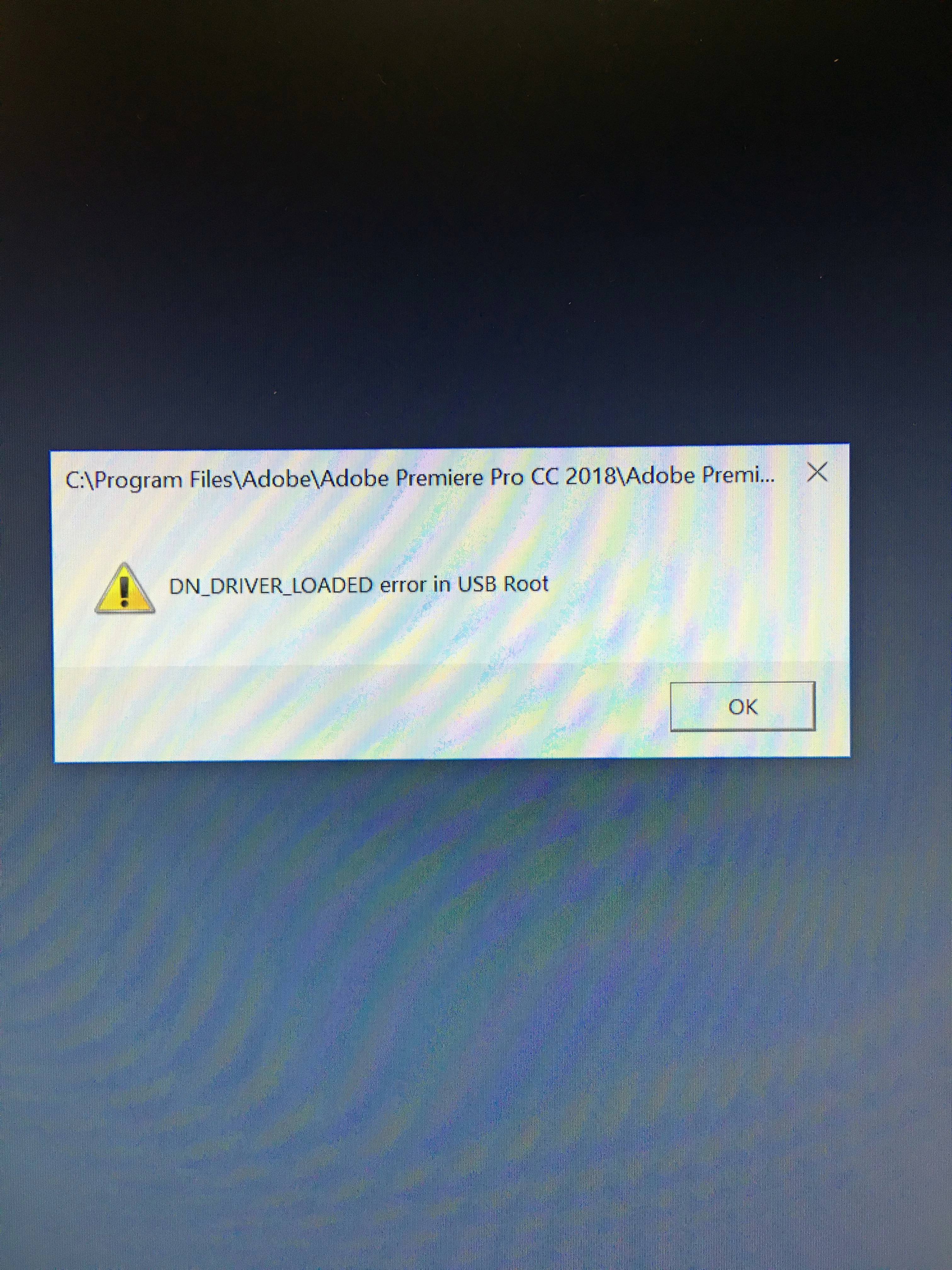
No I'm stuck with an error I've never seen before. When starting PPro I get this: DN_DRIVER_LOADED error in USB Root. I press OK and Premiere closes. If I leave this dialogue open I can open Premiere, but Lumetri scopes are not available (maybe something else also, but scopes are what I needed so I noticed them first).
I've reinstalled Premiere, uninstalled cleaned files and registry, I've removed all USB devices, heck even disabled USB in Bios, changed graphics card - still starting the PPro application totally fails.
I'm on an i7, 12GB Ram, GTX 1060 3GB, x64 with latest Windows 10 OS. No problems in device manager.
Any idea what I can do next?
 AdChoices