Jair5E95
Participant
August 20, 2021
Question

Premier Glitches

  • August 20, 2021
  • 3 replies
  • 245 views

Hello Everyone,

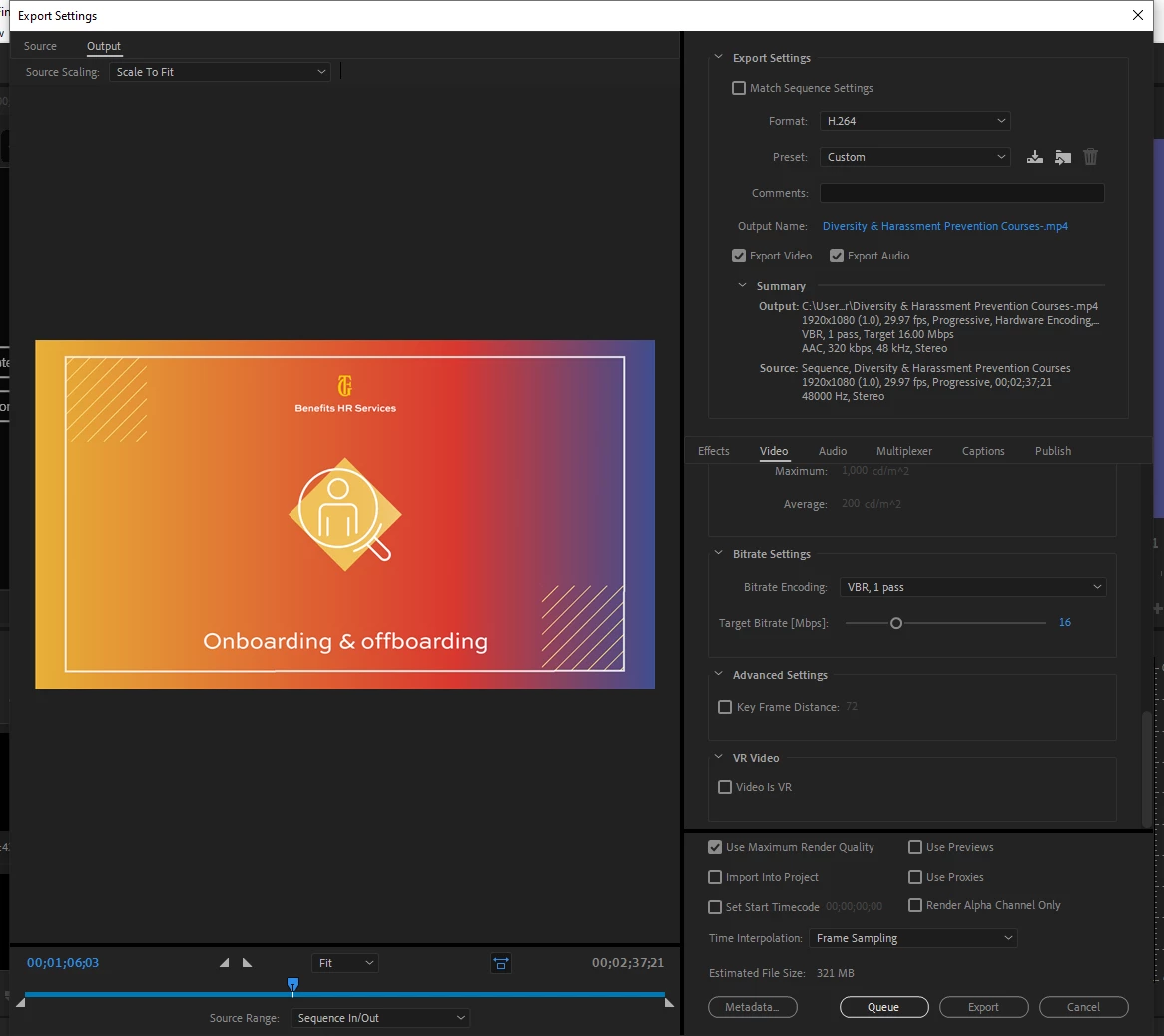
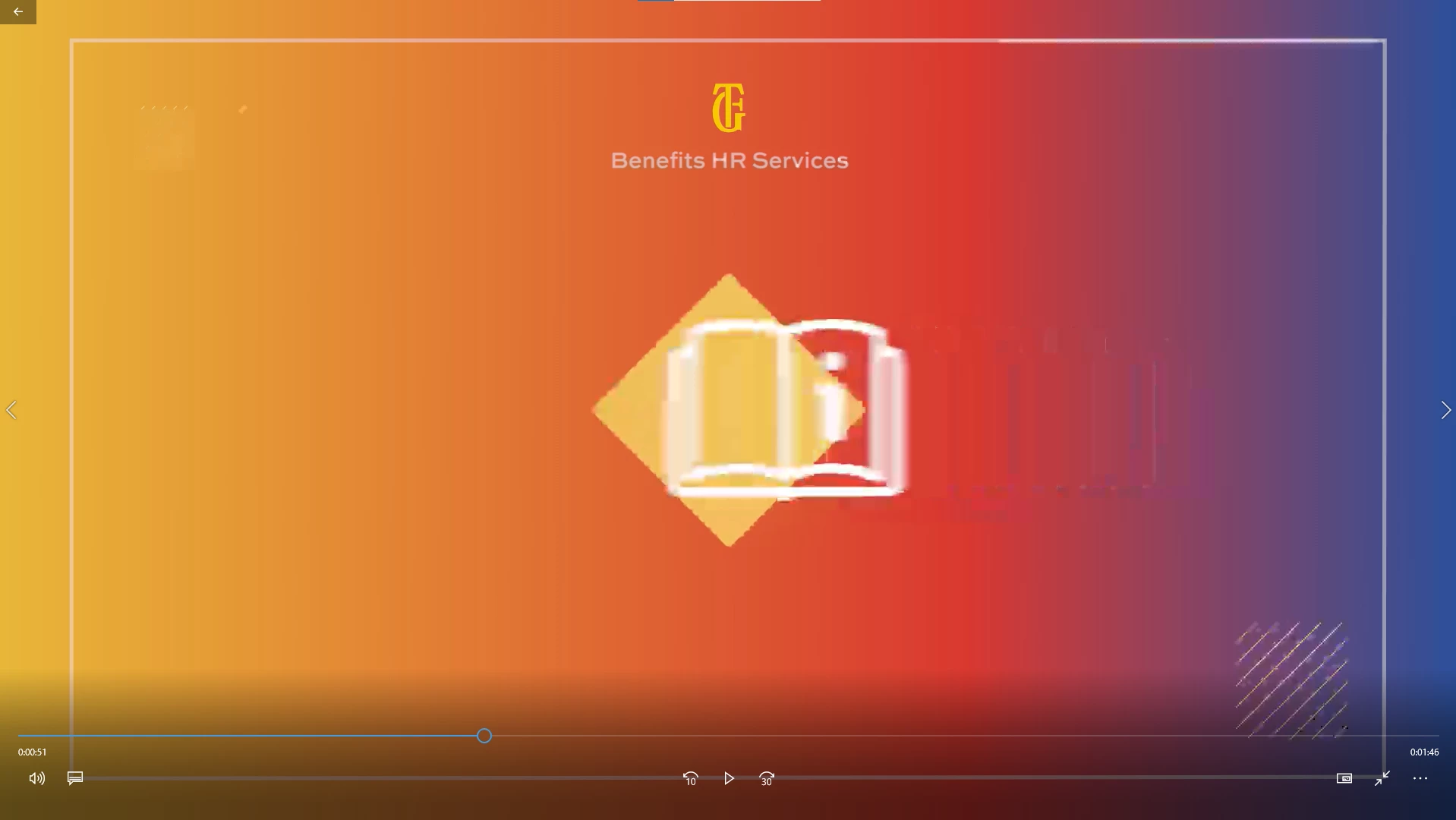
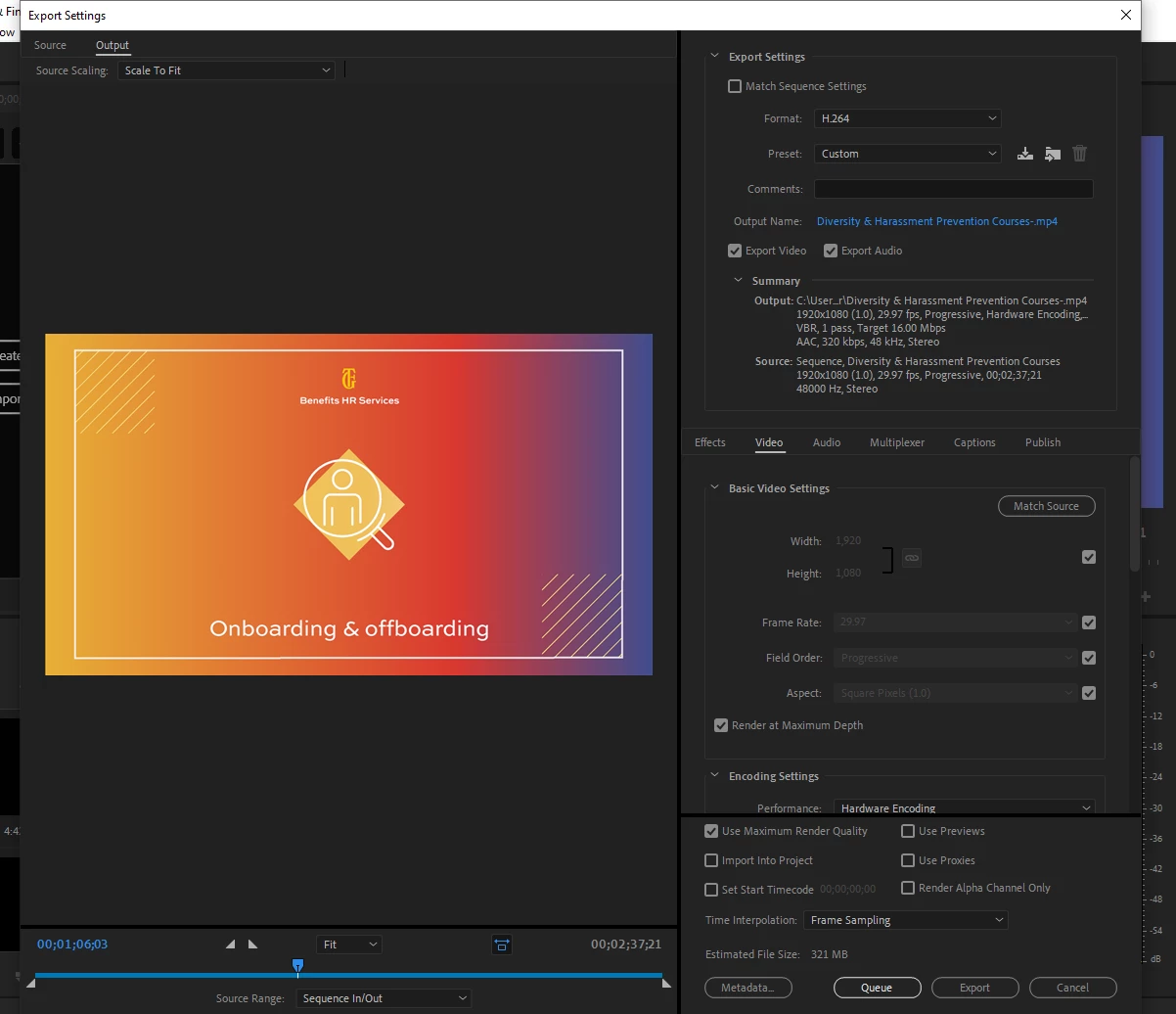
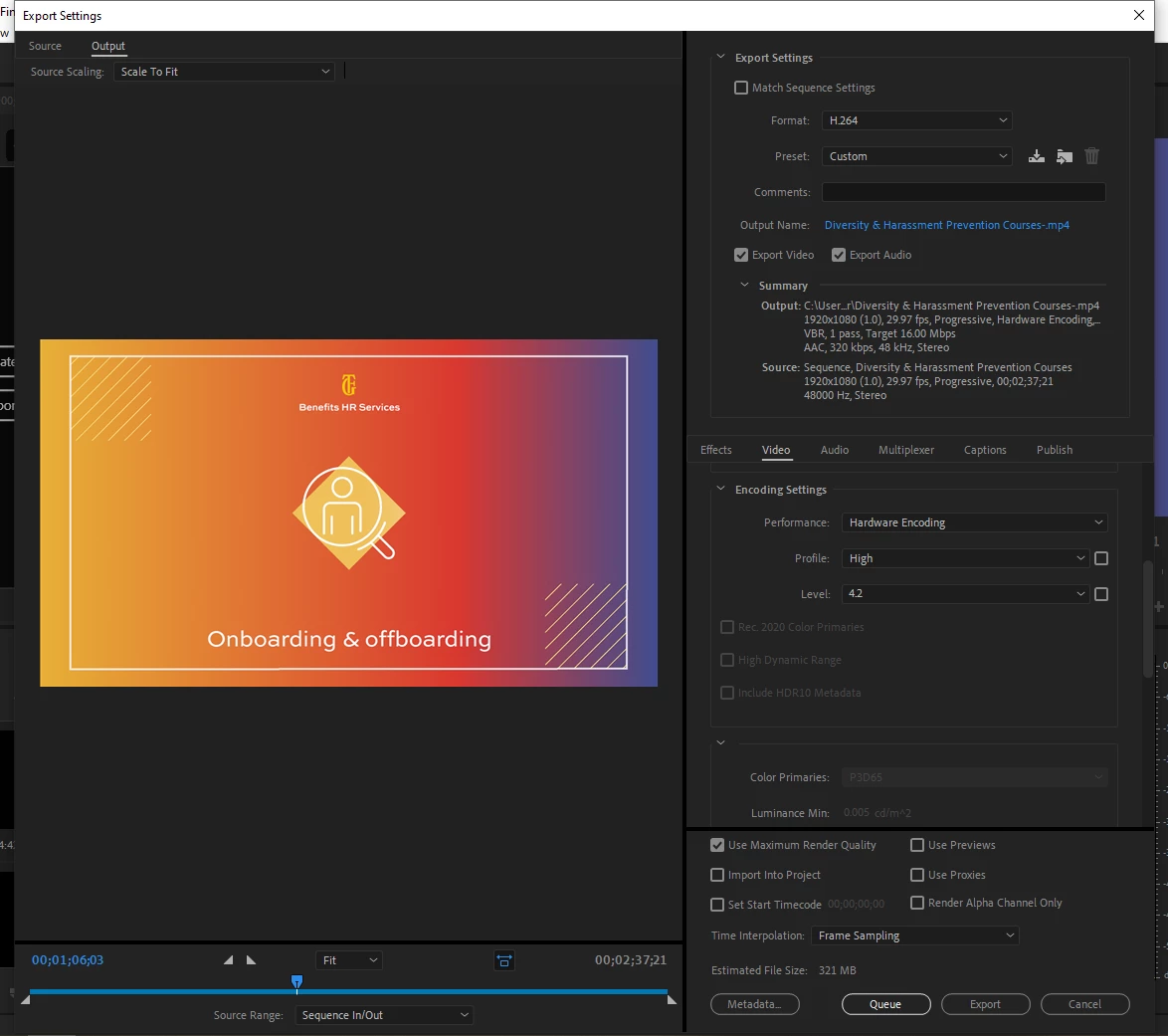
While exporting my projects I get random pixelizations happening, usually when there's a lot of movement on the video such as footage or animations. This issue arose when I upgraded PCs to a DELL XP5. The glitch happens on both hardware & software; the only thing that seems to help is exporting at maximum depth & render quality but even then, the pixelizations occur. Any help would be greatly appreciated! I will attach my export settings along with a screenshot of the anomaly.
 

This topic has been closed for replies.

3 replies

nishu_kush
Legend
September 3, 2021

Hi Jair5E95,


Please refer to the solution mentioned in the following thread: https://community.adobe.com/t5/premiere-pro-discussions/random-bars-appear-green-gray-black-in-preview-and-export-pp-2021/td-p/12346939

Let us know if it helps.


Thanks,

Nishu

Participating Frequently
August 27, 2021

Hi @Jair5E95  ,   


Sorry for the issue. Can you please share the media details (Camera/Codec) and a sample media if possible?   


Thanks, Mayjain

Ann Bens
Community Expert
Community Expert
August 20, 2021

Turn off Hardware encoding and try again.