

Premier Pro 2023, Mac - Changed Video Colors
Hello,
First I would like to say the I never used Premier before only iMovie (on mac) as I'm not in this profession at all. I'm an InDesign instructor and I wanted to learn a bit about premier so I decided to try. I like to learn things myself and look for answers in various places. I don't know many of the terms but I know how to find things when it comes to definitions.
Details of my Mac & Monitor
Mac Pro late 2013; OS 12.7.4
Premier Pro 23.6.5
Monitor: DELL UP3216Q Display; 31.5-inch (3840 × 2160)
Media: iPhone 14, iOS 17.4.1
When I open a video I took in my iPhone in Quicktime or iMovie it looks the same colors. But under premier it's totally different. As you can see in the screenshot, the video in Premier (on top) looks very different than the original (bottom).
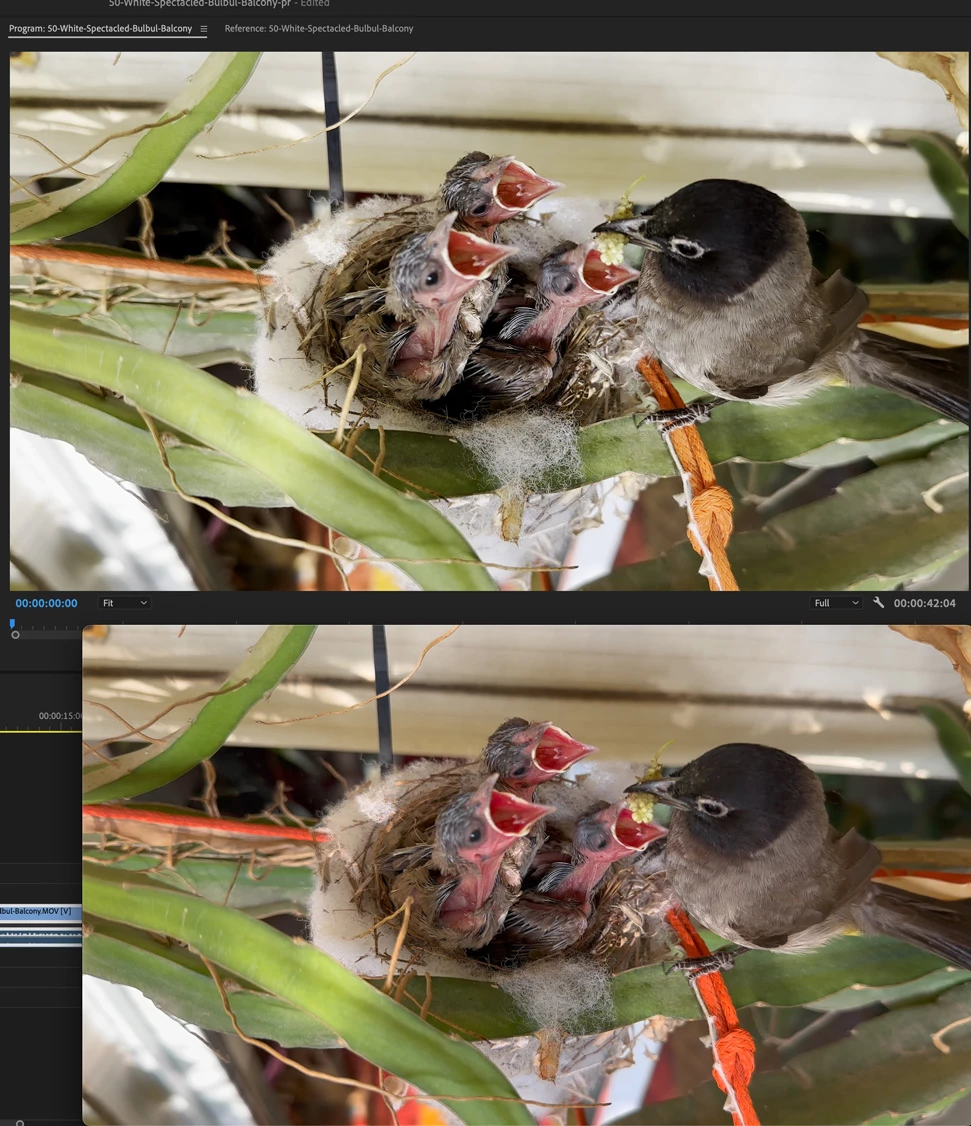
I followed instructions regarding changing in a few places to Rec 709 (I have no clue what it mean but I know how to follow instructions) but nothing helped.
Here are screenshots of definitions I made:
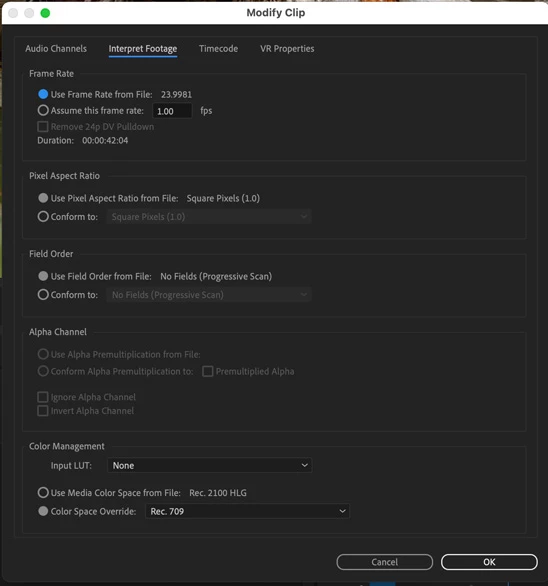
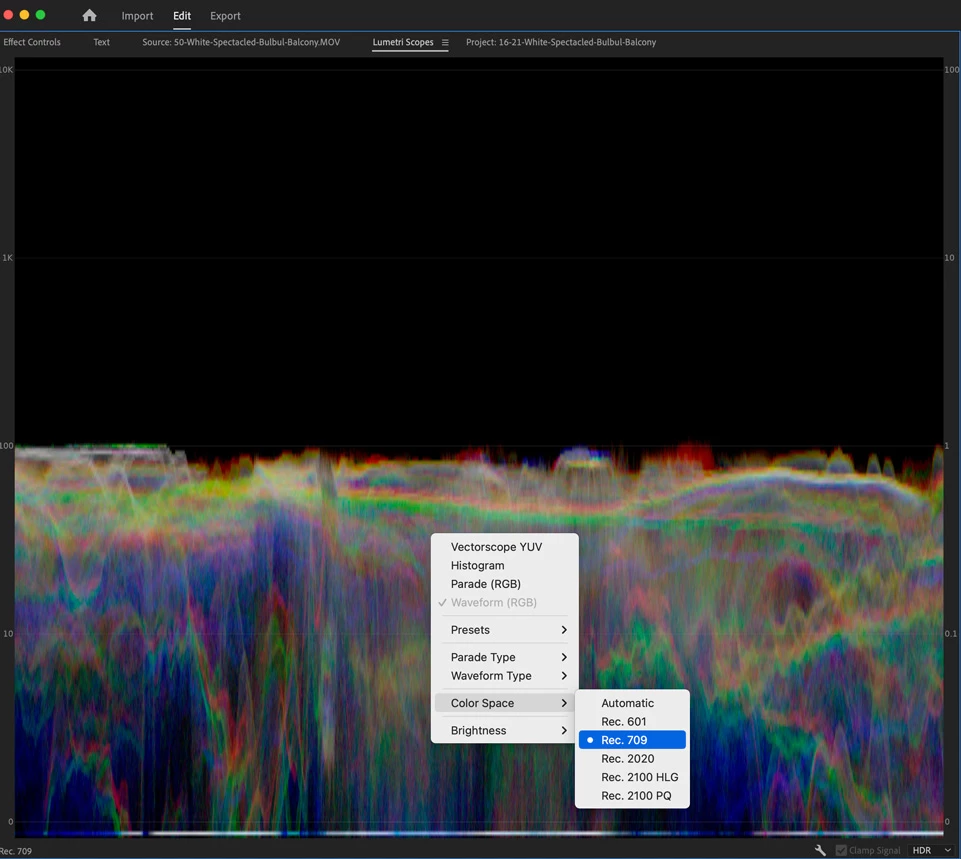
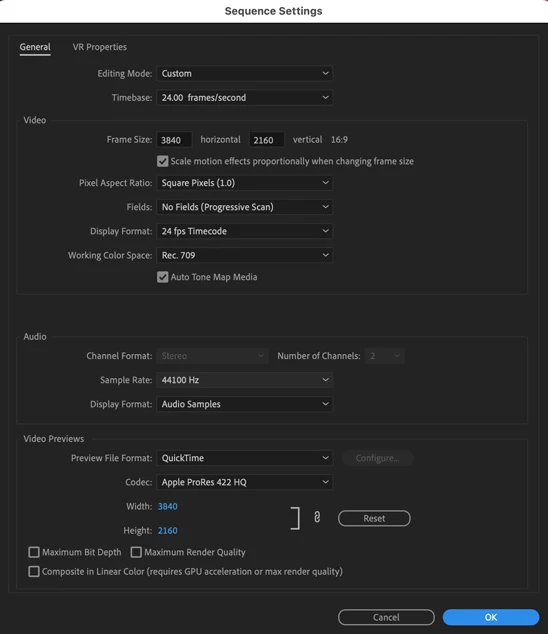
Perhaps this is a difficult question to answer to an inexperience user like me, but I'm very curious to know why it's like that.
Thank you
Shlomit
 AdChoices