
Participant
May 11, 2024
Question

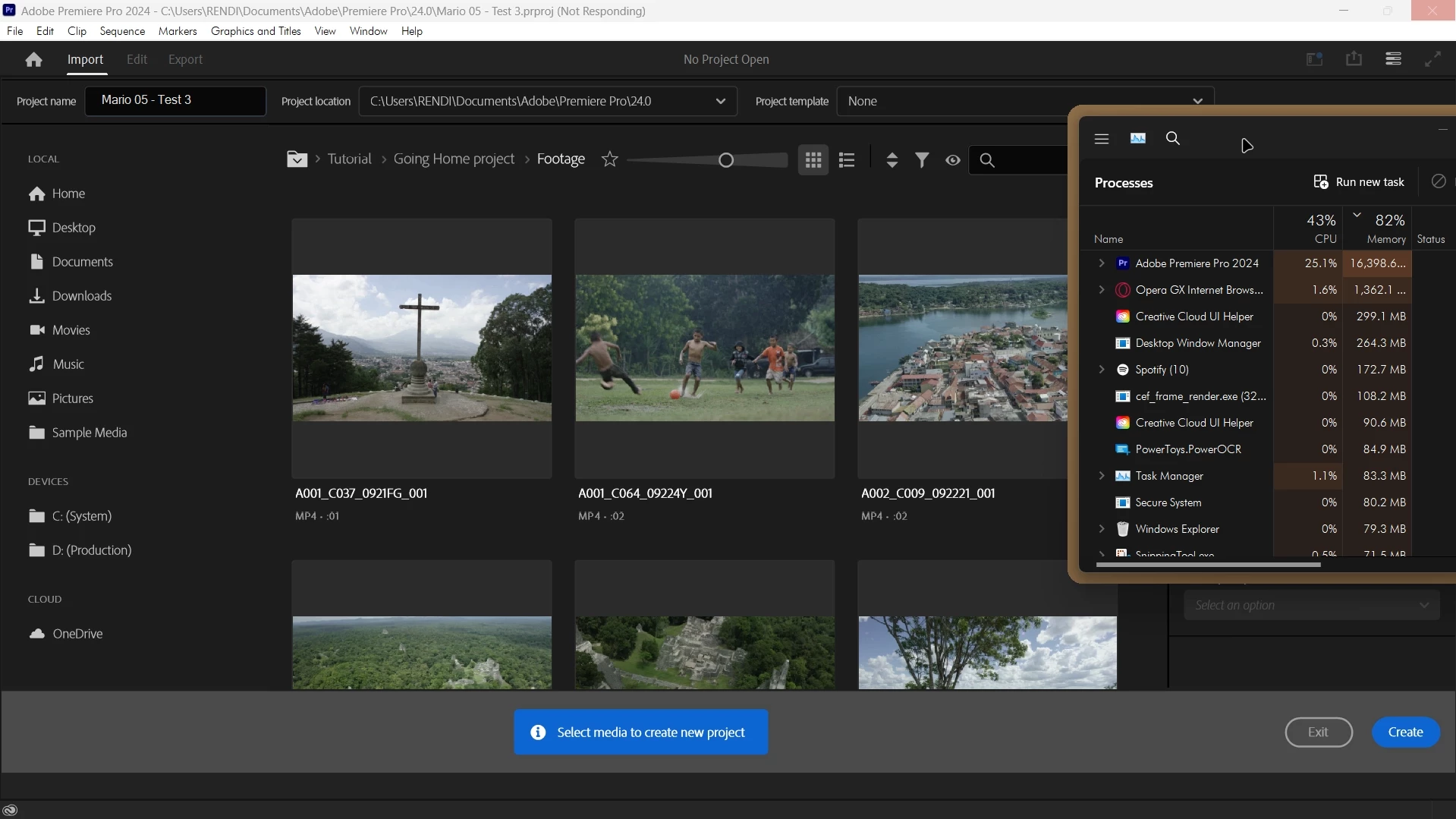
Premier pro 2024 memory issue

  • May 11, 2024
  • 3 replies
  • 430 views

when i open new project the program is freezed and used the max of memory for no reason! 
and when i import 4k footage the program is freezed and close ! i clear caches and reset every thing delete extentions and same thing this test is on version 24.1.0 build 85, but the same thing on adobe premier pro beta and all the updates versions..
please anyone know how i can fix this issue ? this make me so confused!

for watching the issue :
https://vimeo.com/945199776?share=copy
 

This topic has been closed for replies.

3 replies

Legend
May 12, 2024

That laptop is too underpowered overall for 4k. Overall performance of that laptop, aside from GPU effects, cannot match even that of an original base-spec M1 MacBook Air, let alone higher-end laptops or desktops.


And that is partly because CPUs based on Skylake and its derivatives such as Coffee Lake and Comet Lake (such as your i7-9750H) have not aged gracefully when it comes to performance in Premiere Pro.

Participant
May 12, 2024

my laptop i7-9750H - 32gb - NVIDIA GeForce GTX 1650 with Max-Q Design,
i solved the problem whene disable my vst audio plusgins, and the footage 4k, just not imported of them at one, and just it.
adobe must make the importing operetion in premier pro must be more smooth and fast..

Legend
May 11, 2024

4k footage, particularly heavily compressed formats demand alot of a system.  Never easy to troubleshoot premiere problems from a distance so please tell us your system specs: OS version, Premiere version, amount of RAM, Hardware specs including graphics card and if you have any 3rd party plugins installed for Premiere... Also, sequence settings and clip properties can also help. Although you can throw almost any format into premiere, some formats can be problematic, particularly on an underpowered system.