

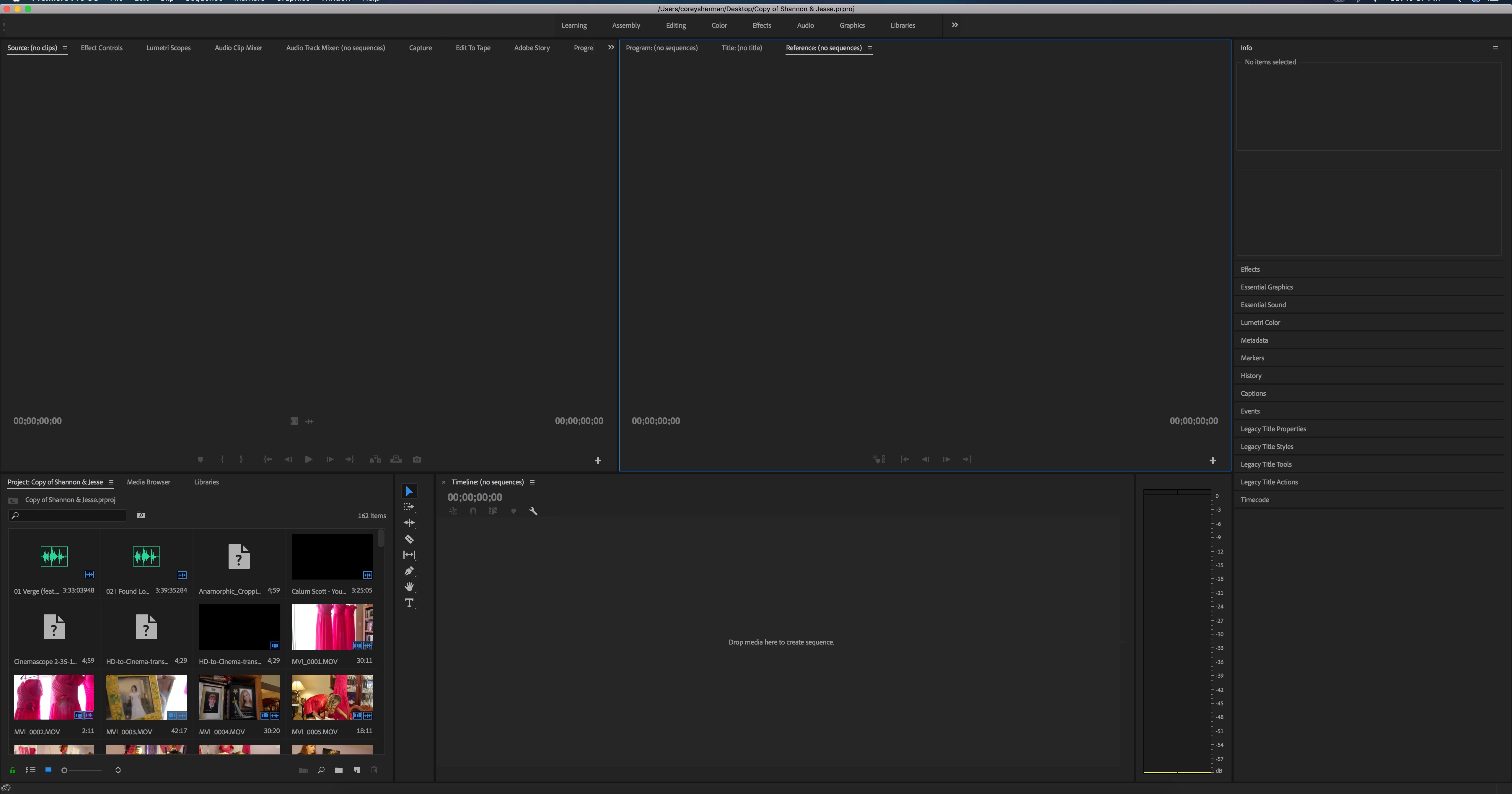
Premier Pro Empty Timeline when opening save project.
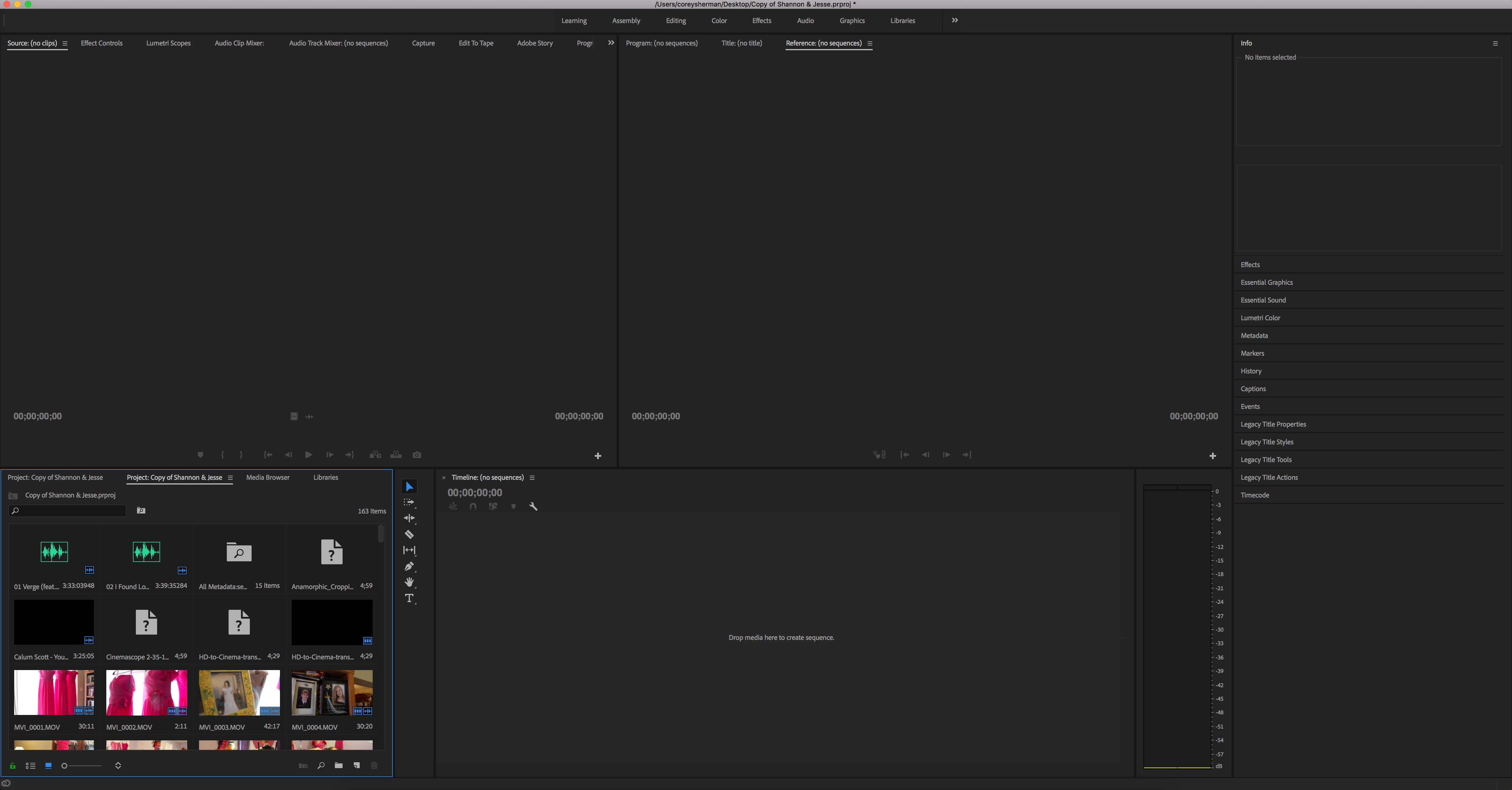
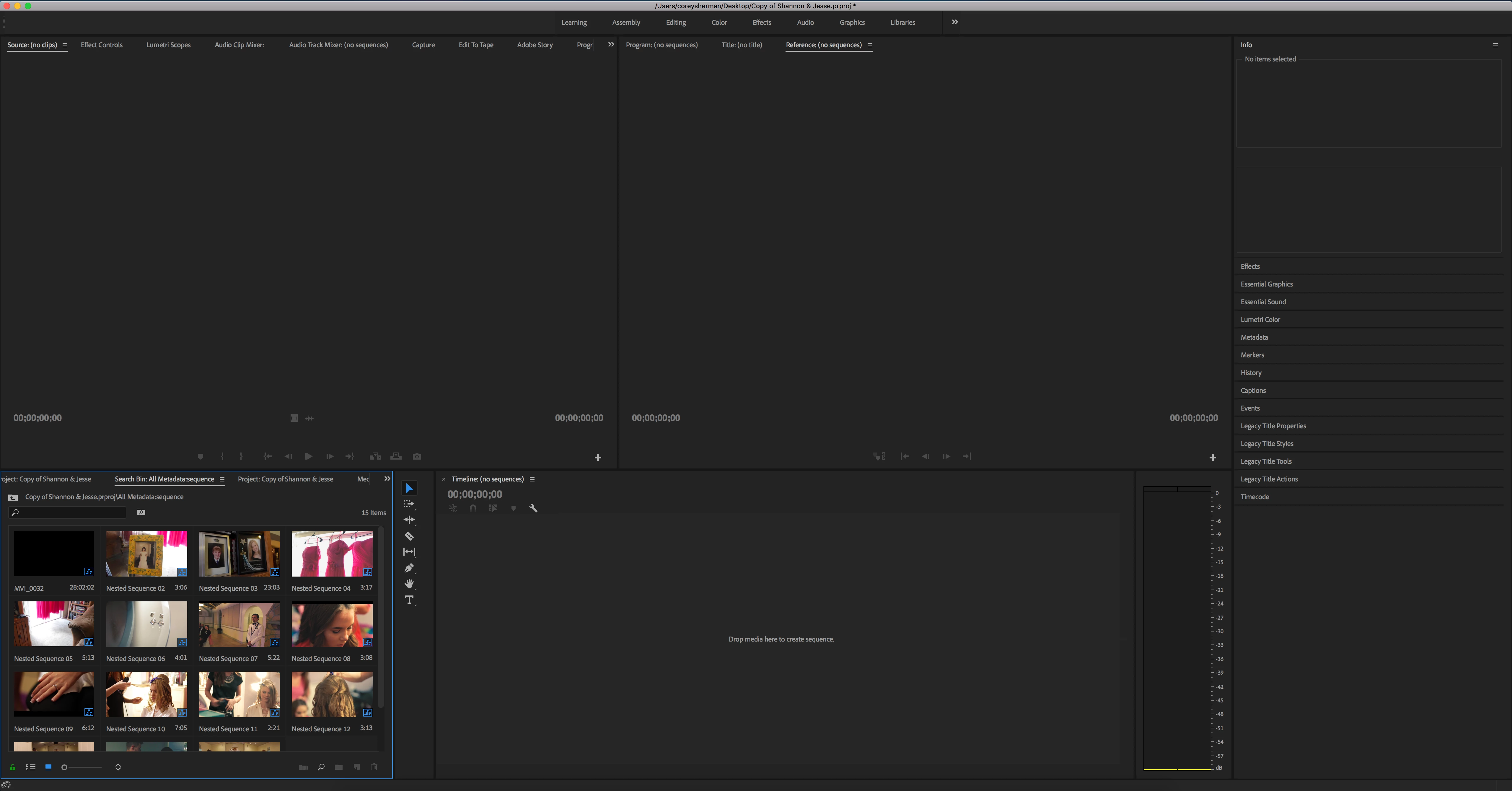
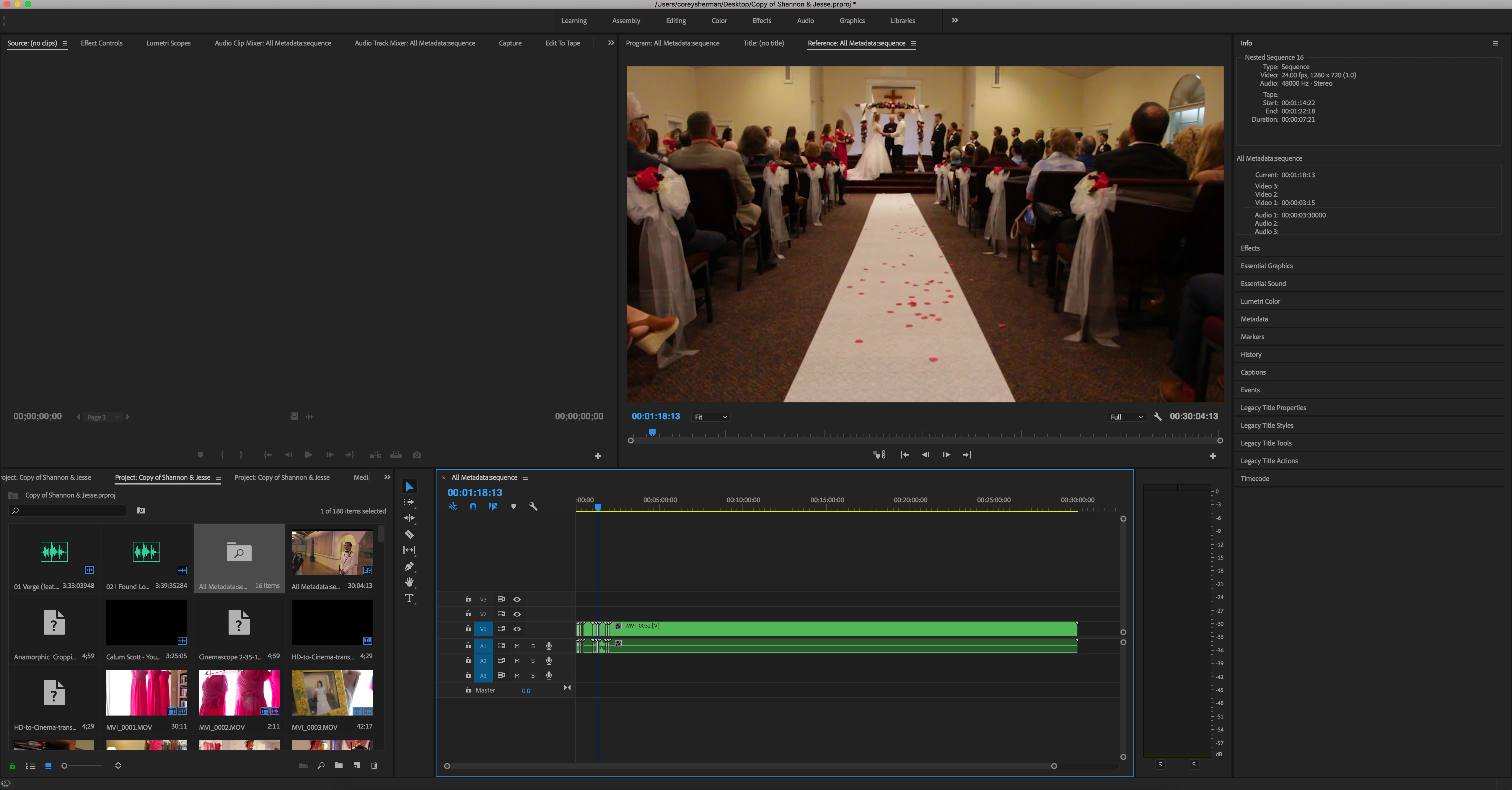
I am using Premier Pro cc 2018. I am editing a wedding video for a client, and was making good headway. Saved and closed. When I re-opened the save file, all the media is present but the timeline appears to be empty. I have tried several solutions I have seen in the forums as this seems to be a known issue. I tried "Workspaces -> reset to saved layout". This did nothing. I tried doing that several more times to no effect. I also tried searching for "sequence" in the media. I had several nested sequences and so they popped up, but at the top of my media was a file titled "All Metadata:Sequence". When I double click the file, it shows med the media from my previous edit (ie, the exact clips I used). If I drag it into the timeline, the media comes into the timeline but its a complete mess. Its out of order, and it is missing files from other tracks (the music, and a cinematic crop I had over the top of the media). How do I resolve this?? Please help!!
screenshots attached for reference.
_11.png)


 AdChoices