This topic has been closed for replies.
Correct answer Averdahl

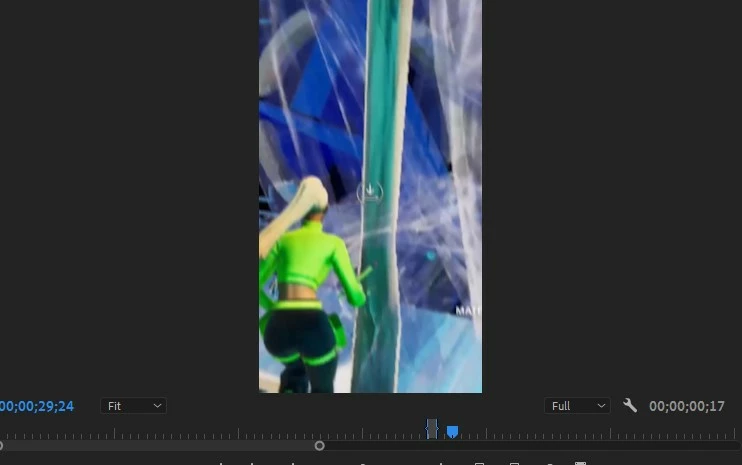
I want the resolution to be 1920x1080. But right now it is at 480x848


By @default5qhqdiefy2ga


Select the sequence you want to change to 1920x1080 and go to Sequence > Sequence Settings and change the Width and the Height to your desired values and click OK.

2 replies

Richard van den Boogaard
Community Expert
Community Expert
March 5, 2021

Please describe what we are looking at and what it is you expect to see.

You may use the ~ (tilda) button to switch to a full screen view of PPro. Is that what you want?

Participant
March 5, 2021

I want the resolution to be 1920x1080. But right now it is at 480x848

Averdahl
Community Expert
AverdahlCommunity ExpertCorrect answer
Community Expert
March 5, 2021

I want the resolution to be 1920x1080. But right now it is at 480x848


By @default5qhqdiefy2ga


Select the sequence you want to change to 1920x1080 and go to Sequence > Sequence Settings and change the Width and the Height to your desired values and click OK.

gupta shivangi
Legend
March 5, 2021

Hi there,

We appreciate you writing in. It seems like the preview is showing the footage without any black bars whick looks fine to me.

What is the resolution of the media file?

How exactly do you wish to preview the file?

Let us know. We're here to help

Thanks,

Shivangi

Participant
March 5, 2021

I want the resolution to be 1920x1080. But right now it is at 480x848