
Answered
Premier Pro Sequence Dimentions Wrong.
Good day all
I am having problems with my adobe premier... I have an artboard set to w:1080px x h:1920px and I have an Illustrator file that I have exported to the same dimentions.
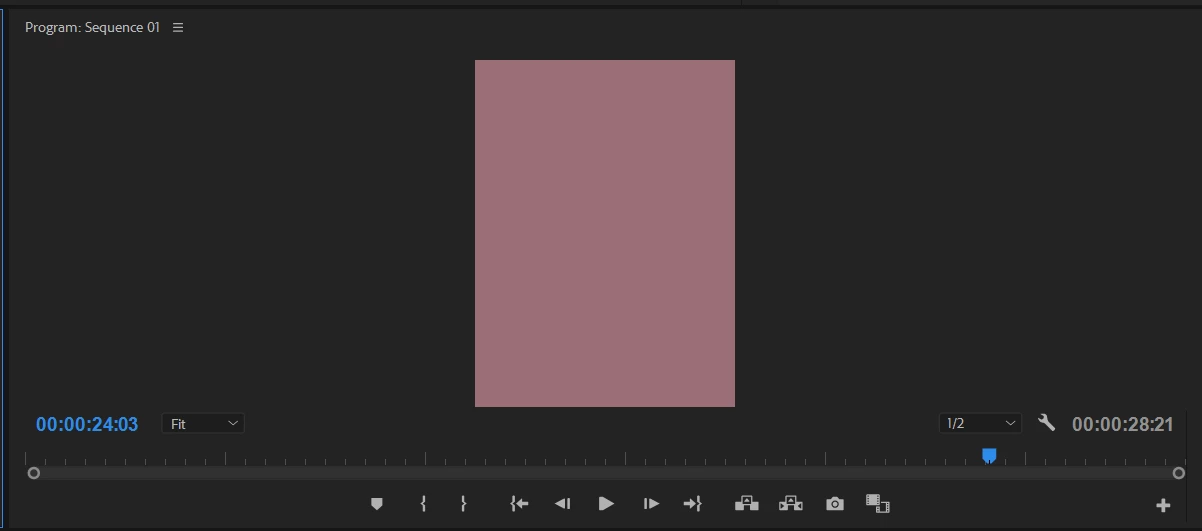
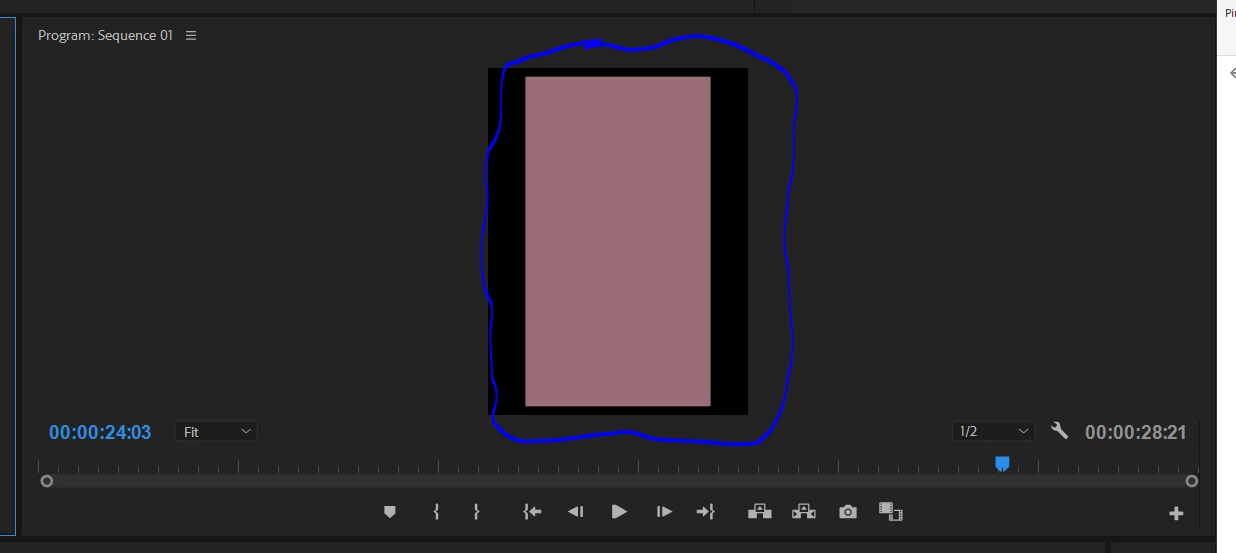
The problem I am having is that the artboard in premier is shorter and wider than the file I have exported from Illustrator.
And for the life of me I can not figure out why they would be different to each other?
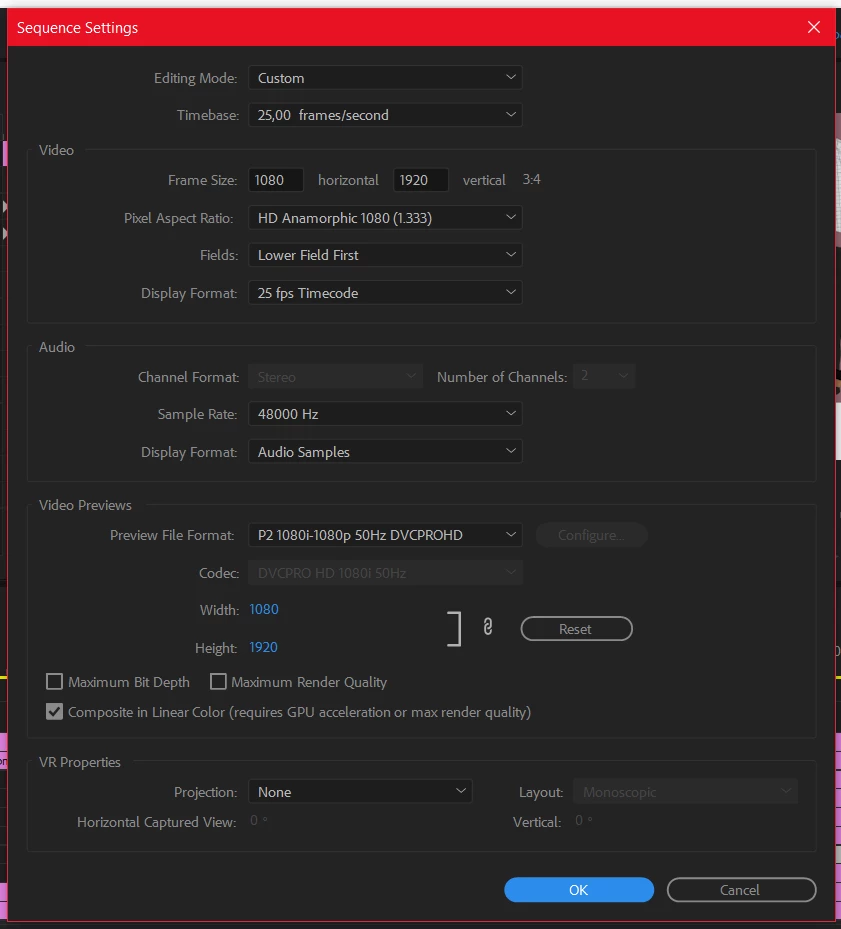
have added a screenshot for the settings and how the artboards look.
Settings:
How it is:
How it should be:
Any help would be appreciated!
Thanks in advance
 AdChoices