
Participant
October 13, 2023
Question

Premier Pro video atınca rengini bozuyor

  • October 13, 2023
  • 2 replies
  • 2118 views

Arkadaşlar merhaba bu sorun beni delirticek daha önce böyle sorunum yoktu ne zaman lisans aldım bu sorunla karşılaştım kafayı yedirtti bana iphone 14 pro ile videolarımı çekiyorum atıyorum bilgisayara mov olarak vieo oke süper istediğim renk tonunda ama ne zmaan Premier video atıyorum atar atmaz renkleri mahvederek cıkarıyor karşıma ekte bıraktıgım görseldede göreceksiniz alttaki videonun orjinal rengi üstekide premiere atar atmaz aldıgı hal hiçbir efekt yok hiçbir şey yapmadan attıgım anda gidiyor nedendir bu ?
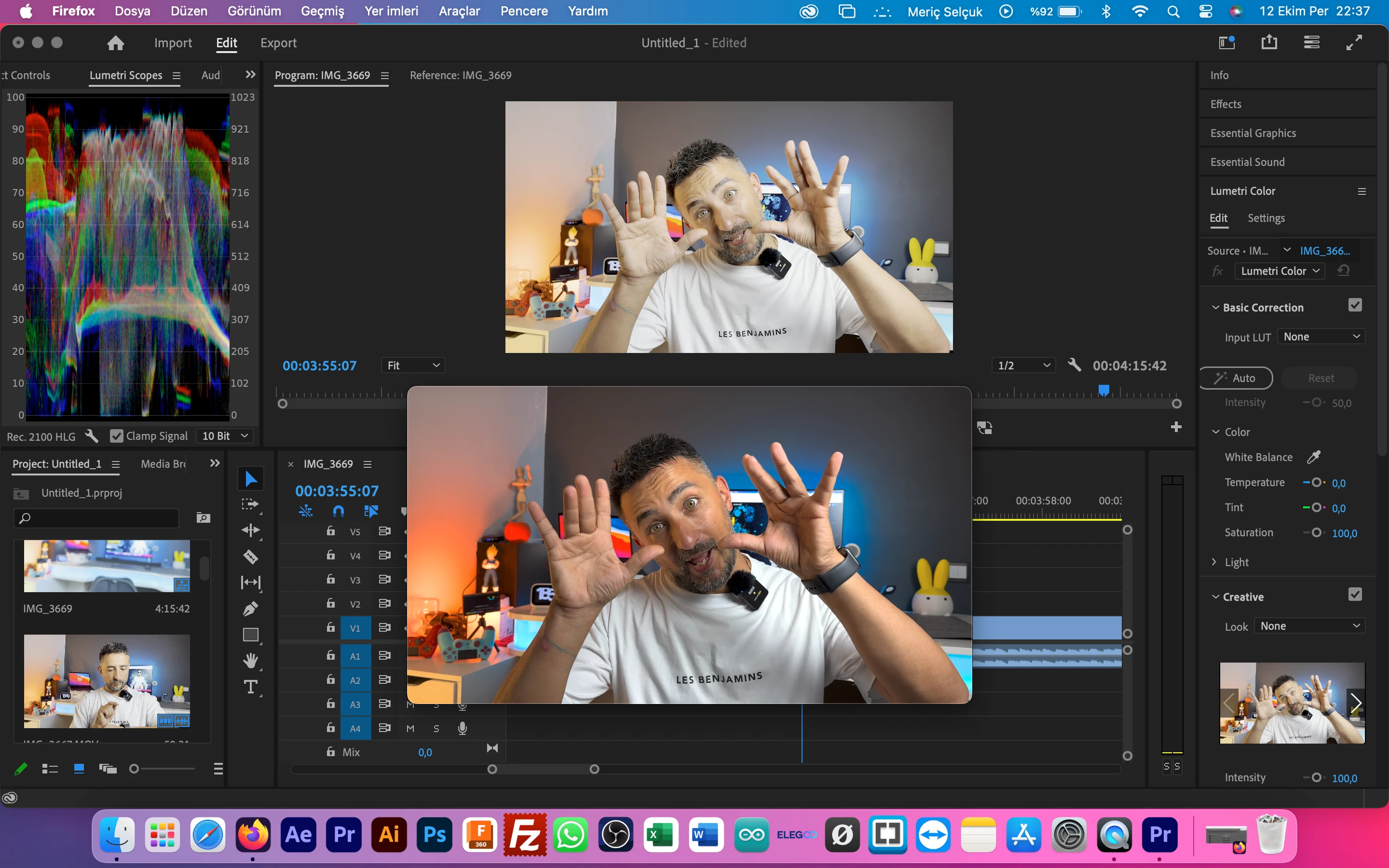


Videoyu şimdi capcut attım gayet orjinali gibi gösteriyor lisans almakla hatamı yaptık anlamadım ki bu arada premier pro 2023-2024 hepsini denedim.

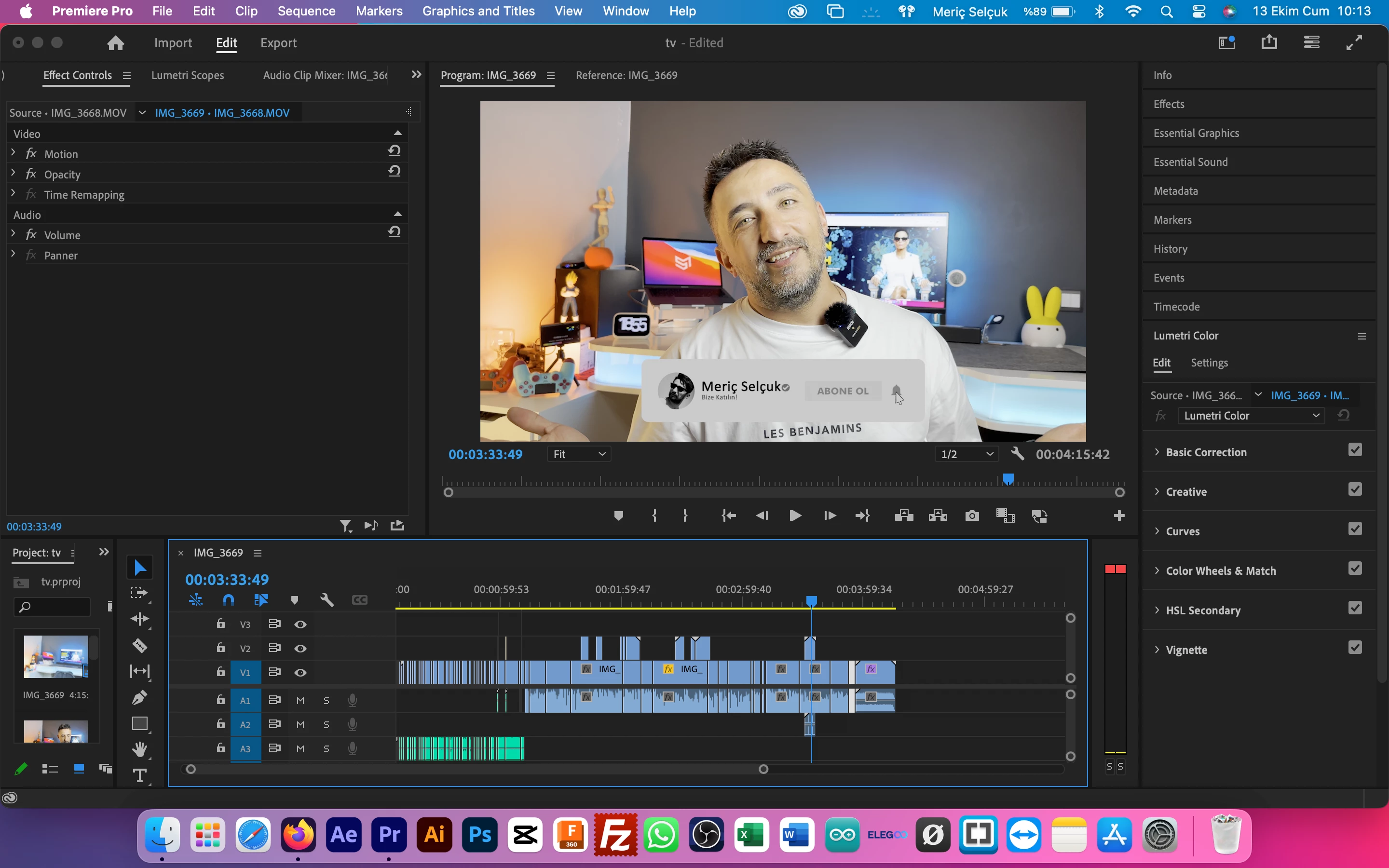
başka bir sorun daha göstereyim örnekle buda mov ABONE OL kısmını görüyorsunuz GRİ ama halbuki orjinali zemini beyaz atar atmaz bu rengi alıyor kafayı sırımak elde değil.Önce ben bu sekilde sorunlar yaşamıyordum...


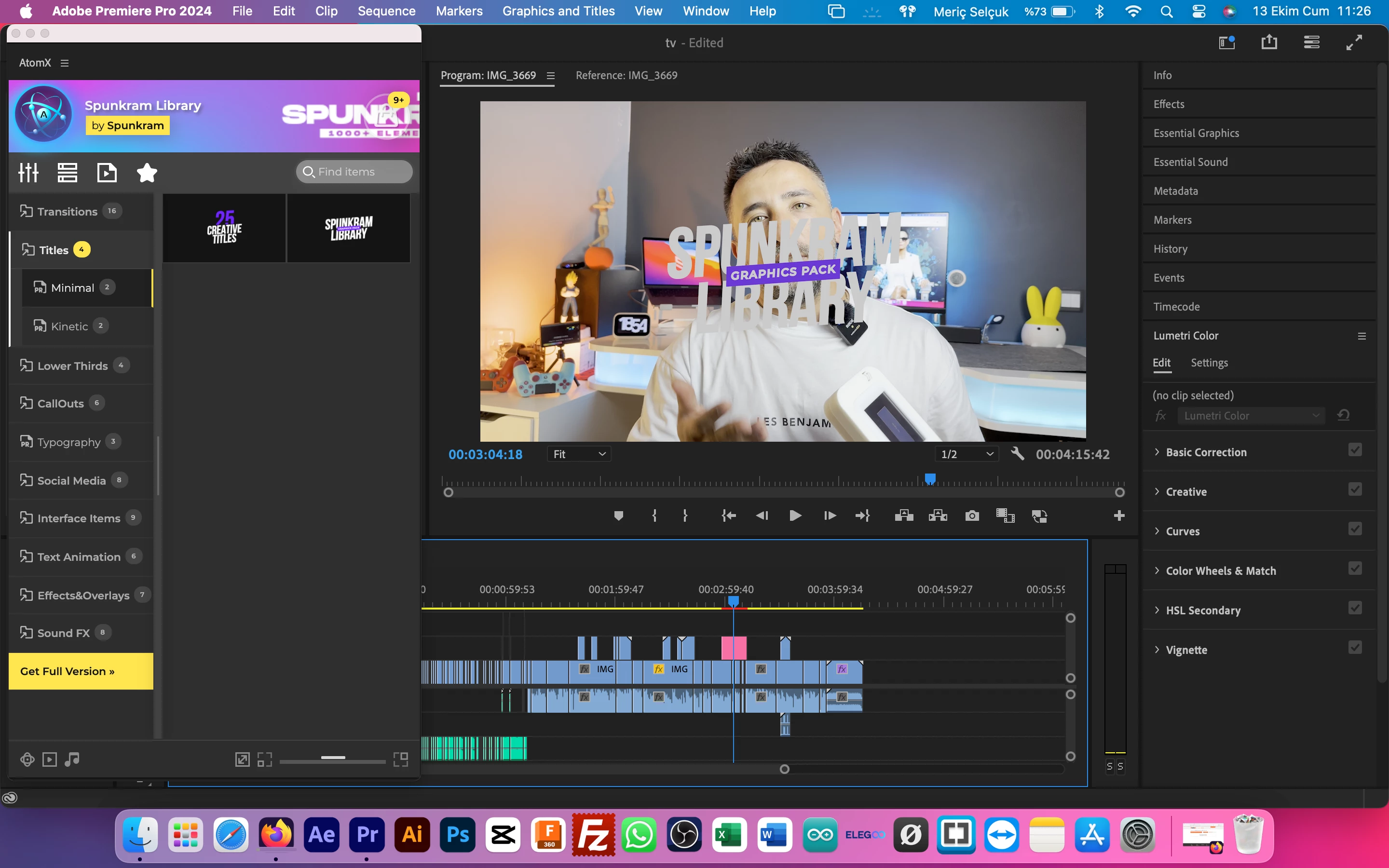
abi herşeyde böyle kafayı yicem  eklentiye  bakın solda mor beyaz videoya ekliyorum gri oluyor abi tam sıyırmalık ya


2 replies

R Neil Haugen
Legend
September 1, 2024

Neither of you are familiar with color management in Premiere at this time, so you're not setting things correctly for what you need.


And you need to learn, as with the 25.x public beta, due to be released in October linked to Adobe MAX, we get a ton more color management options added.


ALL Premiere color management options are in the Lumetri panel Settings tab ... the one named Settings.


Currently, in 24.x, I would recommend for you ... withphone media...


Display Color Management on;

Auto detect log on;

Auto tonemapping on;

Sequence color space of Rec.709;

And do NOT use export presets with HLG or PQ in the preset name.


The above will give you unified cm for your media.


The other choice is Viewing Gamma.


A question is ... do you care only about how your stuff looks outside of Premiere on Macs without Reference modes ... or how it looks on all other screens?


As Apple chose to use the camera transform function of essentially gamma 1.96 as the Display transform. The correct specification for Rec.709 display transform, followed by ALL other screens is essentially gamma 2.4.


This affects how shadows and midtones appear. If you set Viewing Gamma to 1.96/QuickTime, and do your correction, then export  .... outside Premiere and in QuickTime Player and Chrome and Safari browsers, you will see a similar image.


BUT ... on Macs with Reference modes set to HDTV, on Macs without Reference modes viewing with VLC or Potplayer or Firefox, and all other screens, the image will bee too dark and oversaturated.


It's simply a pick your poison thing.


Between Viewing Gamma 2.2 and 2.4, the decision should be based on your viewing environment.


In a darkened room, with a monitor set to 100 nits brightness, as a pro colorist works, the Viewing gamma should be set to 2.4.


In medium to bright working environments, and with monitors typically brighter than the spec, then gamma 2.2 should be used.


And most monitors even set to their Rec.709 settings will still be way too bright, 200 to even 350 nits. So for many users, unless you calibrated the monitor to 100 nits for Rec.709 settings, using a brighter room environment and gamma 2.2 is wise.

Everyone's mileage always varies ...
Participant
September 1, 2024

Aynı durum bende de var maalesef. Samsung S24 ultra ile çektiğim videoları Pr'e aktardığım an rezil bir parlaklık ve renk sapması olşuyor.  Bir anda başladı bu sorun. Bir çözümü yok  mu bunun?