

bellevue scott
Inspiring
September 25, 2023
Answered

premier won't play audio - sample rate not supported error

  • September 25, 2023
  • 3 replies
  • 1821 views

Adobe premiere


I'm trying to edit a video in Adobe Premier. I can see the sound is there on the timeline, but it will not play. I get an error that says "sample rate not supported but audio hardware" but it's at 4800 Hz. So I don't understand what the problem is.


Sound plays on a web browser, but not in premier, and it appears to be a Mac HW issue. How can I fix this?
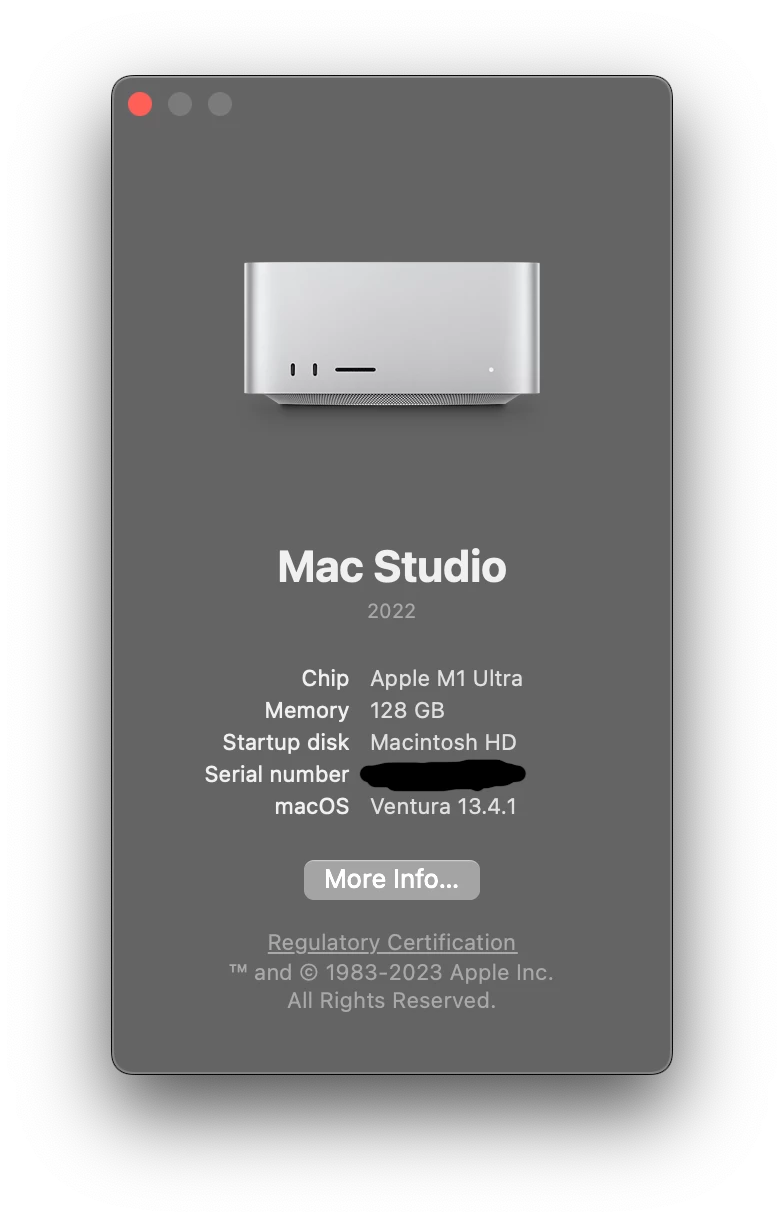
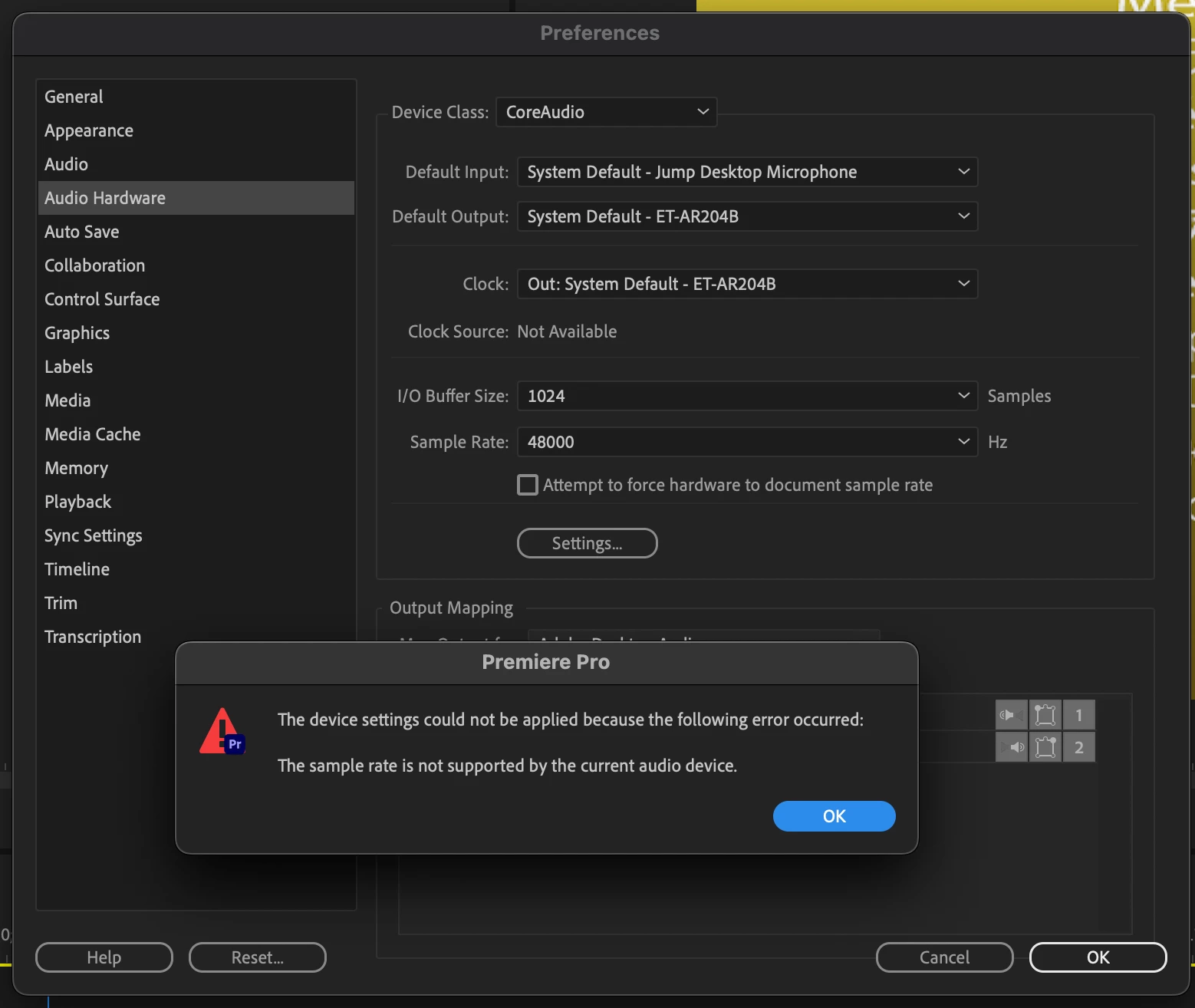
Clicking on Attempt to force hardware to sample rate does nothing.


thanks

Correct answer mstegner

The most likely cause, for people wandering what was causing this, is that the jump desktop was not allowing Premiere to set the sample rate of 48k.  There is no error being thrown by the Jump software, so an error appears from the Premiere system.

3 replies

bellevue scott
Inspiring
September 25, 2023

I believe you are correct that the Jump Desktop SW, which is a remote desktop solution SW, was the culprit in this. Thanks for your response, and to Adobe's chat support that was very helpful in identifying the problem. 

mstegnerCommunity ManagerCorrect answer
Community Manager
September 25, 2023

The most likely cause, for people wandering what was causing this, is that the jump desktop was not allowing Premiere to set the sample rate of 48k.  There is no error being thrown by the Jump software, so an error appears from the Premiere system.

bellevue scott
Inspiring
September 25, 2023

Resolved! I used Adobe chat support because I really need to get on with my day. The answer was: 


channge default input to no input. That did it!

Participant
September 2, 2024

Thanks - this fixed my problem too. Much appreciated