Participant
August 11, 2020
Answered

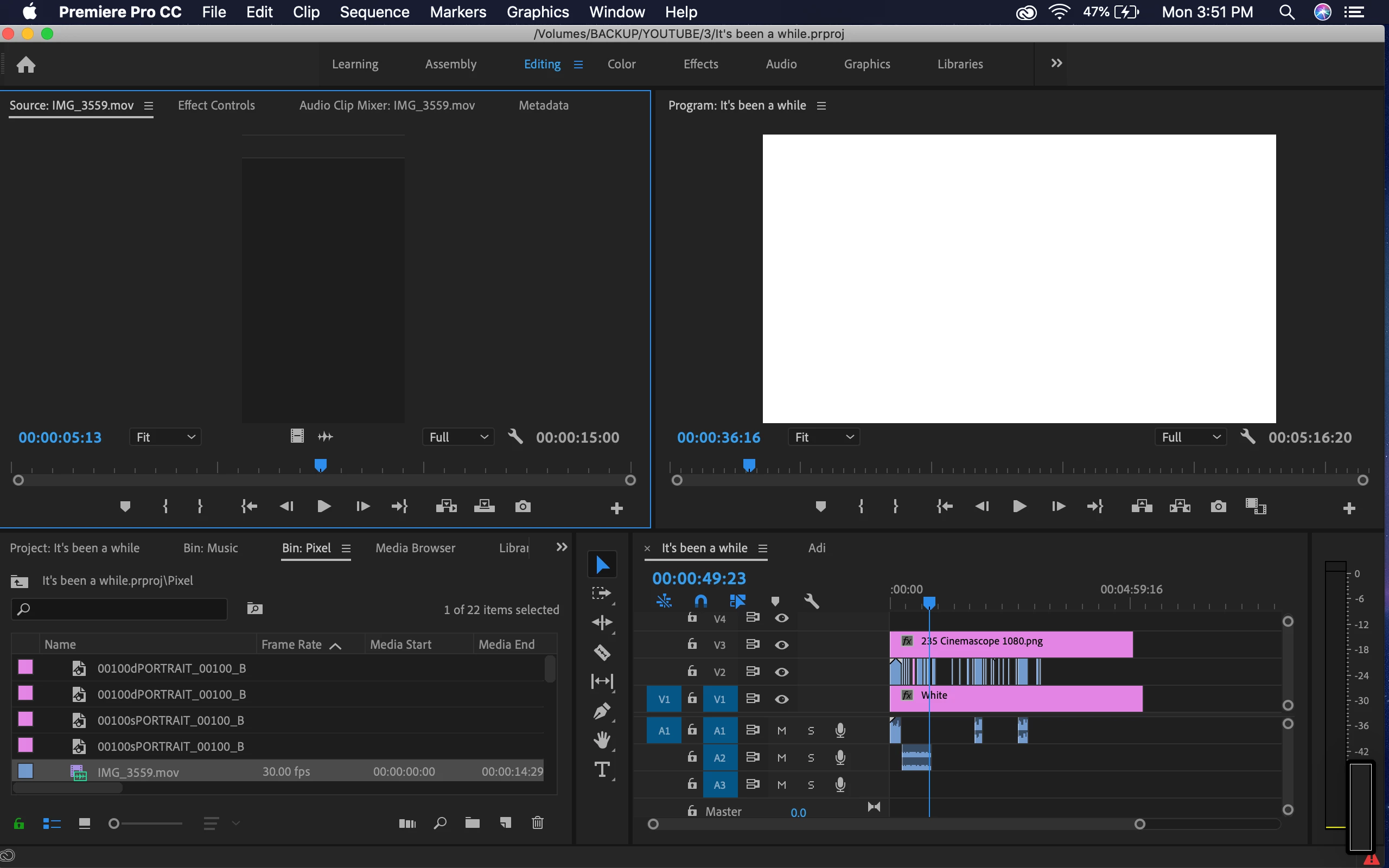
Premiere 2020 showing white screen only

  • August 11, 2020
  • 1 reply
  • 1819 views

Hi guys, Having a problem with this.

The amazing thing is that it is related to the OpenCL mechanism. Because when I use only Mercury Software the error does not appear, so I can't use GPU when rendering.

GPU drivers a re updated. Setup: RX 560 4gb I5 - 4440 16gb ram ddr3 1600MHZ

This topic has been closed for replies.
Correct answer Francisco5FB2

I just turned off second monitor, opened Premier Pro project, then turned on second monitor, and now its working normaly.

🙂

1 reply

Francisco5FB2AuthorCorrect answer
Participant
August 11, 2020

I just turned off second monitor, opened Premier Pro project, then turned on second monitor, and now its working normaly.

🙂

Graeme Bull
Community Expert
Community Expert
August 11, 2020

Good to hear it got resolved in that odd way, but something to consider is that your system is a bit old and might not run Premiere properly. https://helpx.adobe.com/ca/premiere-pro/system-requirements.html#gpu-acceleration

henkvandervelden
Participant
August 14, 2020

I've been having the same issues with a brand new computer with a NVIDIA GeForce RTX 2070 SUPER.


Turning off my second monitor, opening up Premiere, then turning it on, also does the trick...