

Premiere 2021 not opening in Windows 10 - hangs or crashes
I'm unable to load any of my projects in PP. Yesterday PP would close before the launch screen, which resolved after I updated through CC. I was able to work most of the day, but by evening my projects no longer open. The Open Project bar loads, then hangs at about 5/6 of the way through. This happens with older versions of my project, including auto-saves. The only way I can close What's causing this issue?
Steps:
- Turned off Mercury Transmit
- Clear Media Cache
- Quit PP
- Open new project, then opened current project from there (doesn't open)
- Quit using Task manager
- restart computer
- open new project in PP, import project (Not Responding window)
- Quit PP using Task Manager
- Open new project then open auto-save file (project hangs)
- Cancel project load
- PP freezes
Specs:
- AMD Ryzen 7 3800X
- Nvidia RTX 3090
- 32GB RAM
- 1TB boot drive
- 2TB storage
Screencaps:
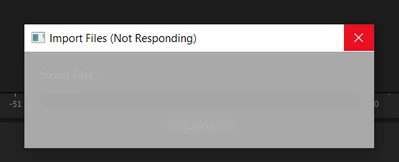
Results from importing project file
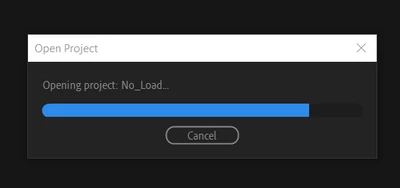
Project never loads past this point (I've waited)
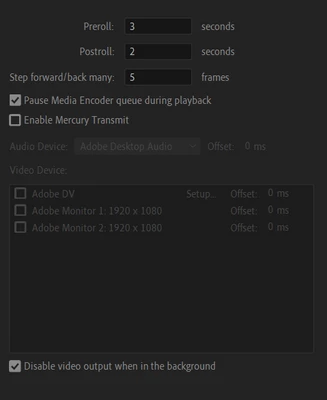
Current settings for video playback
 AdChoices