



Detailing Growth
Participant
March 2, 2026
Question

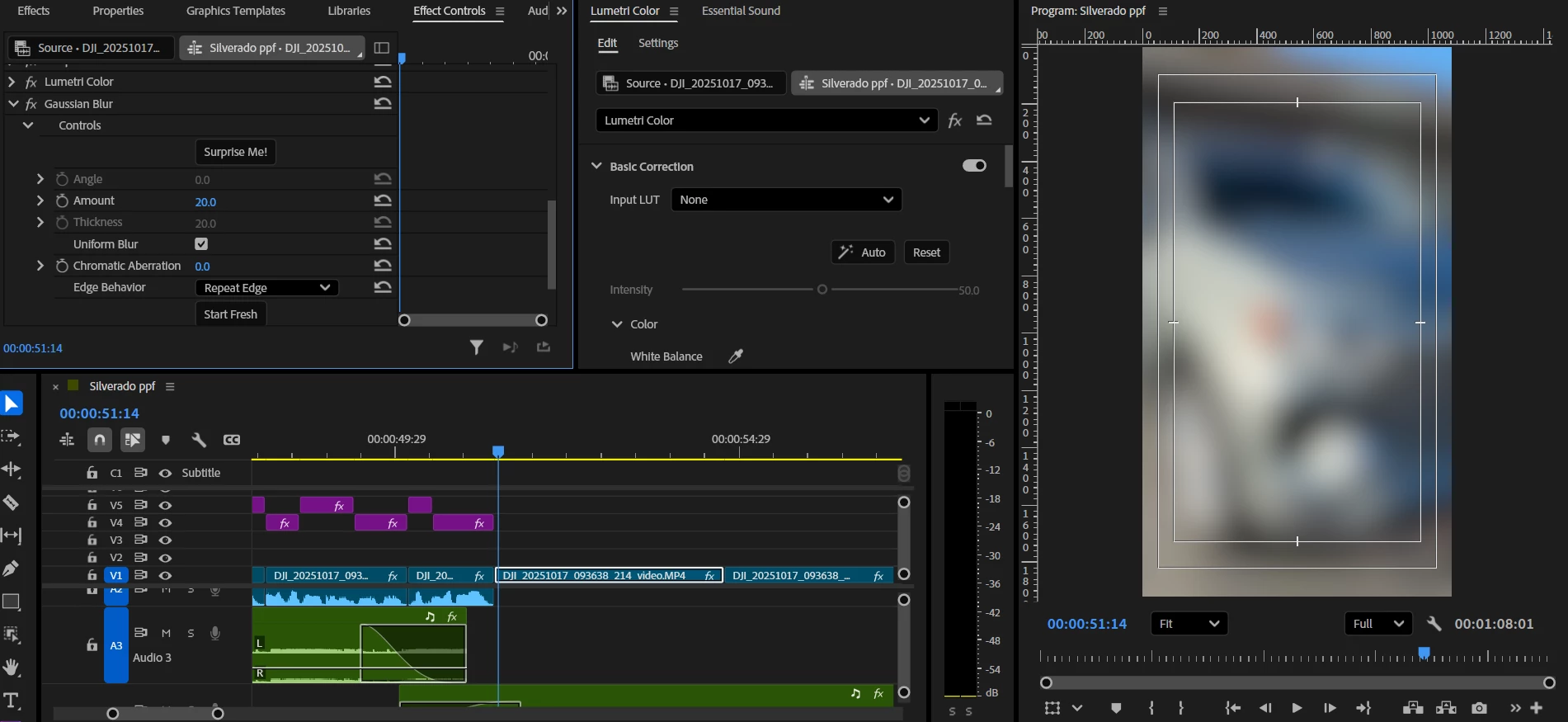
Premiere 2025 have a option where we can mask the part and blur it out, but 2026, there is not masking option at all, why is this happening? how can I blur a specific part and track it?
  • March 2, 2026
  • 2 replies
  • 16 views


Premiere 2025 have a option where we can mask the part and blur it out, but 2026, there is not masking option at all, why is this happening? how can I blur a specific part and track it?


    2 replies

    R Neil Haugen
    Legend
    March 2, 2026

    As Scott noted, the old method is completely removed, and a much more powerful tool installed. BUT … it is very different to use, and so you need to go read the full masking section in their online help.

    Easy to find … simply hover over the Timeline Tool bar, where the timeline options for ripple, roll, cut, and all are located. There’s one done the bar a bit where you hover over and a dialog pops up about masking, and with a link to go read about it. USE that link.

    Everyone's mileage always varies ...
    Community Expert
    March 2, 2026

    Premiere 2026 introduced a major update to masking, with a faster, more modern masking system. It has been discussed many times in the forums. 

    Tool Tip Tuesday for Adobe Premiere Pro: 2026 Mask Tool Changes to know!