



CoolRunLT
Known Participant
February 6, 2026
Question

Premiere 2026 Crashing Consistently

  • February 6, 2026
  • 11 replies
  • 944 views

Anyone else seeing consistent crashing of Premiere 2026? I have the latest update as of February 4th, flushed cache multiple times, re-installed, restarted computer, etc. But certain elements such as:

  1. Scrubbing the Timeline
  2. Adding Effects
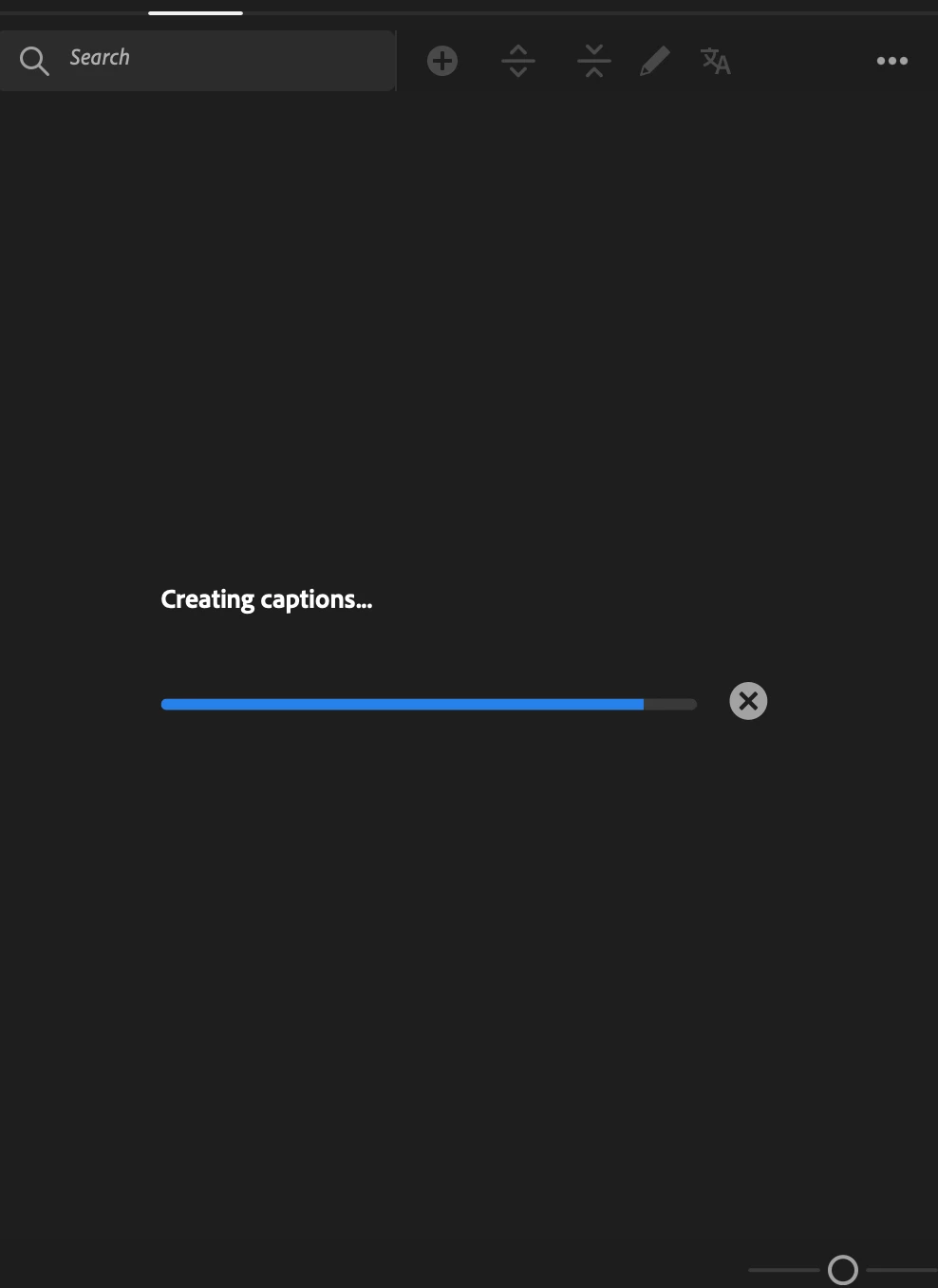
  3. Adding CAPTIONS (of all things)

Freezes the program and requires a forced quit. Attached is where the captions usually sit and fail before the crash occurs.

I’ll likely downgrade to Premiere Pro 2025 if not addressed soon - but checking to ensure I’m not the only one and I need to look at my own stuff? Currently on Macbook Pro 14” with M2 MAX. 
    11 replies

    CoolRunLT
    CoolRunLTAuthor
    Known Participant
    February 6, 2026

    I uninstalled Premiere 26 and reverted back to Premiere 25.6.4 - so much better and more stable. Will likely upgrade back to 26 once the bugs are sorted. 

    Participant
    February 16, 2026

    2026 is the worst!  It keeps crashing my PC (10 times now) even though I have updated my graphic drivers, cleared cach, and more.  I will not be using it anymore until they fix it, if they even do.  I have 64GB ram, and very fast processor.  Do they even test their crap before releasing it any more?

    Inspiring
    April 17, 2026

    I’ve experienced the same problem w/26 - constantly crashing! Tried all the ‘solutions’, clearing cache, reboots, etc. Can’t even access Crash Report; program totally shuts down when I click on it.

    Still no answer or updates from Adobe?