


Answered
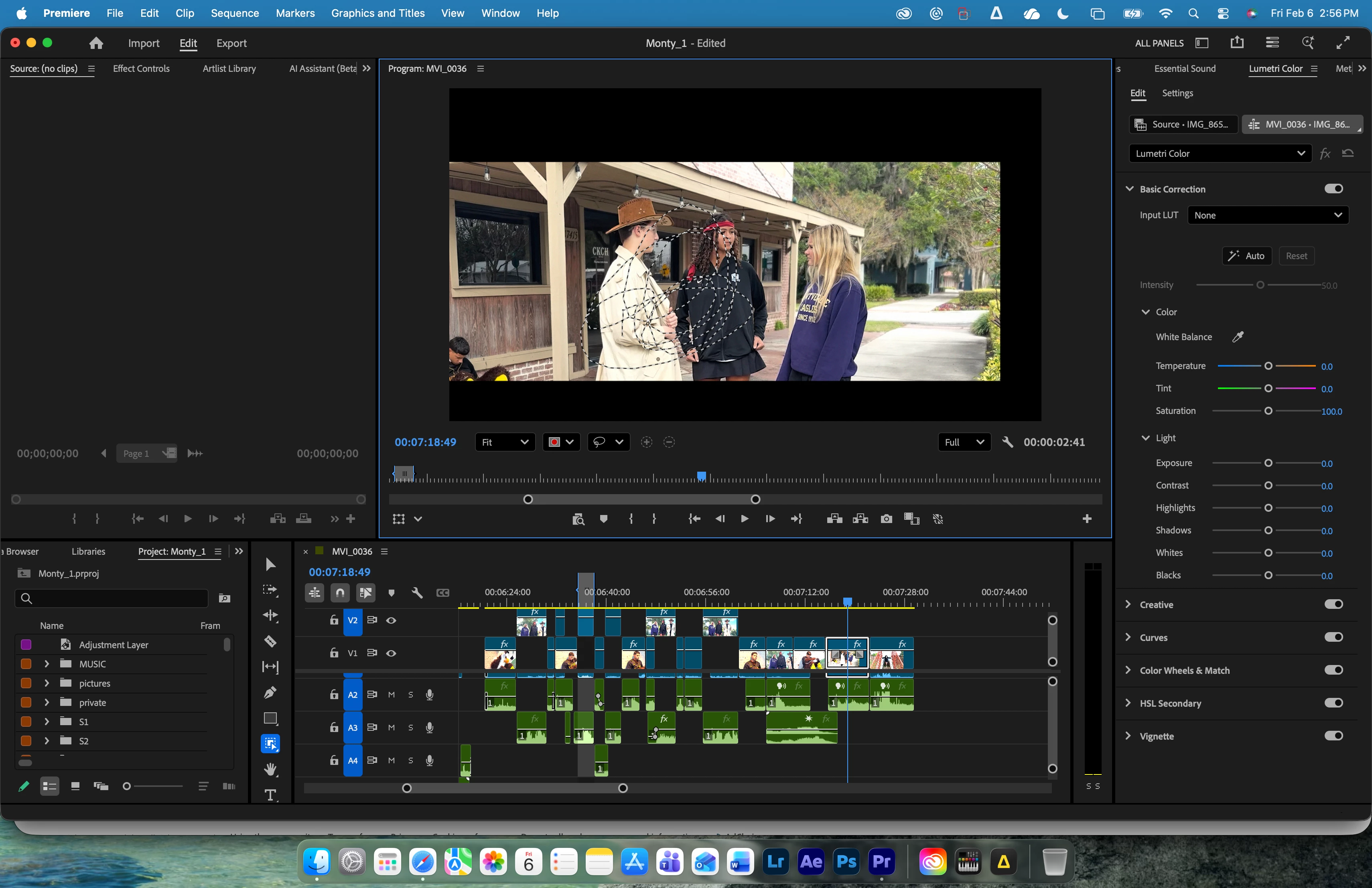
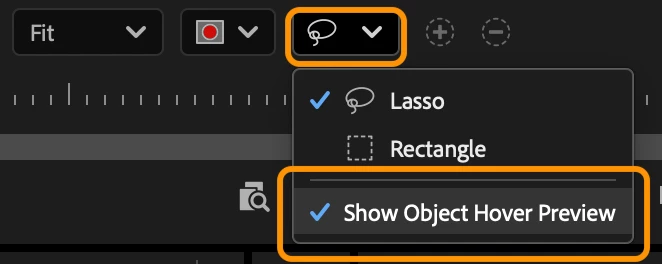
Premiere 26 AI masking tool (Bug Problem). Hovering doesn't work.
I downloaded Premiere 26.
I clicked on the new AI masking tool on the toolbar, hovered over my program window but nothing happens. The masking tool tracks fine with the circle tool, but does nothing with the smart object ai mask tool.
Things I tried:
-made sure I was on mercury playback
-reset my window workspace several times and into different configurations
-tried different footage (iPhone, DSLR canon 90d)
-tried opening a new project
Nothing has seemed to work. I only have access to tracking through the new shape tools. Really wish the smart object select tool would work so I can select a person.
 AdChoices