Premiere CC 2019 - Microphone Input Issue
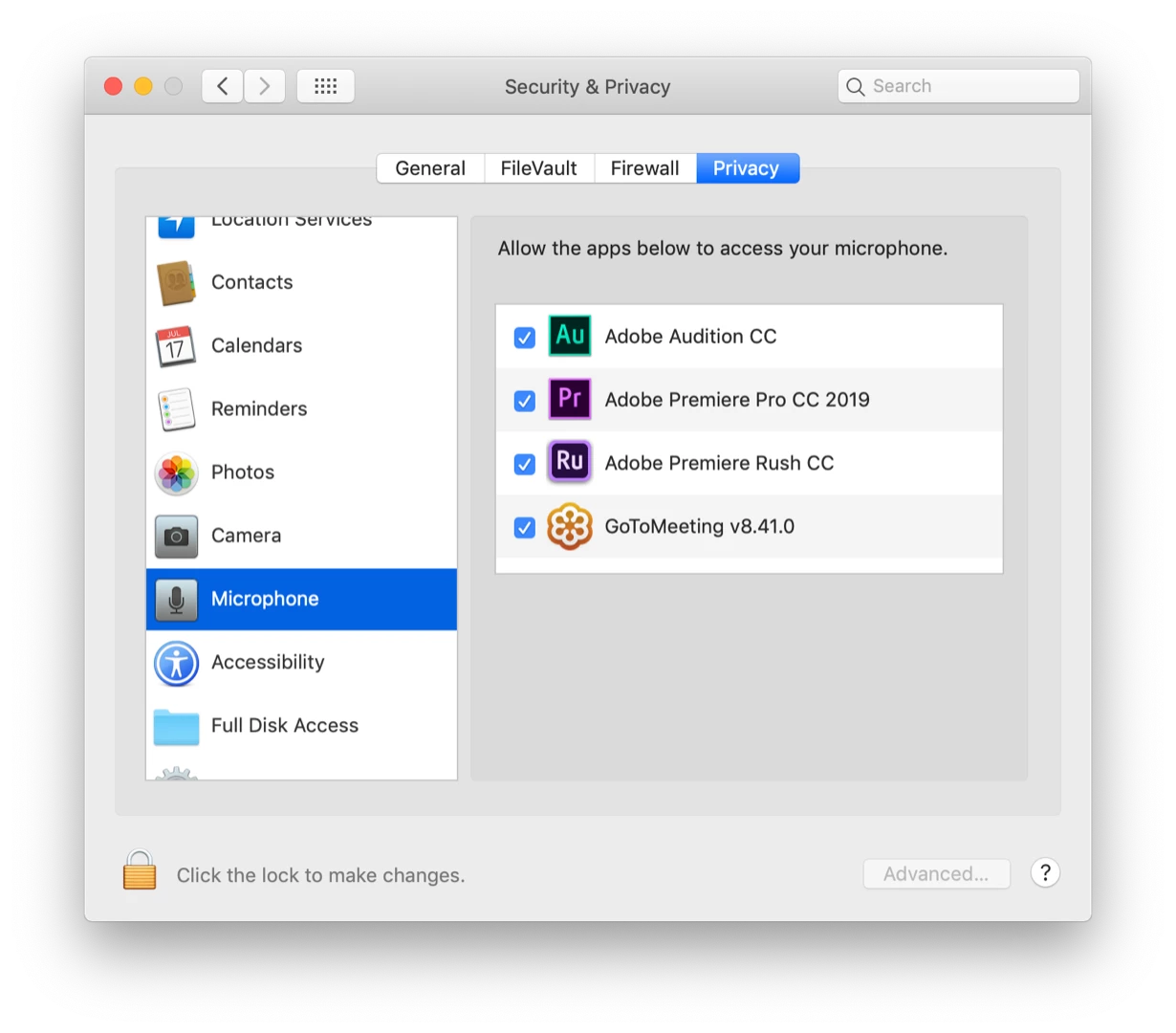
I just bought a Blue Snowball microphone and plugged it into my iMac (Mojave 10.14.3), but when I try to record a VO in Premiere CC 2019, it's just a flat line; no level. In fact, Premiere doesn't record any level using the built in microphone either, which is pretty puzzling. I've tried many of the suggested fixes from people who have had similar issues, but in most of their cases Premiere doesn't even see the microphone. In my case Premiere does see the microphone in Audio Hardware and in Voice-Over Recording Settings. And I can see the meter registering in the System Preferences Sound setting on one screen while nothing is showing on the meter in the Voice-Over Recording Settings on another screen. Siri hears me just fine, too. Now, I've tried a zillion settings changes, re-started the computer with and without Snowball plugged in, and still nothing.
One solution in a thread from years ago was solved when the user upgraded to CC 2015, so I decided to see what happens when I go back to CC 2018. The Blue Snowball works fine there, and I didn't do anything special other than select it in Audio Hardware. I'm stymied.
 AdChoices