maxa74664210
Inspiring
February 18, 2018
Answered

Premiere crop Clips when importing them.

  • February 18, 2018
  • 1 reply
  • 914 views

The think is simple. I have a full hd clip (1920x1080) here:
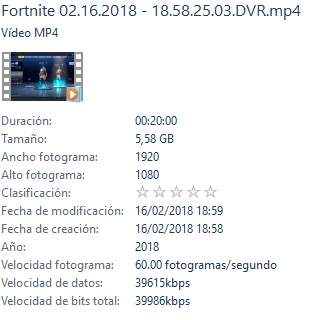
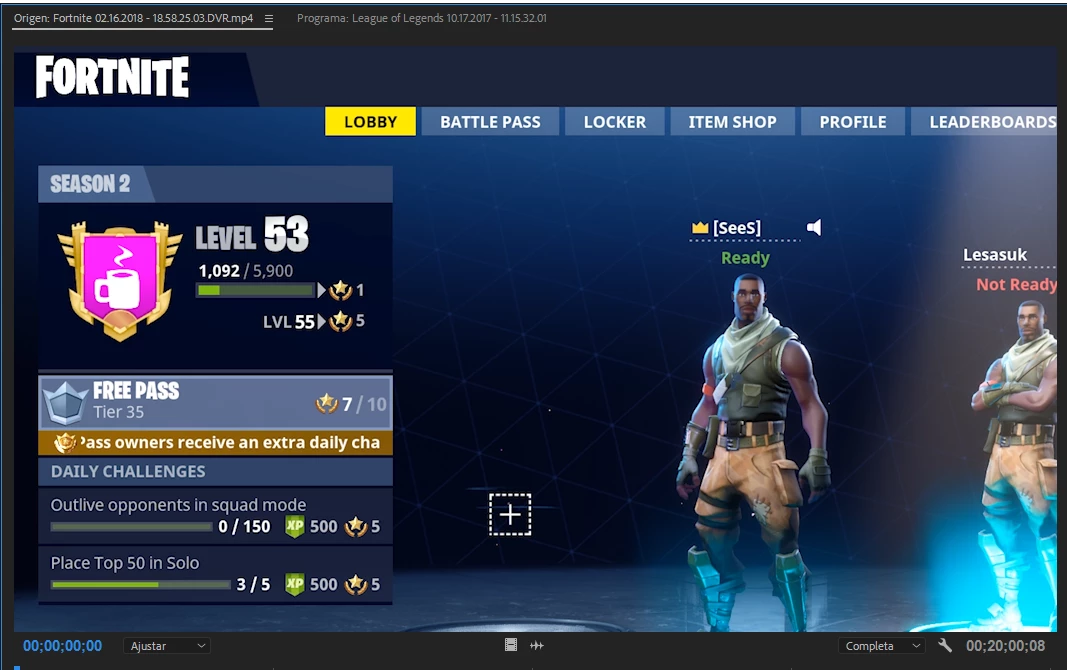
And I drop it in premiere pro cc 2018 and then this happens:
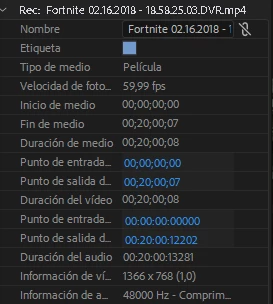
(1366x768)
that's all folks.

Media player and VLC open the video nicely. But premiere crops it and recognices it as a less resolution video.

Anyone knows why is this?

This topic has been closed for replies.
Correct answer maxa74664210

A player is not editing software.

Maybee there is something the screen capture settings you can adjust.

Can you upload a short clip to test.


I've just reencoded it.

1 reply

Ann Bens
Community Expert
Community Expert
February 18, 2018

Your sequence settings probably dont match the footage,

Do one or the other to get a matching sequence.

maxa74664210
Inspiring
February 18, 2018

Yes, it did, anyways I've just tried to create one sequence from the clip and the result is the same.

As you can see, the metadata of the clip is different of the original, so Premiere is reading the clip as a less resolution one, and I don't know why.

I've tried to reencode it with media encoder but the problme is the same.

Ann Bens
Community Expert
Community Expert
February 18, 2018

Post the clip in Mediainfo in treeview.