Participant
April 2, 2018
Answered

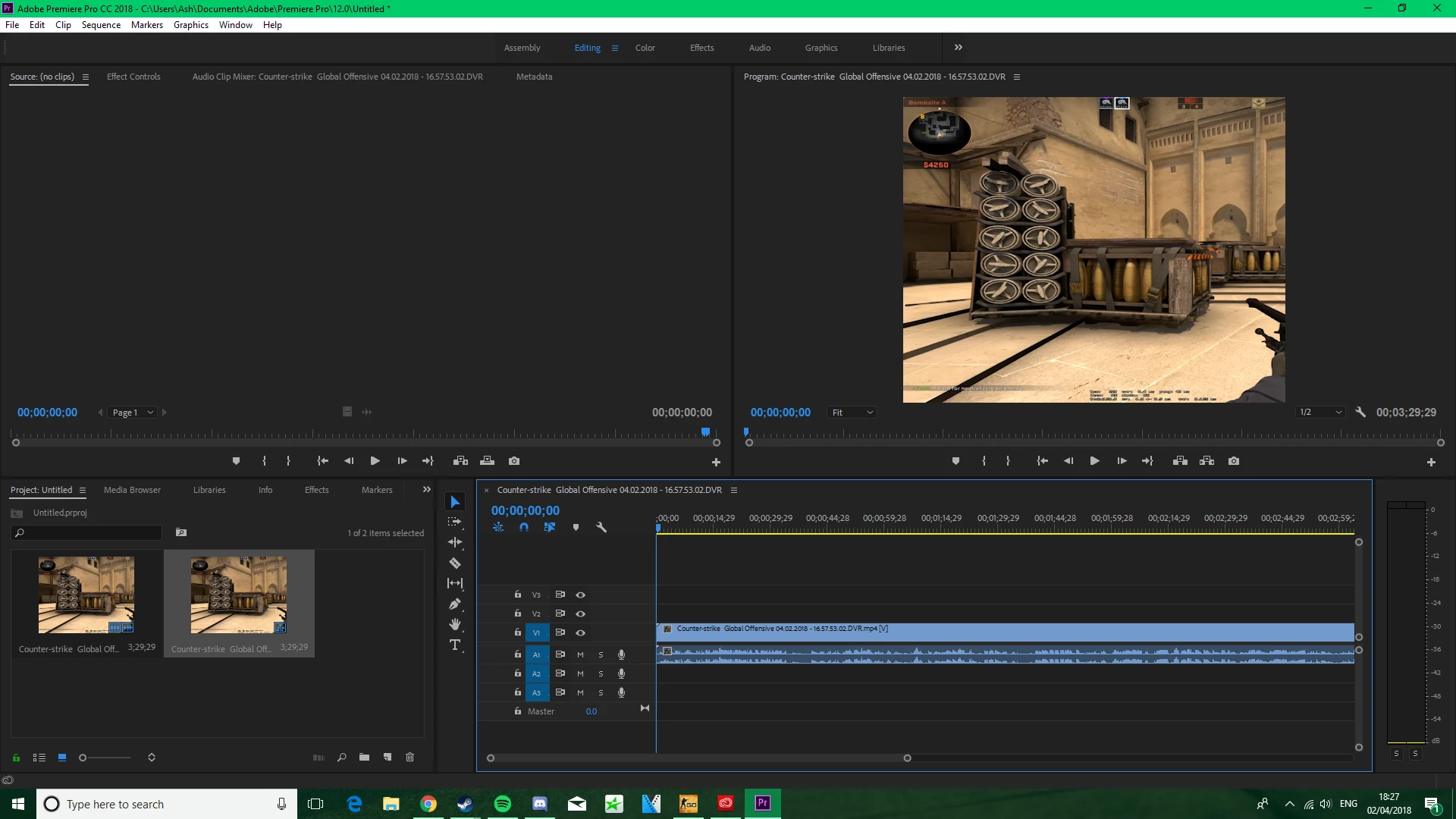
premiere cutting right side off 4:3 stretched gameplay (recorded with shadowplay)

  • April 2, 2018
  • 1 reply
  • 391 views

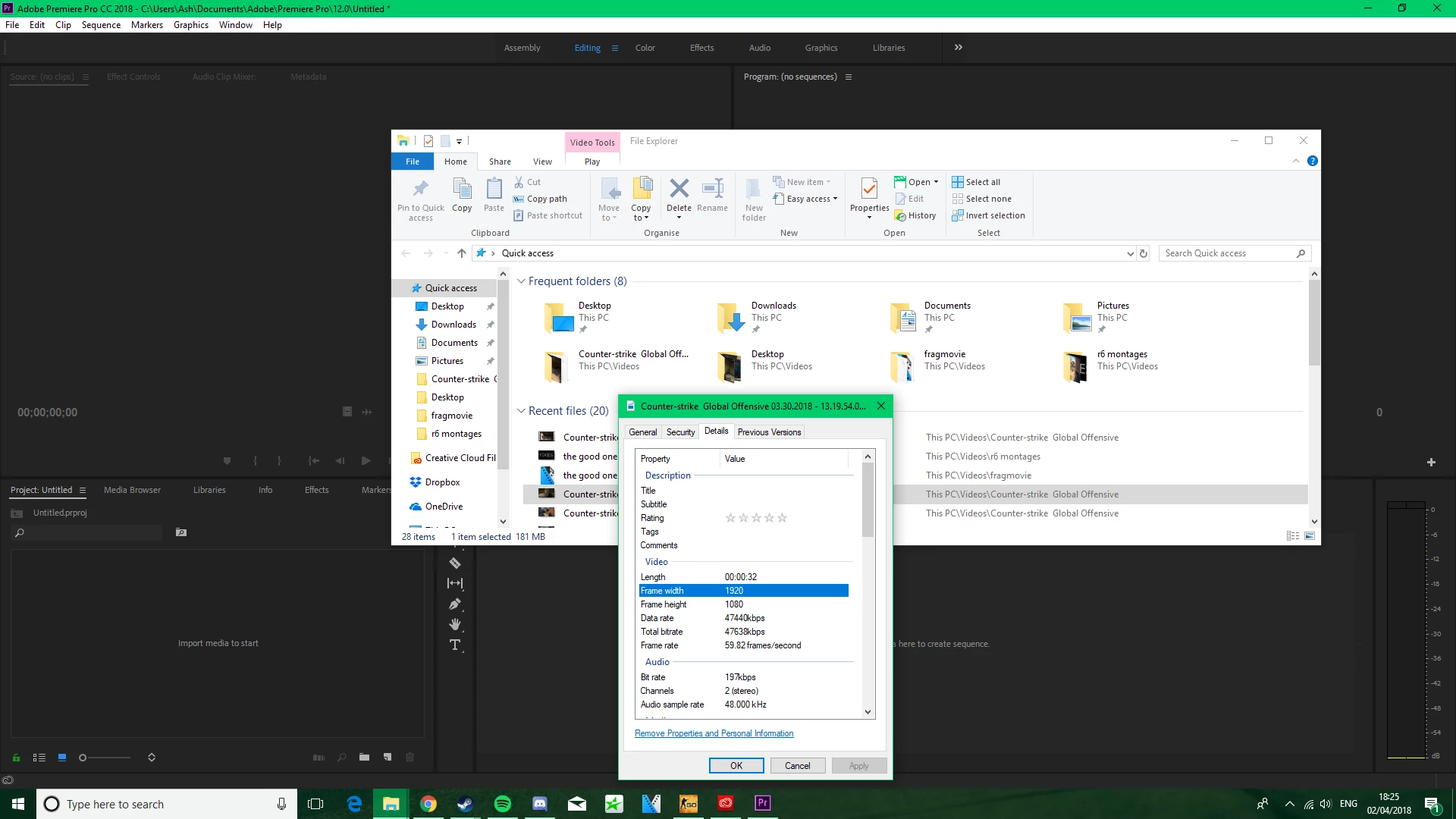
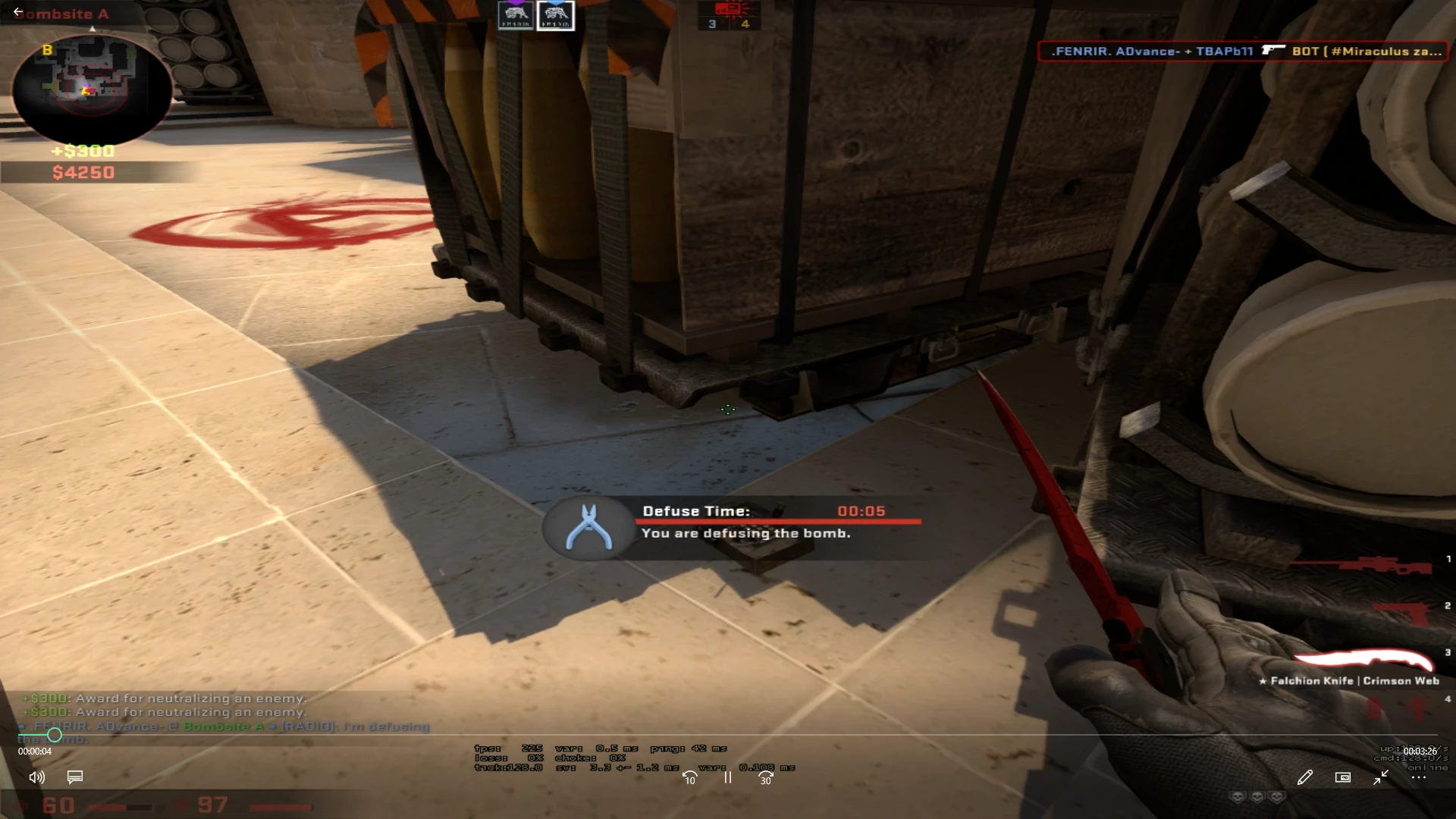
when previewing the video it looks absolutely fine, and in the properties it is displayed as being 1920x1080p. however after importing it into premiere i get the right side cut off and i cannot figure out why. any help would be greatly appreciated. images of the video will be attached.
    This topic has been closed for replies.
    Correct answer Ann Bens


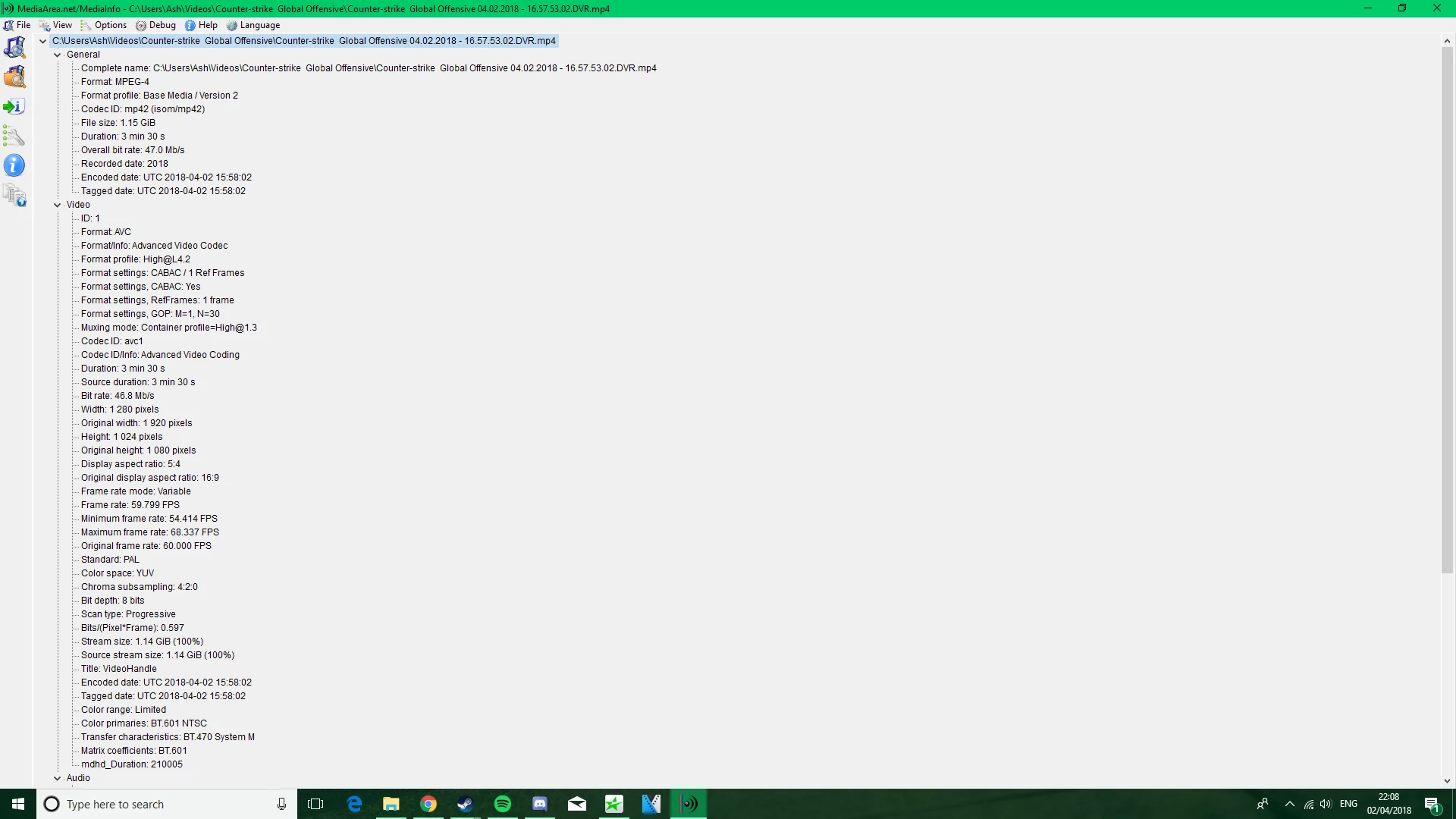
    Even Mediainfo shows the clip is 1280x1024. Display aspect ratio is 5:4

    You need to adjust the settings in your capture program.

    It is not relevant to Pr if the clip shows 1920x1080 in a player.

    1 reply

    R Neil Haugen
    Legend
    April 2, 2018

    How did you import these into PrPro?

    What does PrPro show in the list-view for those files for frame-size?

    Neil

    Everyone's mileage always varies ...
    Participant
    April 2, 2018

    Hi neil, i just dragged and dropped the video from the folder into prpro. As for the list view file size it is displayed as 1280X1024. Thanks.

    Ann Bens
    Community Expert
    Community Expert
    April 2, 2018

    Please post screenshot of clip in Mediainfo in treeview.

    MediaInfo windows