Participant
February 26, 2022
Question

Premiere does not export

  • February 26, 2022
  • 3 replies
  • 169 views

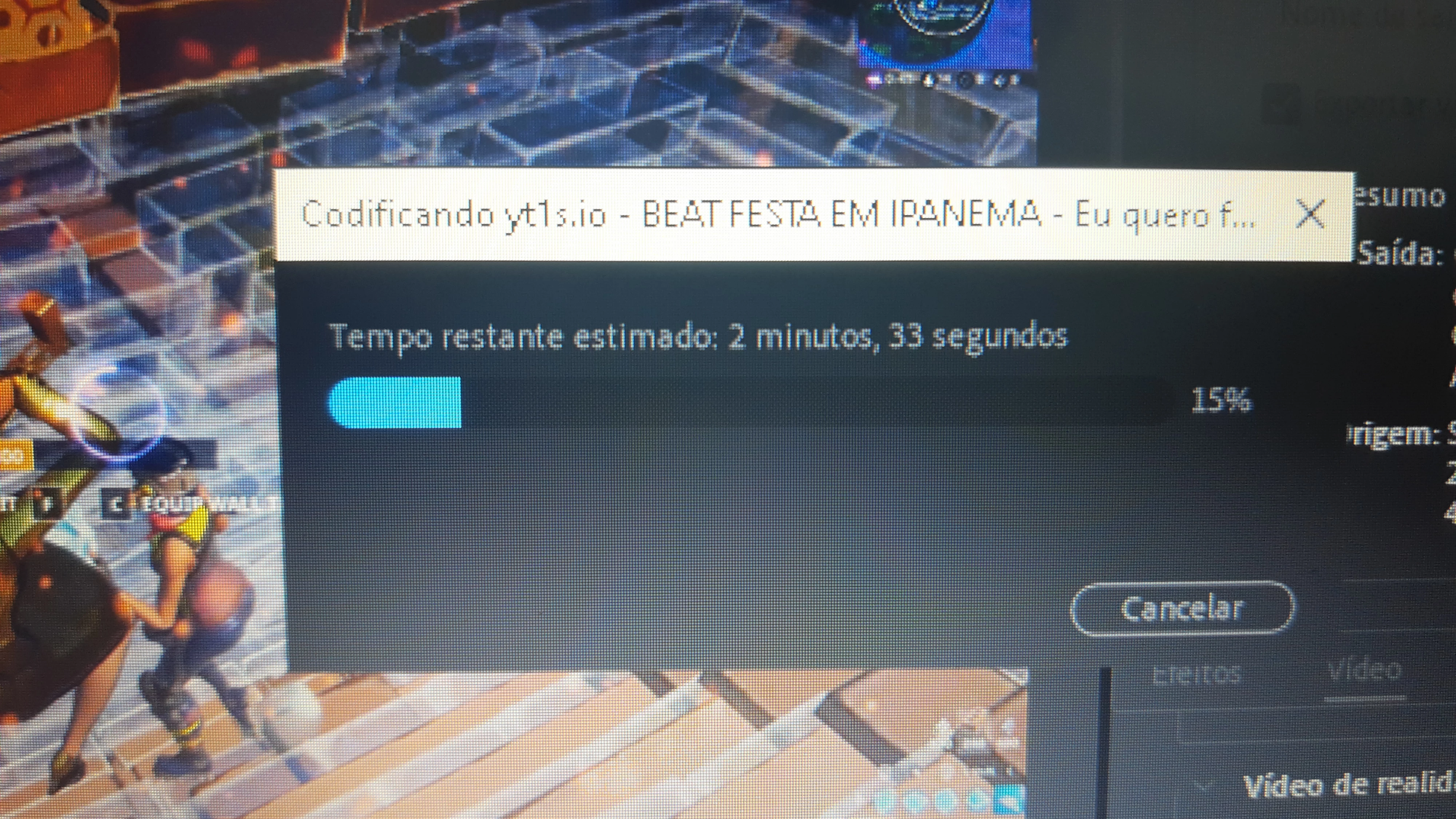
Can someone help me? my Premiere 2019 doesn't export, I've already changed the format and nothing, it always hangs at 15% and doesn't come out of it. (I already restarted my PC) (I'm using Google translator so sorry for grammatical errors)
This topic has been closed for replies.

3 replies

manal shanableh
Legend
February 26, 2022

i suggest to try, export, add to queue and export using AME.

Legend
February 26, 2022

you might try smart rendering.  

https://community.adobe.com/t5/premiere-pro-discussions/faq-what-is-smart-rendering/td-p/10648488

You can render sections by marking an in and out (and use the render in to out option in the sequence menu) til you isolate the problem.

Odd that Kevin didn't suggest it as he wrote the post...

Kevin J. Monahan Jr.
Legend
February 26, 2022

Hey Wolf,

Sorry! It's just hanging there on the blue progress bar? Weird. Usually, an error compiling movie dialog box is triggered. Perhaps there is an odd file in the Timeline. A large photo perhaps? Take a closer look for anything odd in the first third of the Timeline. I wish you luck in locating this "bad actor" and ridding your Timeline of that thing. Your export should be normal afterward. I hope!


Thanks,
Kevin

Kevin Monahan - Sr. Community and Engagement Strategist – Adobe Pro Video and Audio