
Premiere duplicating my files into the root folder after I've already imported into the project?
Hey there.
I've had this issue happen once before and I assumed there was something that I might have missed since at the time I wasn't as proficient in Premiere as I am now.
The problem I think started with the Media Browser. I recently started a new project and I thought I'd try importing from the card through media browser because I thought it would be a good idea to use premiere to simultaneously import my footage into the project & to my hard drive. The disappointing part is the way media browser didn't allow me to choose a specific folder on my hard drive where I want the footage to go, but instead placed it in the root folder where my project is located.
After the 2nd shoot day, I decided to ignore media browser and instead import the files the way I normally have (Take off card into my hard drive, organize the folders, then import said folders into Premiere). What's happened here (and I have no idea where exactly this issue is coming from) is now after I've dragged the footage into my bins in Premiere, the footage for some reason is being "processed" by Premiere and being duplicated into my root project folder for reasons not entirely clear to me.
So to paint the picture, I'd already transferred the footage off my card into my "Day-2" folder on my hard drive, then dragged the footage into Premiere so that it's in my project:
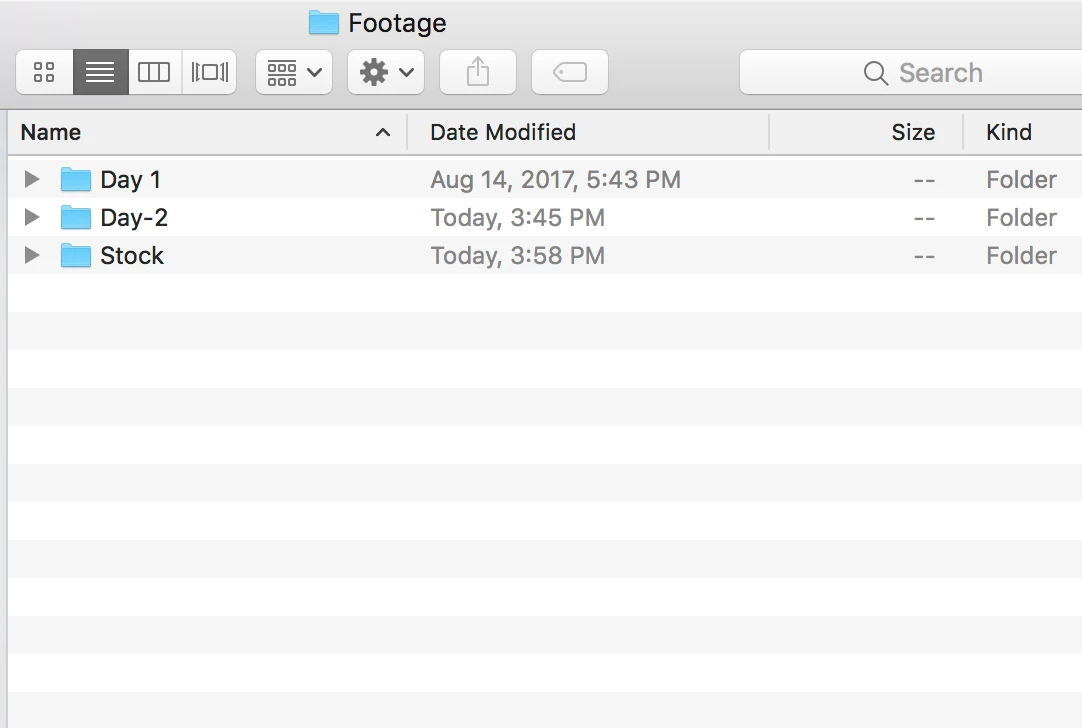
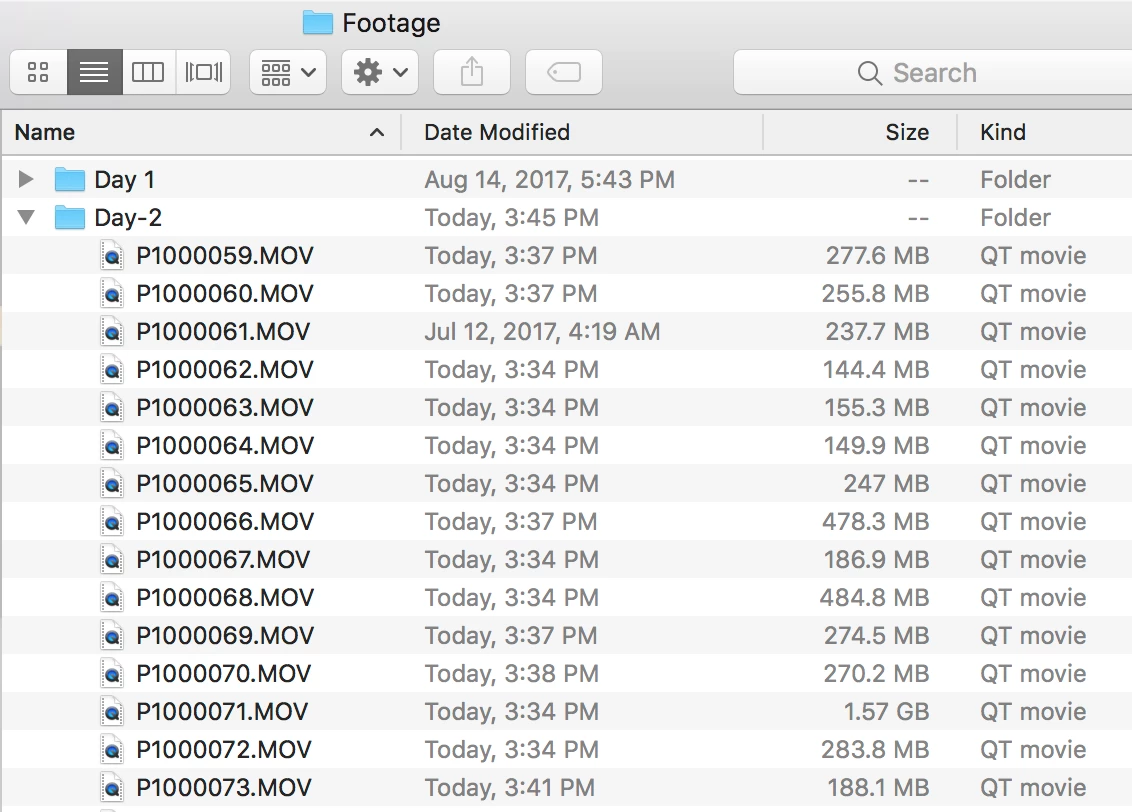
and Premiere decides to duplicate all those files I've put into Premiere on the root folder as if those files are non-existent on the hard drive or something. Here is what it looks like (i've removed most of the duplicates already, these are the remaining ones so you know what it looks like) -
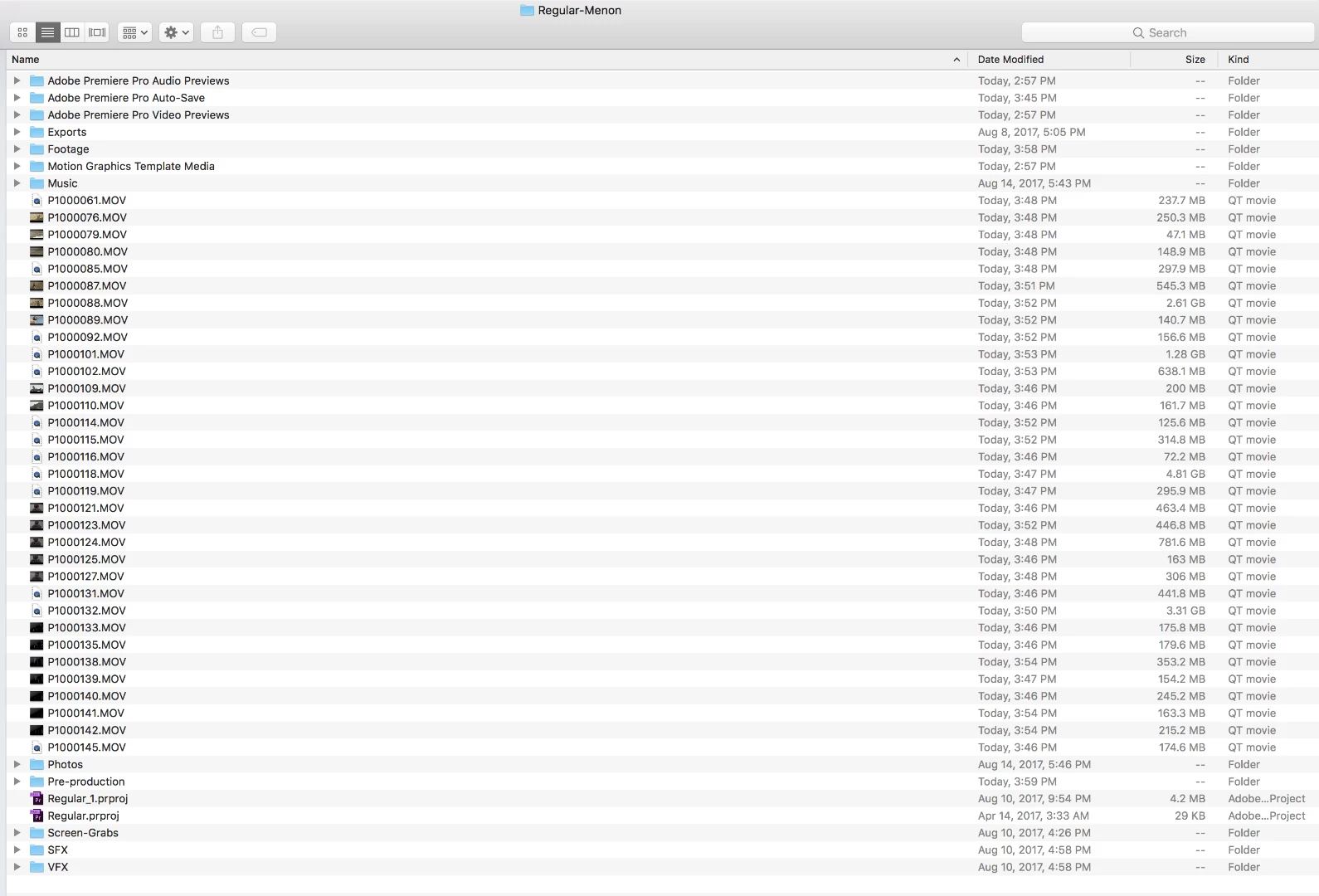
& for the record, I never keep loose files in the root folder of a project, everything is always in folders - Hence why this is a major nuisance.
Why is this happening and how can I prevent/control this? I'm certain it has something to do with me having tried to use the Media browser at first, since this is the only factor that has changed between this and other projects I've done. I unchecked "ingest" in the media browser while it was duplicating my files but that did nothing. I saw other forum posts that suggests unchecking "allow duplicate media during project import" but that was unchecked from the get-go so I know this wasn't the issue.
 AdChoices