

Premiere Exporting Stops
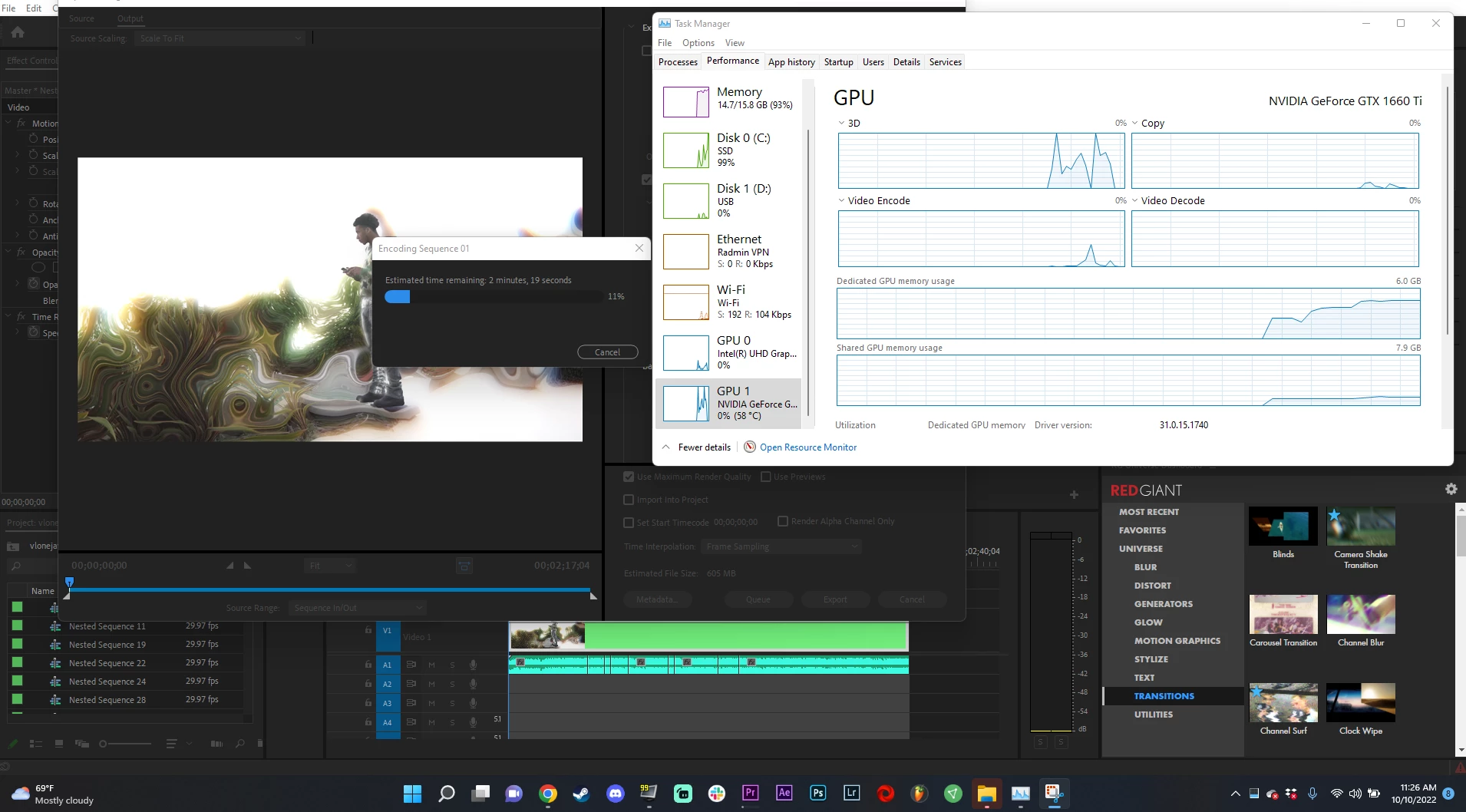
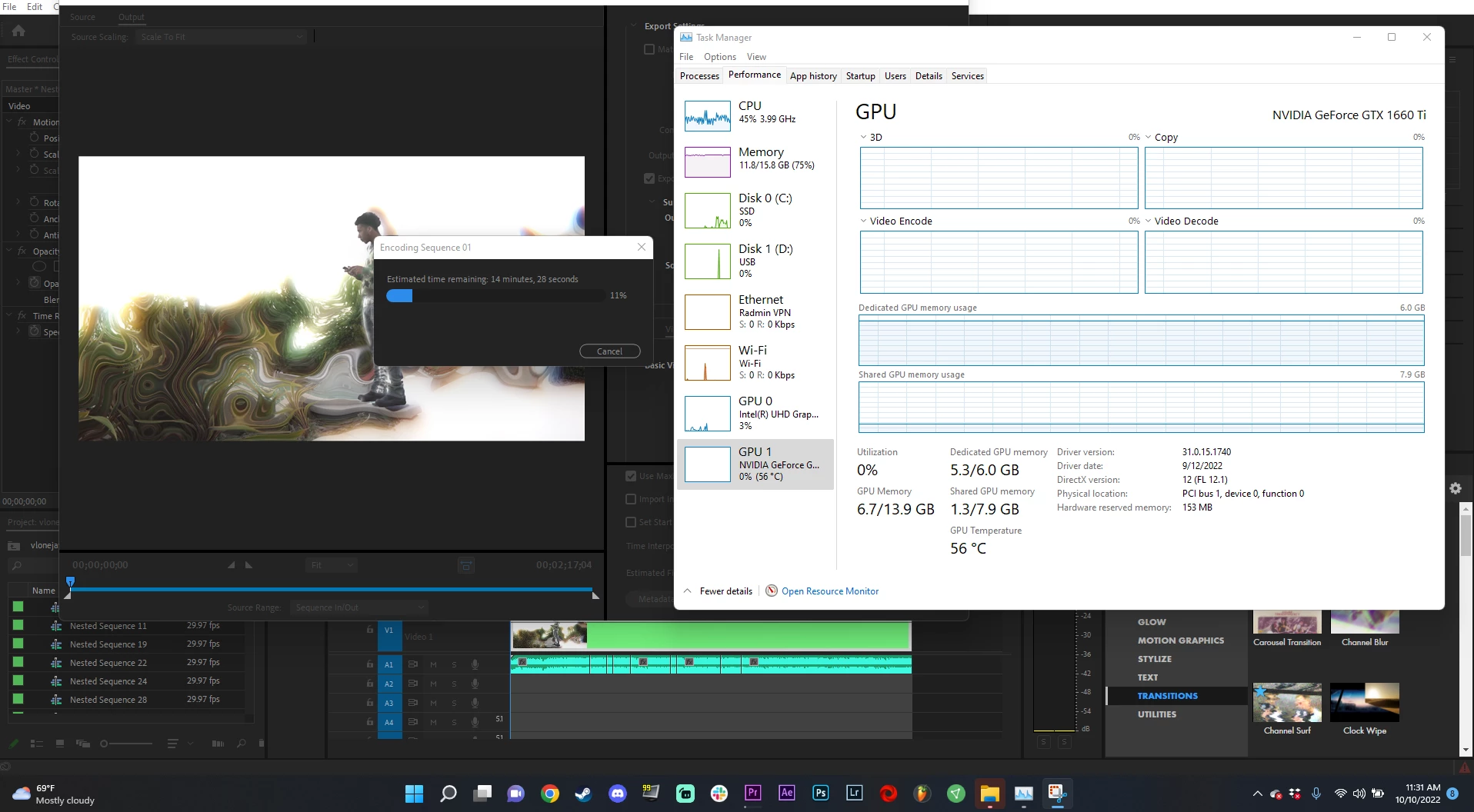
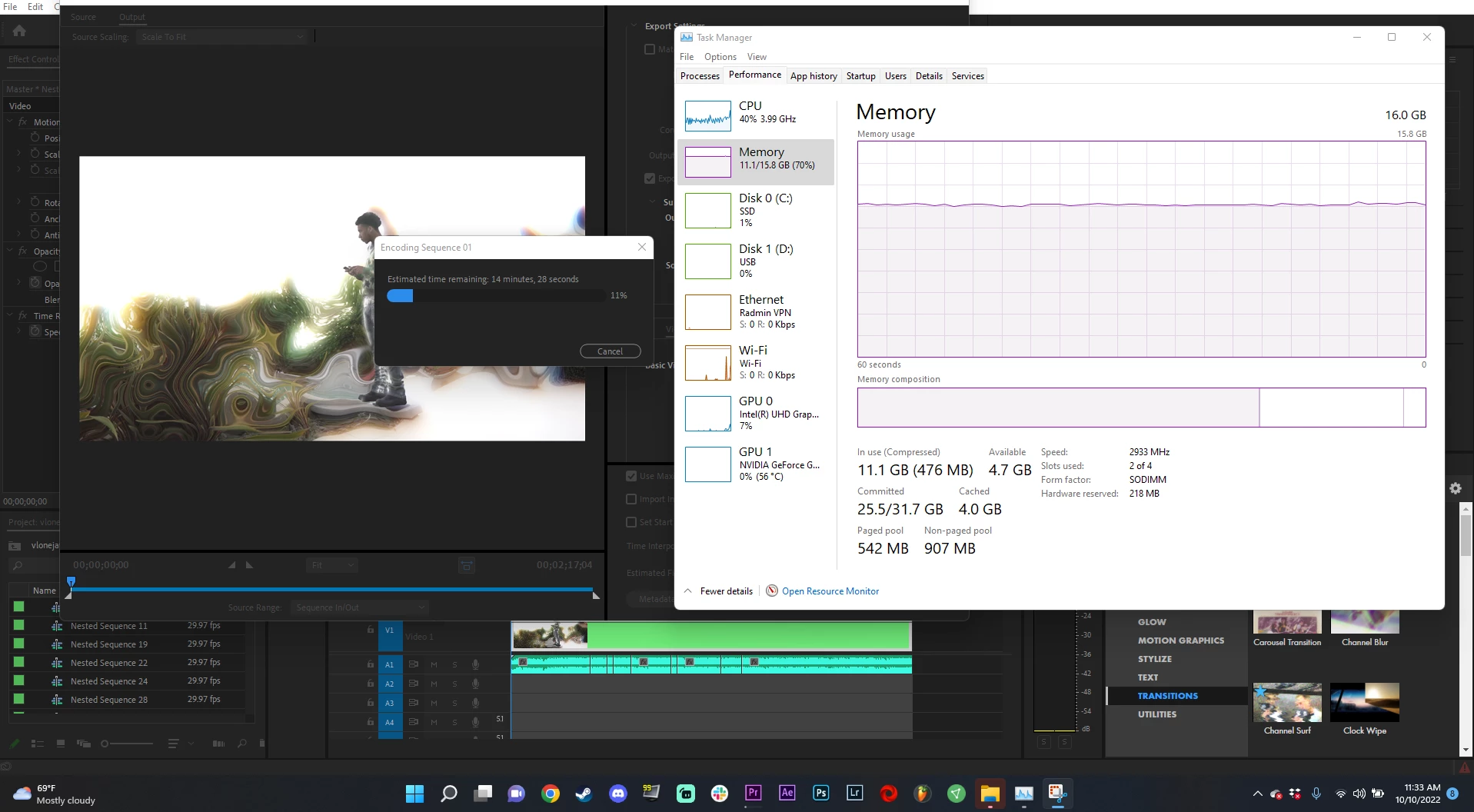
Hello everyone I have an issue with my premiere not crashing but it just stops at 10 or sometimes 11-12 percent.
I have these specs
-Intel I7 10750H running stock clock speed @2.60GHz
-GTX 1060 Ti
-16Gb Ram
So I have a music video im trying to export and it has a lot of effects here is a youtube video of a screen capture showing my project of the examples, might be I have too many but Ive had no issues using the same effects before
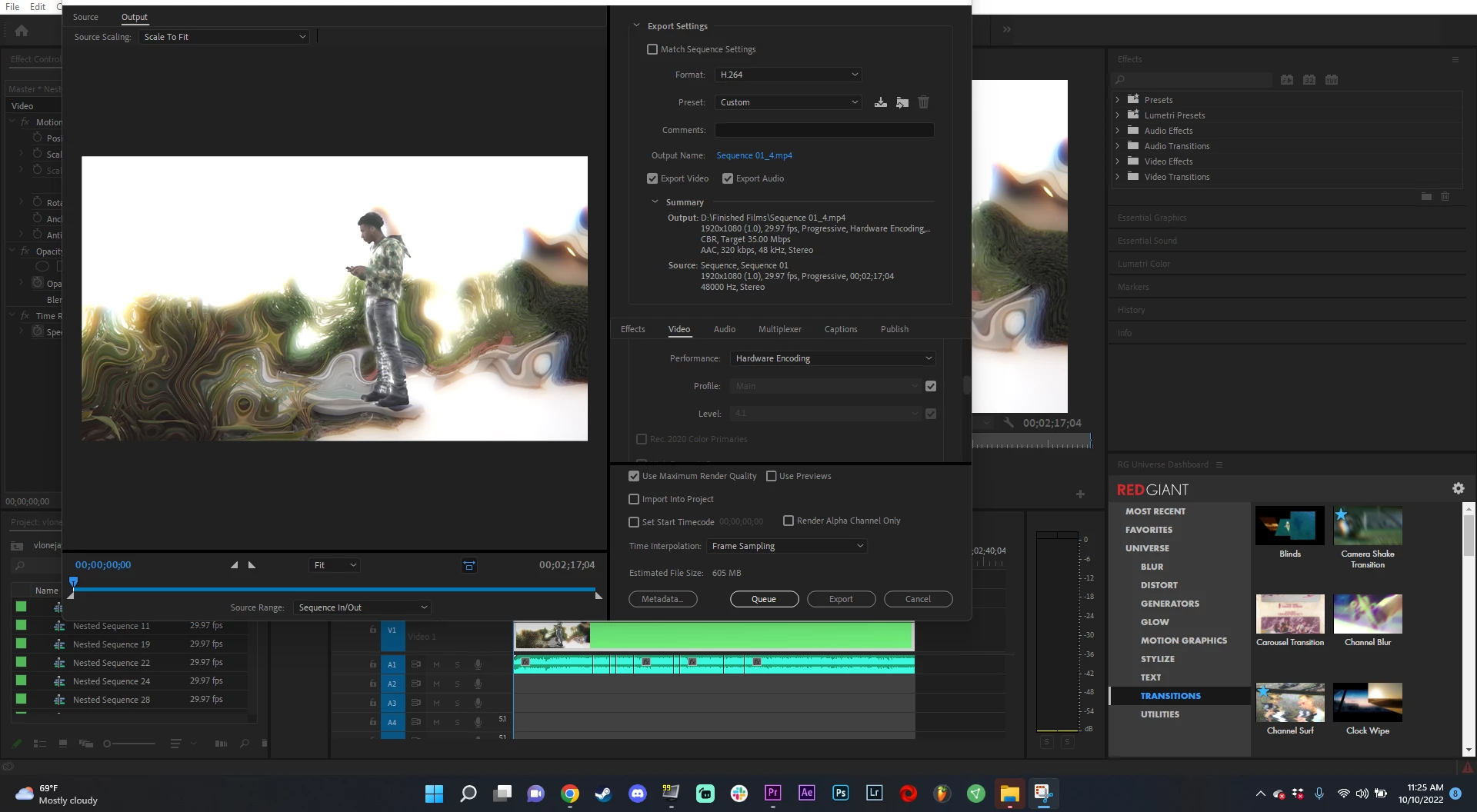
I also want to mention I do have CUDA selected I've also tried clearing cache and trying different codec for export and see maybe by any chance I also tried Software only encoding. Also reinstalled the Sudio drivers NVIDIA has, so Im completely lost of options some guidance would be appreciated!
-https://youtu.be/5KxzogXXHZc
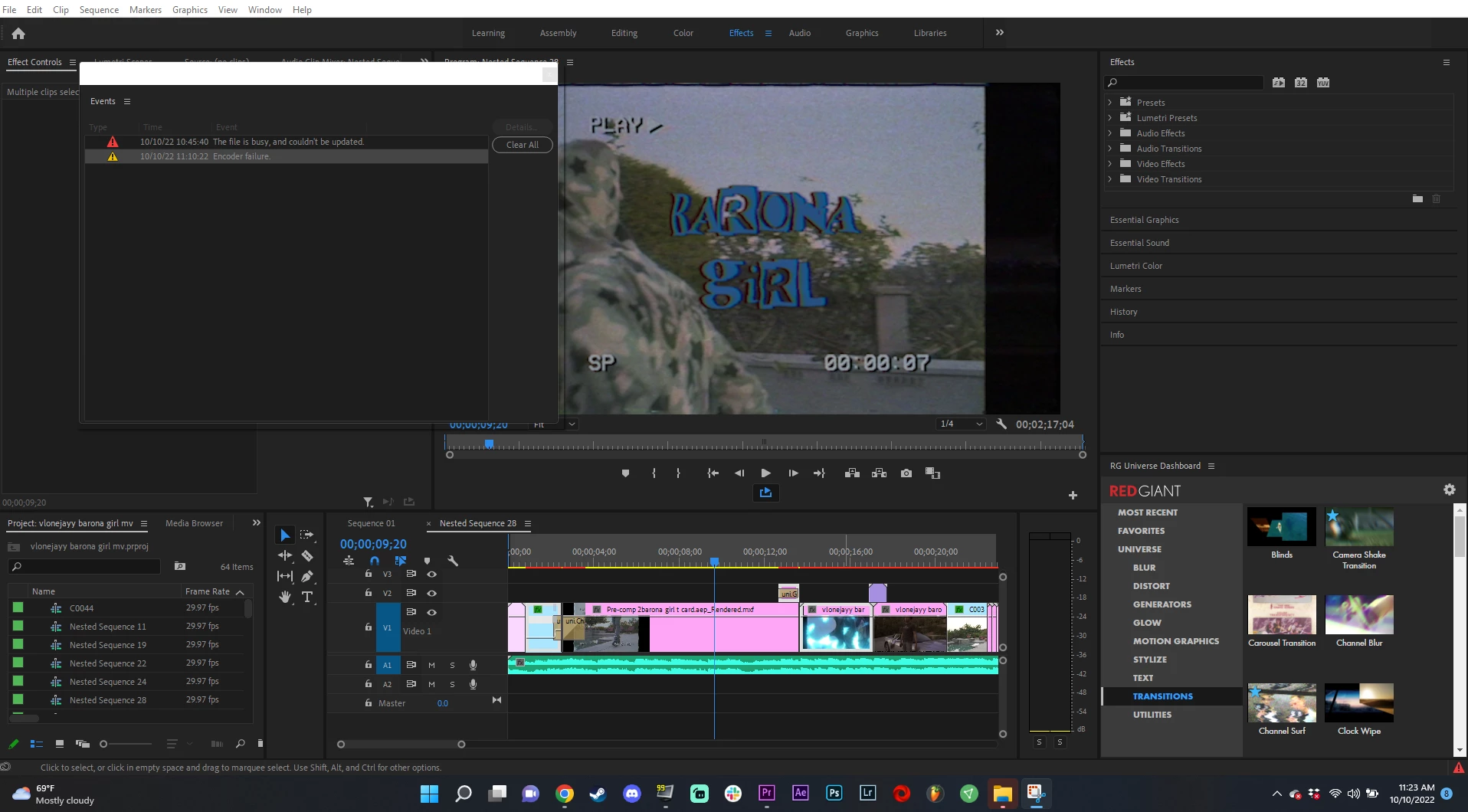
Here are more pictures of settings and system logs
 AdChoices