
Participant
March 1, 2024
Question

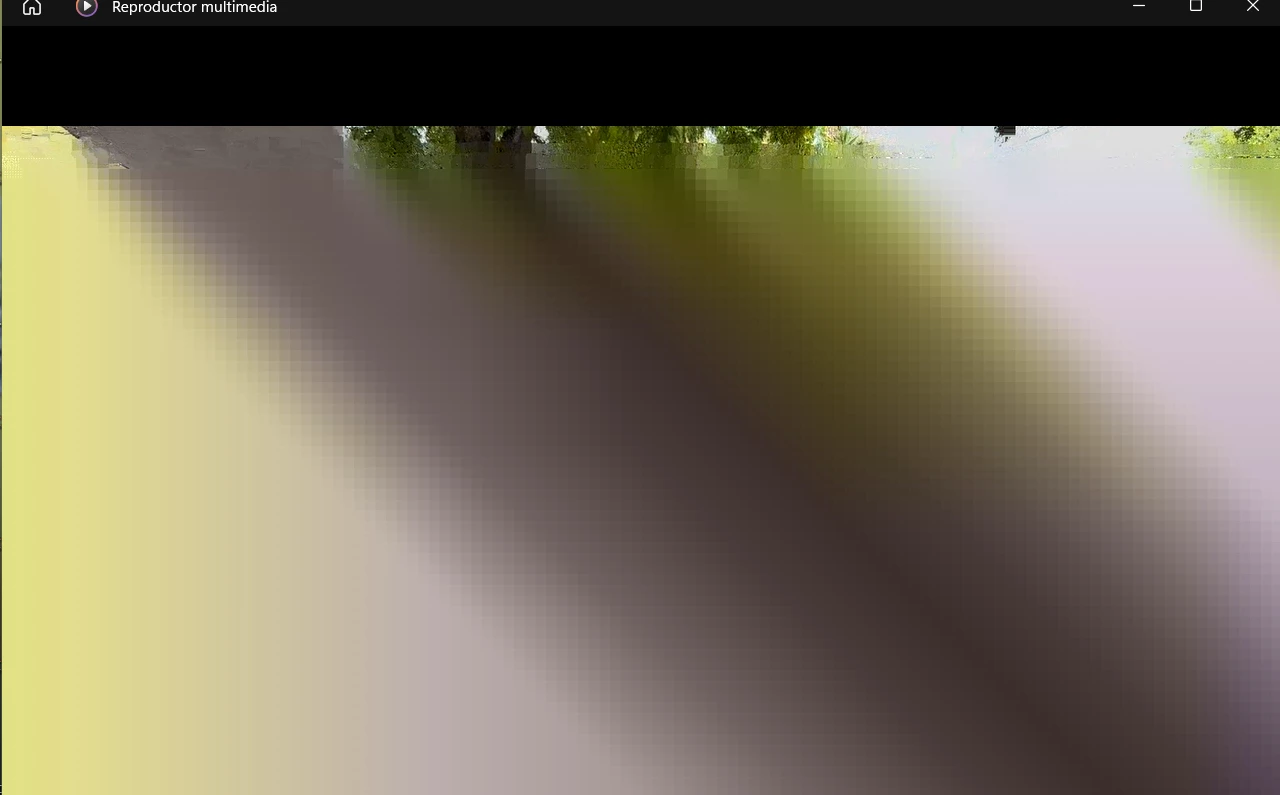
Premiere exports glitched screen

  • March 1, 2024
  • 2 replies
  • 286 views

I have this problem right now; when I export my videos I can only see a glitched screen and hear the audio. I tried exporting with different settings, different projects. Using CUDA, Open CL, only software, exporting from Media Encoder, using a different pc, uninstalling, going to another version and nothing. 

I have read many different answers but nothing works.
 

This topic has been closed for replies.

2 replies

Peru Bob
Community Expert
Community Expert
March 11, 2024

If NVIDIA graphics, make sure to use a Studio Driver from NVIDIA (NOT the Game Driver), but not the latest version - it has issues with Premiere Pro.

Go here to download:

https://www.nvidia.com/en-us/geforce/drivers/results/218115/


Choose Clean installation and don't install GeForce Experience.


Kartika Rawat
Community Manager
Community Manager
March 11, 2024

Hi there!

Sorry about the issue. Could you share your system details (OS, CPU, RAM, GPU)? What's the source of the media files?


Let us know. Happy to help.

Thanks,

KR


Moved to discussions.