
murphdjs
Participant
November 29, 2022
Question

Premiere freezes/crashes when saving

  • November 29, 2022
  • 4 replies
  • 2165 views

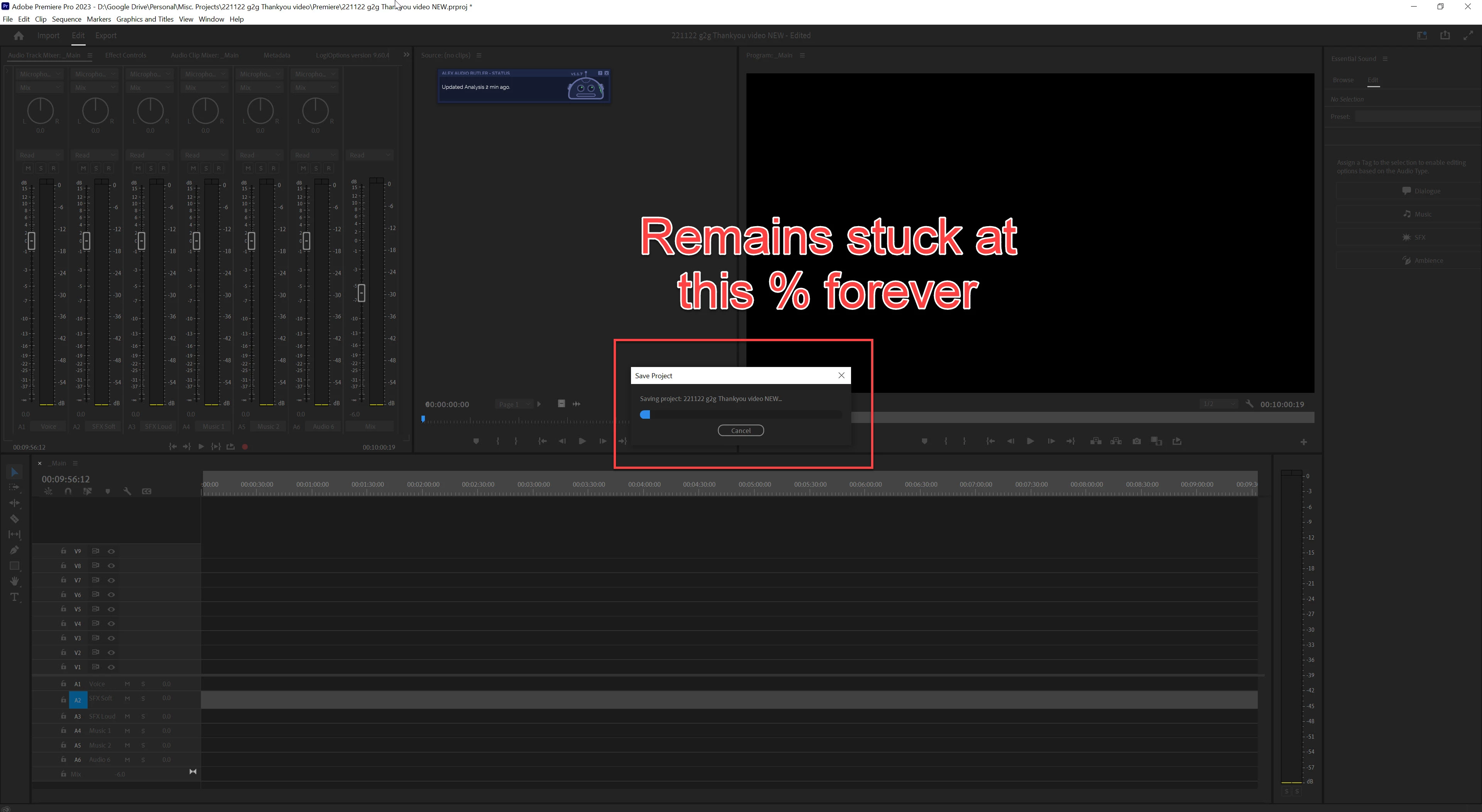
For the past few months Premiere freezes whenenver I try and save it. No amount of waiting resolves it nor the other things below. The only thing I notice is, I can save it for a 5-10 second window when the file first opens up and I use CTR-S. Then after that, it will freeze.


It is making Premiere unusable, which is not what I'm paying hundreds of dollars a year for 😞


  • Tried using older version (v22.6.2) instead
  • Tried clearning media cache
  • Tried importing old project file into new v23.0 Project
  • Tried using a brand new v23.0 project with nothing inside of it


I can use the program for a long as I wanted editing with no issue. It only freezes/crashes when I hit save.

If I close the save dialogue box, it will being unresponsive when I click on the main program window.


Any advice or solutions are welcome. Screenshot of the save window progress freezing below.
 

  • v23.0
  • Windows 10
  • Initiate the save function
  • Expect save, but it freezes when doing so

4 replies

Participant
October 11, 2024

aynı sorun bende de başladı tüm adobe uygulamalarında proje export kısmında dosya ismi seçme tuşuna basınca donma ve kapatma ekranı geliyor. proje aşamasında sorun olmuyor ama sisteme dosya ismi seçme bölümünde çökme sorunu var.

çözüm bulabilir misiniz?

Kevin J. Monahan Jr.
Community Manager
Community Manager
March 20, 2024

Hello @murphdjs d,

Thanks for the message. I'm cleaning up some of these older bugs. Are you still having this issue? I hope not. I'll move your post to the Discussions board while we await your information.


Thanks,


Kevin

Kevin Monahan - Sr. Community and Engagement Strategist – Adobe Pro Video and Audio
Participant
April 28, 2024

I am having this problem as well.  Try to save a copy and it freezes.

murphdjs
murphdjsAuthor
Participant
November 29, 2022

Ok, but that's not causing the issue. It is a local sync and also with the sync turned off this still persists

Ann Bens
Community Expert
Community Expert
November 29, 2022

choose a local drive not Google Drive.

Google drive is good for backup not for editing.