Answered
Premiere freezes when importing my After Effects project file
When importing my AE project into Premiere, Premiere is totally freezing up.
This is what it looks like:
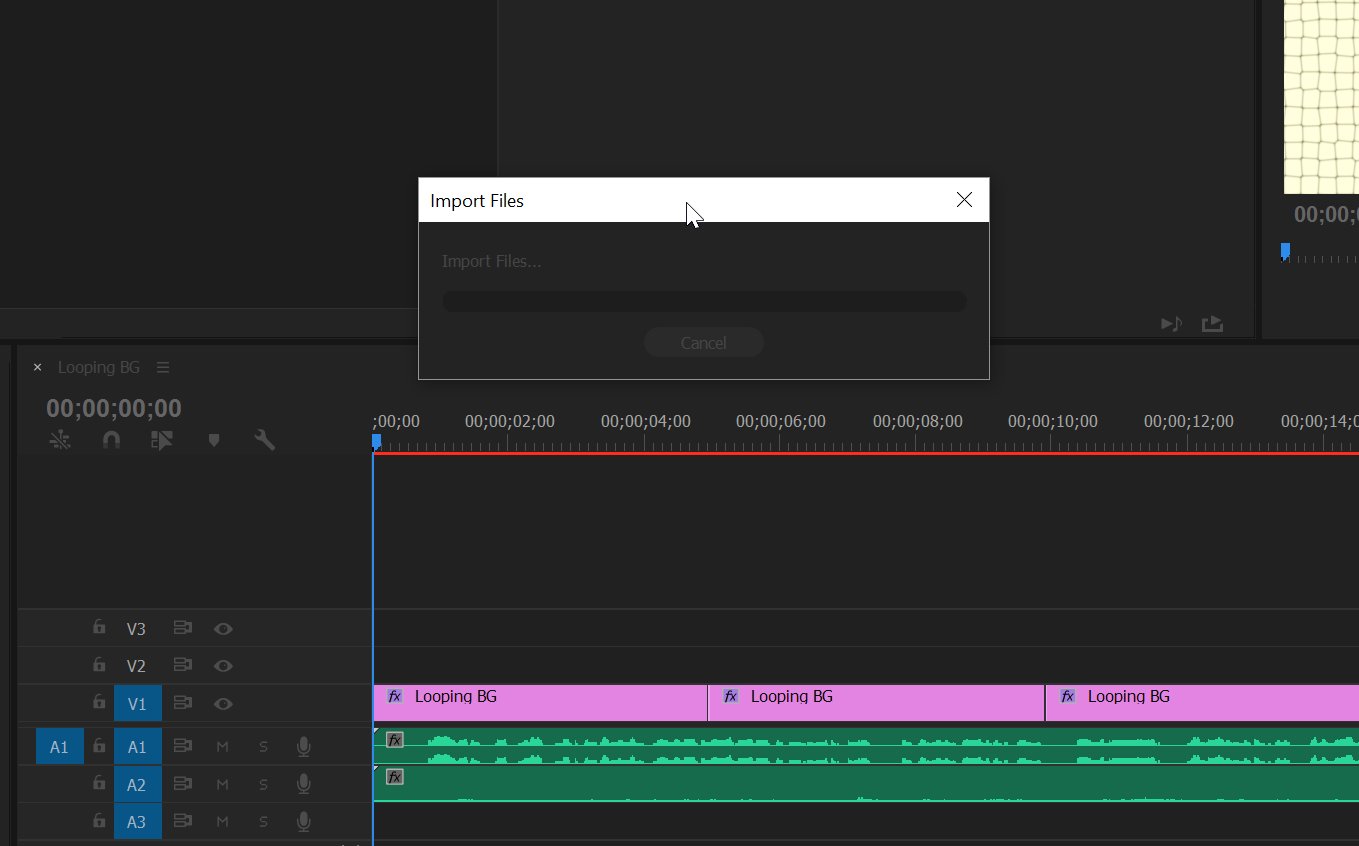
It is a pretty simple project with about 4 compositions.
Any suggestions?
When importing my AE project into Premiere, Premiere is totally freezing up.
This is what it looks like:
It is a pretty simple project with about 4 compositions.
Any suggestions?
Use the Media Browser to import the individual compositions.
Already have an account? Login
Enter your E-mail address. We'll send you an e-mail with instructions to reset your password.
 AdChoices