
Question
Premiere Keeps Crashing
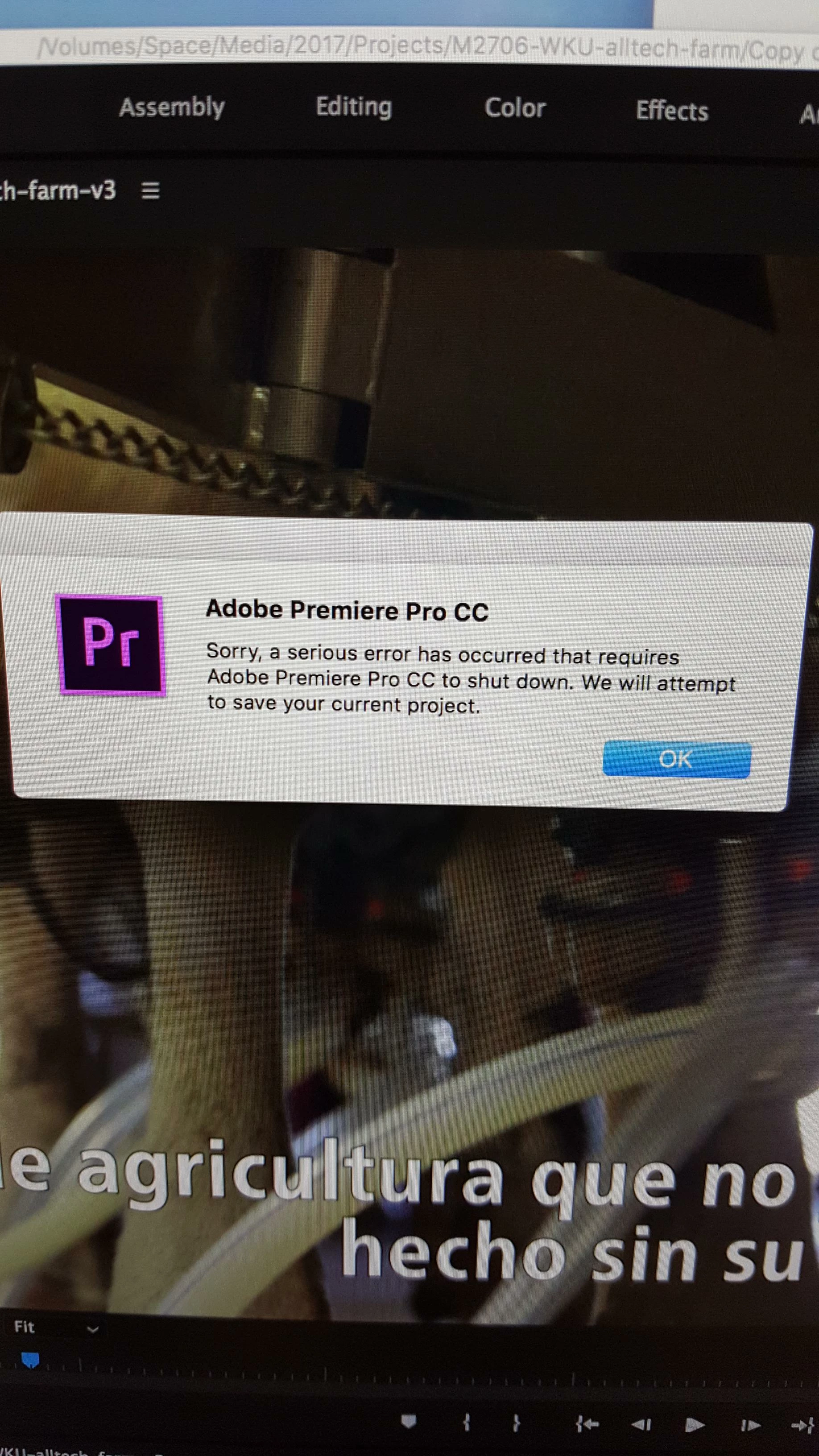
For the last several days, my Premiere Pro CC 2017on my Macbook Pro has been crashing. It has happened dozens of times. It tells me "a serious error has occurred" and quits. Then I can open a recovery project if I hadn't saved all my work.
I noticed in one project, it was happening every time I tried to change the length (time) of a lower third graphic in my timeline. If I drag either side of it to try and extend or shrink it on the timeline, the error would occur.
The same thing is happening in a different project whenever I go to the file dropdown and go export and hit the media option.
Any ideas on why it's crashing or how to fix this?


 AdChoices