Participant
July 31, 2024
Question

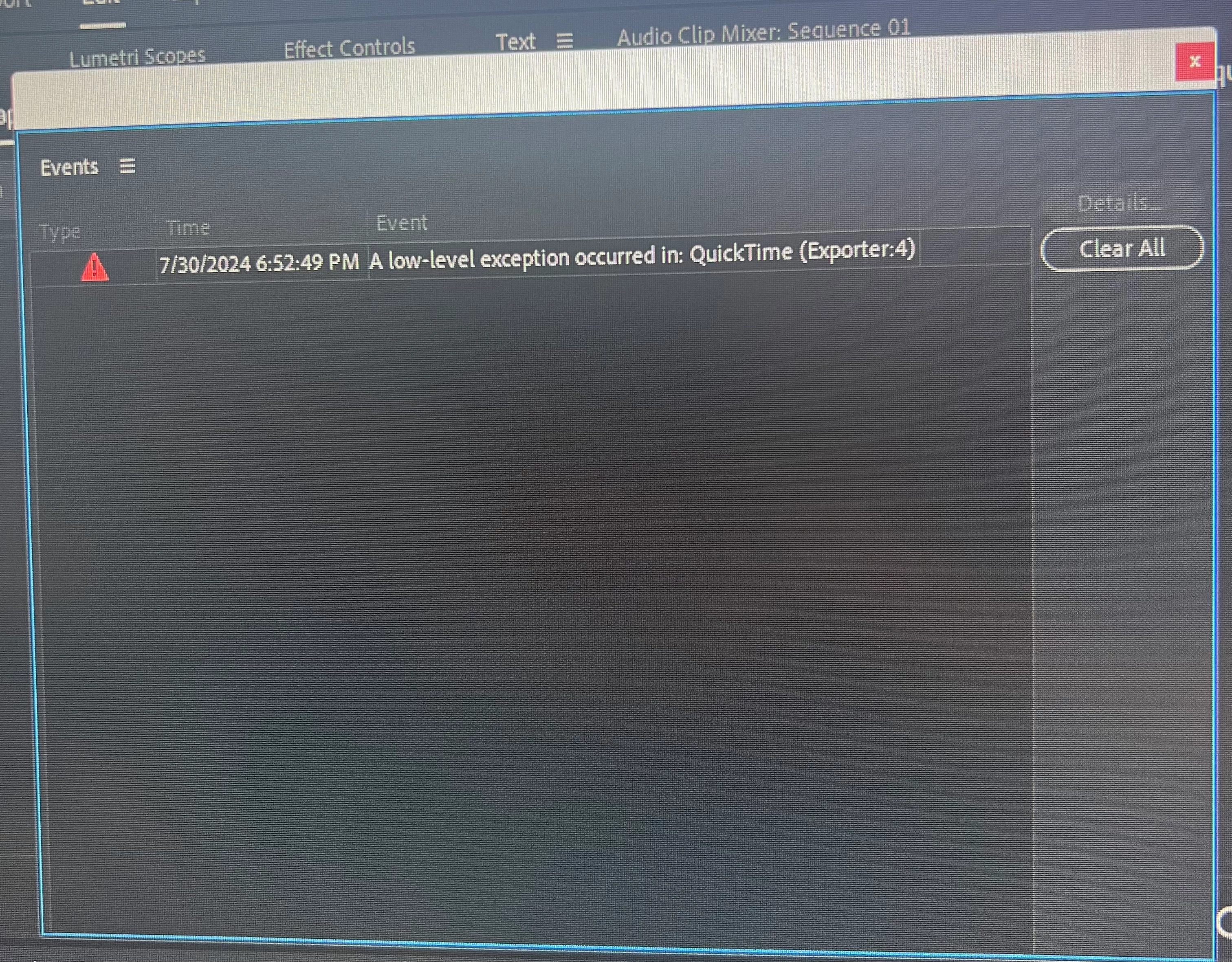
Premiere Keeps Crashing QuickTime Exporter 4 issue

  • July 31, 2024
  • 1 reply
  • 221 views

My premiere keeps crashing and I have all of the newest drivers for my pc.


Nvidia studio drivers 560.70

intel 32.0.101.5768


my specs are:

i9-14900ks

Geforce RTX 4090

MSI MEG Z790 ACE MAX

128 gb g.skill ram


The footage I'm working with is mainly mp4 sometimes working with mov with some projects.


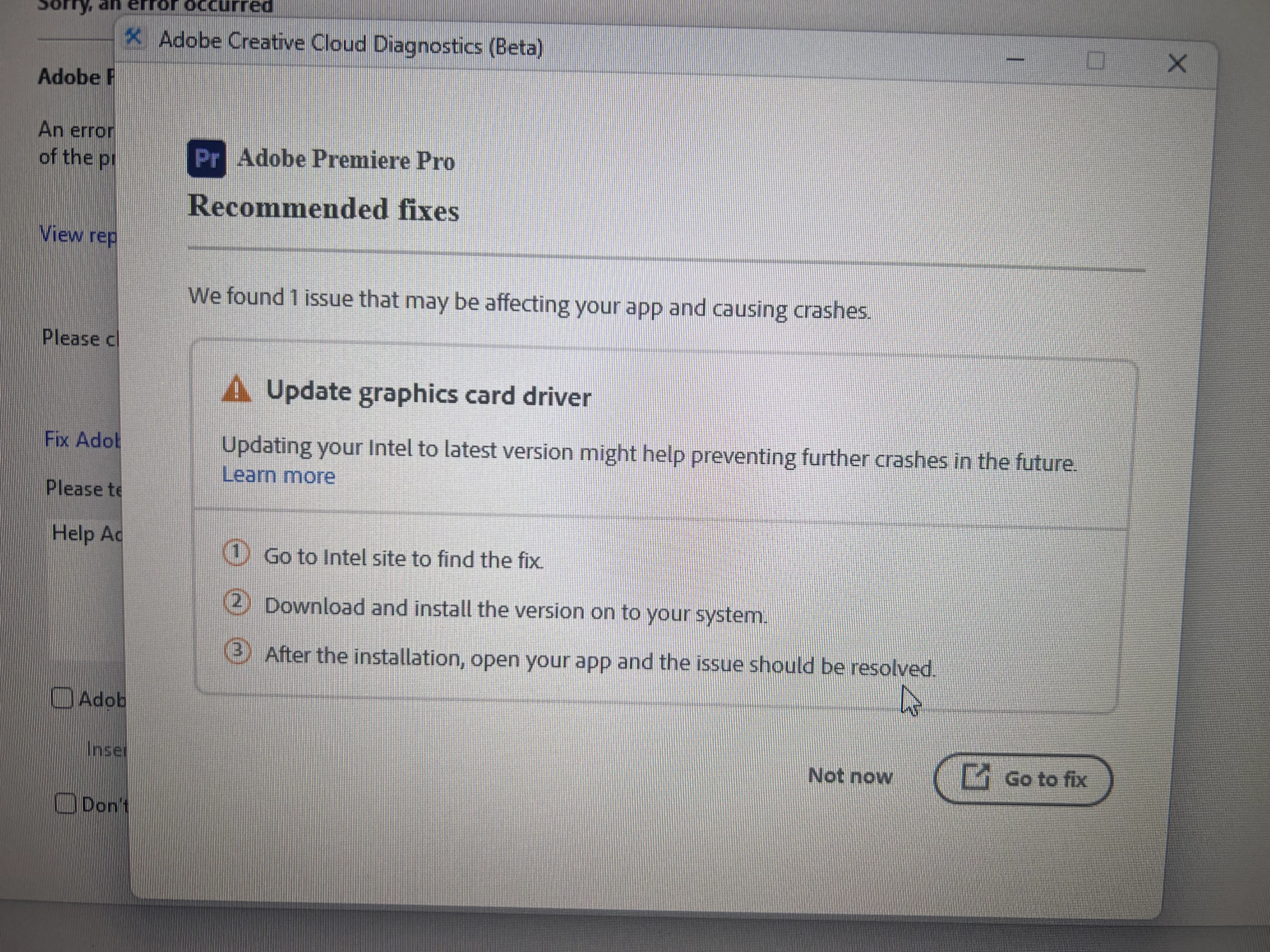
For some reason the diagnostics tool keeps telling me to update my graphics drivers even though I've deleted and reinstalled them many times but it keeps popping up with this.


Some of the crashing occurs on launch and other times I can get a few edits in before it crashes interrupting my project.


would love some help on this please!
This topic has been closed for replies.

1 reply

Ishan Y
Inspiring
August 6, 2024

Hi there,

I'm sorry to hear you're experiencing this issue. Do you see this problem with all projects? What happens if you don't import the .mov files to Premiere Pro? Do you still see the error message? 


To determine if this is a GPU-specific issue, go to File > Project Settings > Set the Renderer to Mercury Playback Engine Software only. Then, go to Edit > Preferences > Media > Uncheck H264/HEVC hardware-accelerated decoding and encoding. 


If you still see the issue, go to Sequence > Sequence Settings and check if the Preview file format is set to Quicktime. If it is, temporarily change it and check if that improves stability.


Thanks,

Ishan