Question
Premiere makes my black and white pngs see through
Hello,
I don't really know how to explain it well so I will show you. I am trying to put up this black character on a white adjustment layer. Now when I do this, for some reason the character is see through instead of being fully black and I don't know why. The resolution is 780x420. Blending is normal, opacity is 100% and the original images from which the character is assembled are fully black also. I don't know what to change to make it work.
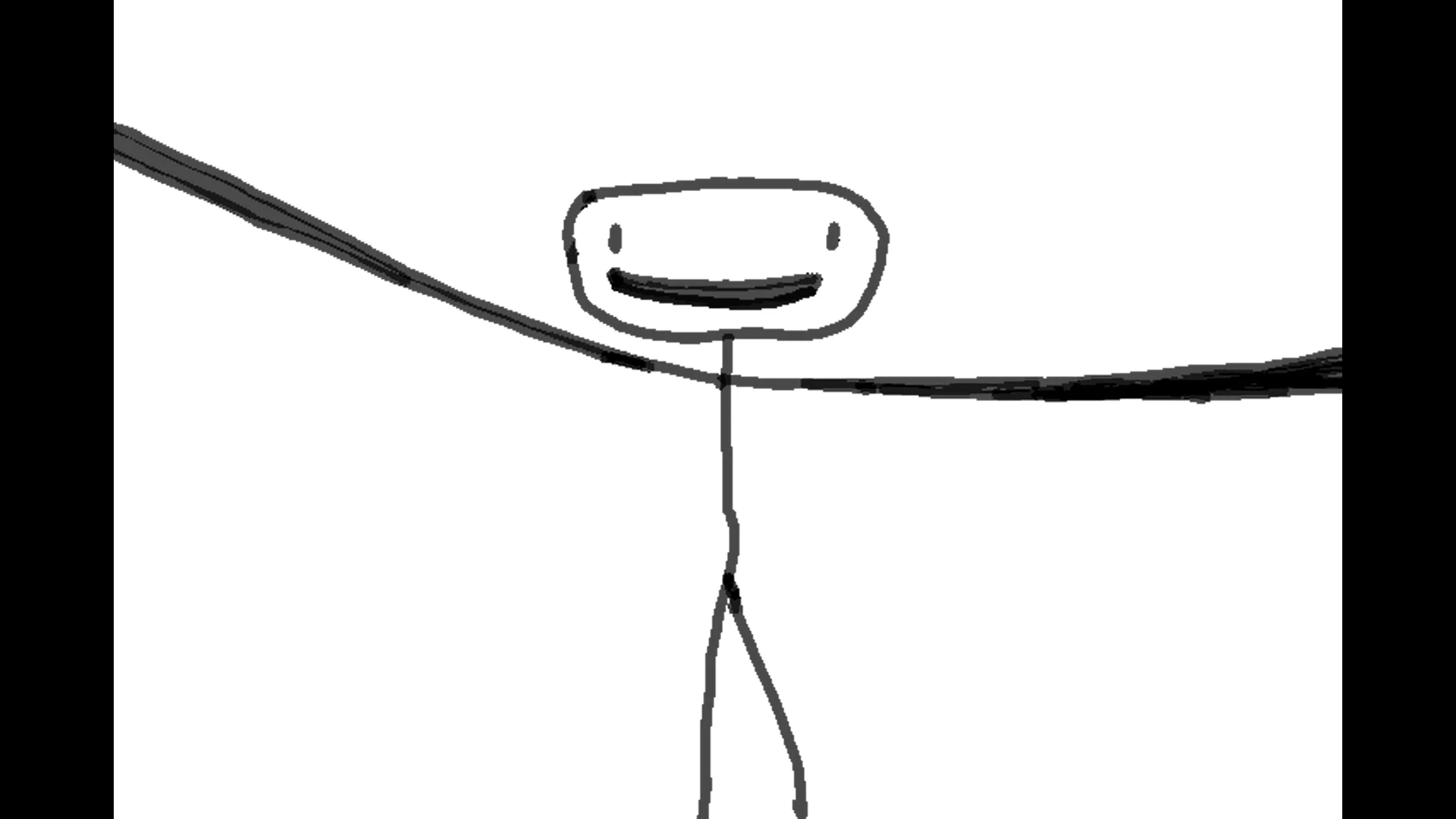
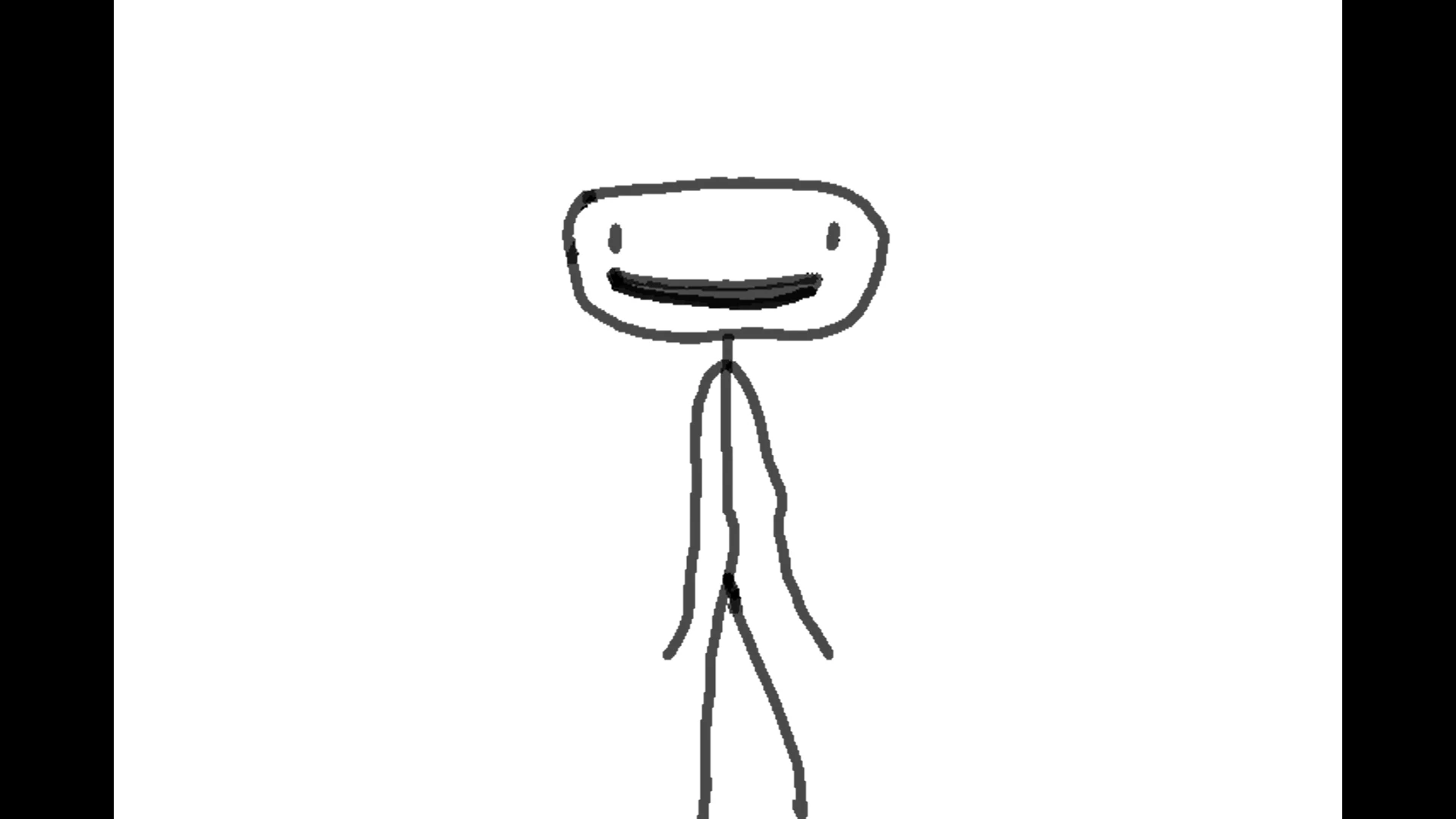
If you don't know what I mean look at the arms in the first picture and his mouth in the second. While some parts are fully black, some are see-through and it makes this weird shape.
Any help is appreciated!
 AdChoices