Participating Frequently
May 3, 2018
Answered

Premiere only imports Audio

  • May 3, 2018
  • 6 replies
  • 13358 views

Hey guys,

So i've seen this question a few times already since the last update but haven't seen any answers that work yet. Basically, Premiere only imports the audio for about 75% of my shots, the other 25% import fine. So far I have tried:

- Clearing the cache

- Converting the clips from .mov to .mp4

- Renaming the source folder

- Reinstalling Premiere Pro

- Dragging and going through file/import to import clips

The original clips I tried to import were .mov files shot on a Nikon D7100.  I then tried all of the above, and each time I re-tried to import clips a different few would work fine and the rest would only import audio. I also tried to import .mp4 files shot on Canon and that didn't work either. Here are my computer specs and my Premiere Pro version. I've been held up for about two weeks now with this problem and I've tried every fix I've come across online, please help! Thanks.
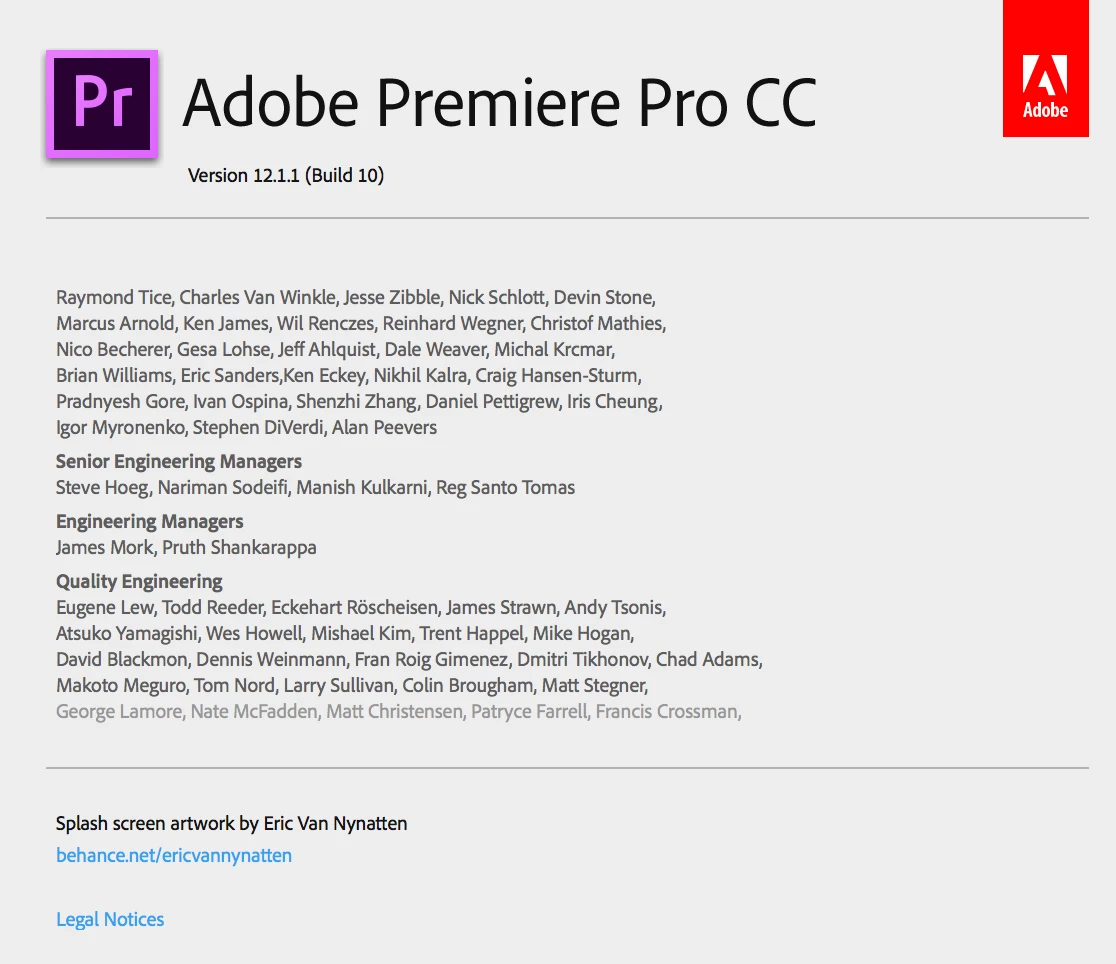
This topic has been closed for replies.
Correct answer Byron Cortez

Both the Nikon and Canon footage have H.264 codec, and the Canon footage has AAC for audio while the Nikon footage has Linear PCM for audio.


Yes I know that. So, it's time to upgrade your Mac OS X. Try this please. This is an option and we have to go discarding posibilities.

6 replies

Participant
August 2, 2019

I have some problem here... please solve this issue...

this 3 file i was recorded in the same source, but the last file only can import audio ...

Ann Bens
Community Expert
Community Expert
August 2, 2019

The icon means: contains linked audio.

Hover with your mouse over the icon and you will see.

BoiseMarketer
Participant
December 30, 2018

I've found that when I import a video on a new project it brings in the video and audio, but the second one I import it brings in just audio...unless its a new project, then I can import a single video correct.  Anyone have any ideas why?

Would be nice not to have to use handbreak as it takes a while to convert the 4k video.

R Neil Haugen
Legend
December 30, 2018

That sounds like you don't have your Source Target set, the very left end of the timeline header box controls.

Sounds like you have a blue A1, but no matching blue V1 set. Click the far left gray block for V1.

Neil

Everyone's mileage always varies ...
BoiseMarketer
Participant
December 31, 2018

Nailed it.  Thanks Neil!

Participating Frequently
December 17, 2018
R Neil Haugen
Legend
December 17, 2018

That sounds like it's for Pr. Elements  ....NOT the same app, nothing remotely alike.

Neil

Everyone's mileage always varies ...
R Neil Haugen
Legend
December 17, 2018

Did go watch it ... using Handbrake to convert video only then syncing back in Elements to tthe previous import that was audio only.

Handbrake is suggested a lot around  "here" but I've never had problems with the audio. I've converted a lot of VFR to CFR via Handbrake.

Neil

Everyone's mileage always varies ...
Participant
August 25, 2018

Can someone please help! I am really struggling with this issue. I have tried all the suggested workarounds in this thread: https://forums.adobe.com/thread/2486467 (see my post in there) and none of them work.

I have also tried a new project with "Mercury Playback Engine Software Only" setting, and importing from the original folder and from a new location, both as mp4 and m4v, and nothing works!

I am really appalled by this unstable behaviour considering the large price tag the CC suite has.

These files play just fine in every media player, and 75% of the files I shot that day import with no problems, yet in Adobe every workaround I try results in the same issue:
                                    'A low-level exception occurred in ImporterMPEG (Importer:39)'

Please help! Can somebody from Adobe take proper ownership of this issue that many people are having?

Community Expert
May 3, 2018

Hi

Try changing the Mercury Playback Engine GPU Acceleration in Project Settings.

Byron.
Participating Frequently
May 3, 2018

Ok I changed it to (Metal) and it worked for the first 10 or so clips I imported and then started importing them only as audio again.

Community Expert
May 3, 2018

Try with "Mercury Playback Engine Software Only"

Byron.
Community Expert
May 3, 2018

is it an old project you are trying to open on the new version of Premiere ?

if so, try to delete all 'Video Previews' and 'Audio Previews' associated to that project, this will

require rendering again ... try to go to Documents - Adobe and check if there are any cache or

preview files there as well and delete them

it might not work but give it a try

Participating Frequently
May 3, 2018

Actually it's when I try and import videos into a new project, but thank you!

Community Expert
May 3, 2018

Is your OS up to date ? try updating to latest mac os