Participating Frequently
June 22, 2025
Question

Premiere only insets one audio track

  • June 22, 2025
  • 11 replies
  • 822 views

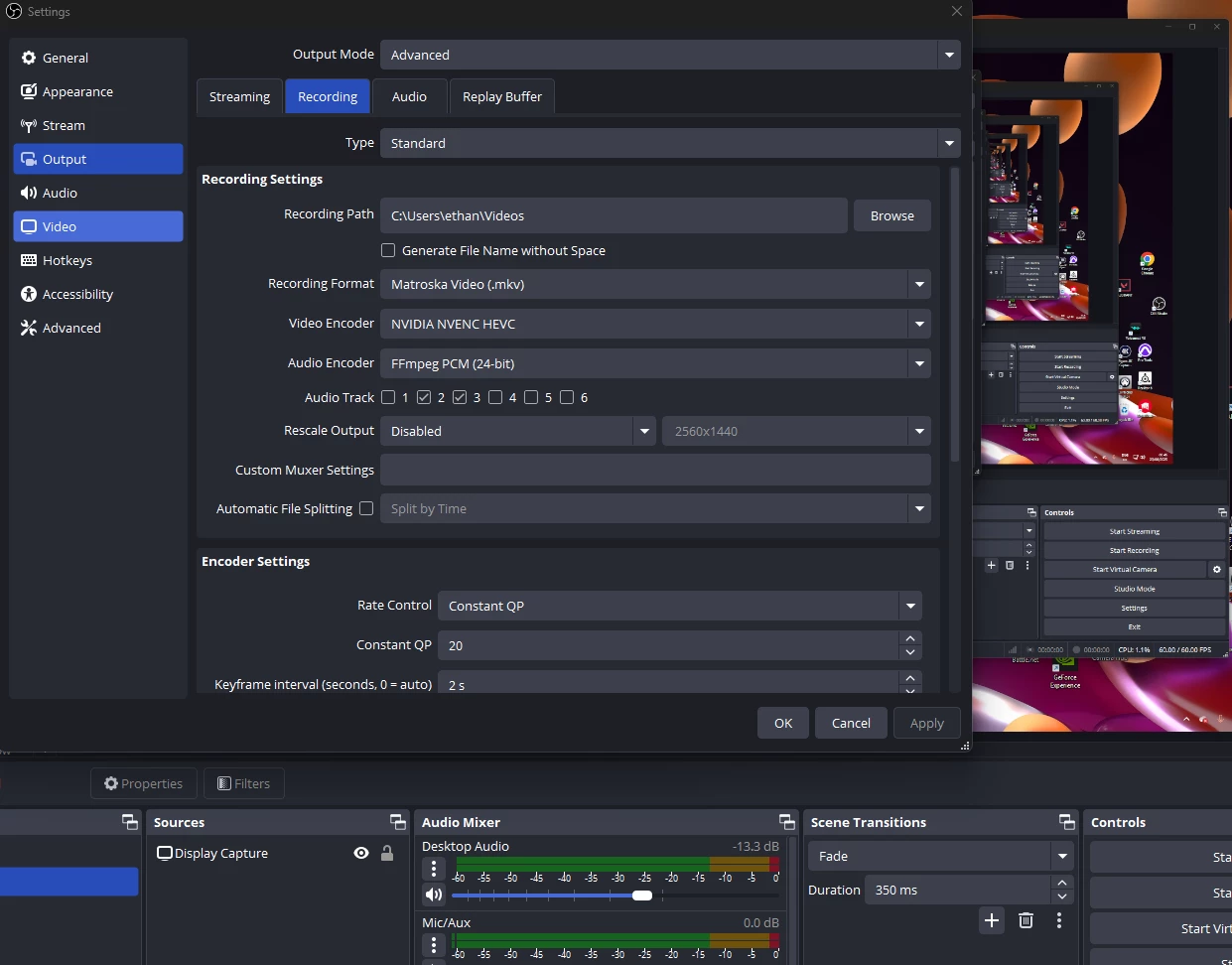
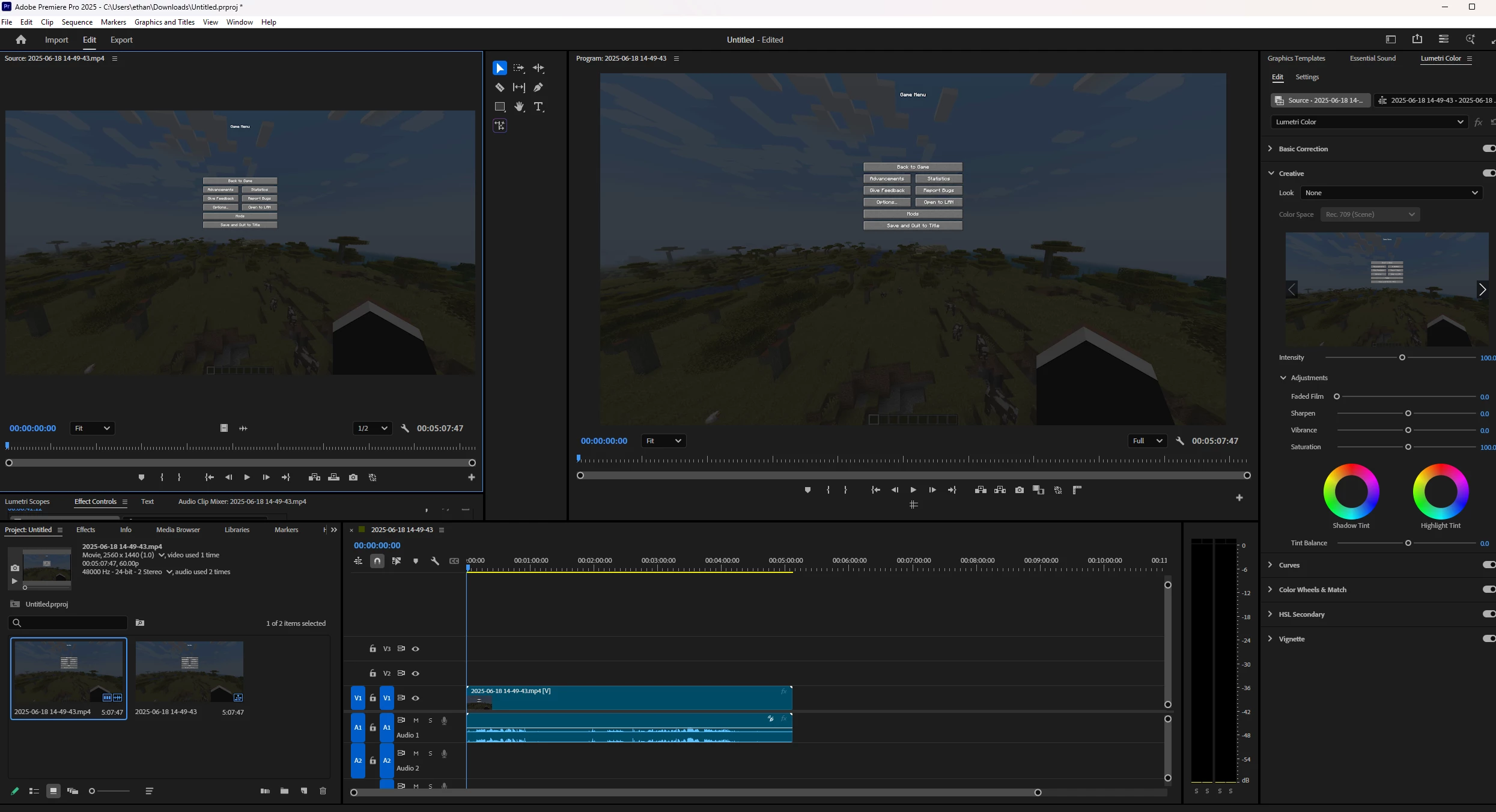
Ive been recording my gameplay via OBS and have recorded my gameplay and mic audio in different tracks. When i put the finished recording into other editing software i can freely see both a track for my game and mic. When inserting my video into premier i only get one audio track which ismy game sound no seperate track for my mic. Ive looked for a solution on youtube and google but am masssively stuck with no solution. Ive tried converting from mono to stereo and making more tracks but it just duplicates my game audio.  
 

11 replies

Adobe Employee
June 23, 2025

Hi ethan3333,


Sorry to hear about this issue. We will get it checked. Could you please share a sample media with which you are experiencing this issue to test at our end? Also, let us know the version of Premiere Pro that you are using & the app which shows multiple audio tracks for the media.


Thanks,

Sumeet

ethan3333Author
Participating Frequently
June 25, 2025

Hi Sumeet, 

I am using the most recent version of premier pro and the app I haver used is CapCut which is showing the multiple audio tracks. I have made a video showing what i am looking at.

thank you

Ethan

Stan Jones
Community Expert
Community Expert
June 25, 2025

@ethan3333,


As Sumeet says, we need a sample of your clip. PR sees it as a single stereo track. It will be much easier to diagnose the problem and make a suggestion.


Stan