
November 7, 2020
Question

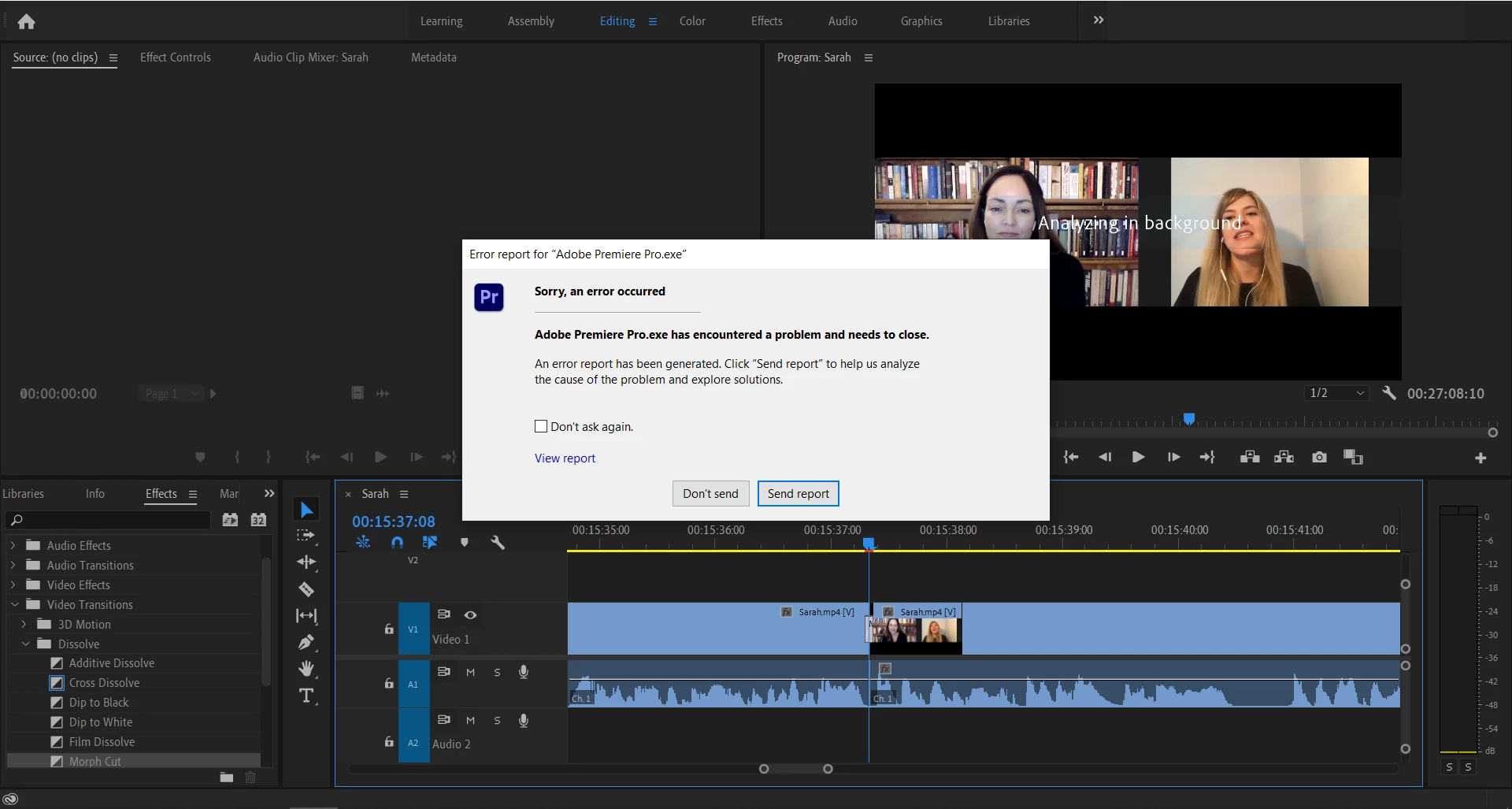
Premiere Pro 14.5 2020 version keeps crashing

  • November 7, 2020
  • 1 reply
  • 419 views

Hello. I recently purchased Adobe Creative Cloud apps and I am using Adobe Premiere Pro for a while. Spent over 6 hours editing and that's when the crashing begins. Once I open the file and edit for 2 minutes, PR will display a crash report notice. I have tried few solutions that was posted in here and it worked for 2 hours, but then the problem comes back again...


Do you have any idea on how I can solve this? I badly need to run this program smoothly. My drivers are already updated. 


See screenshot of the crash report below:


This topic has been closed for replies.

1 reply

JamesH1997
Participant
November 14, 2020

@17692396 Don't suppose you had any response on this? Likewise, I'm having the same issue but also with InDesign/PS/Illustrator as well. 


Thanks

November 15, 2020

Hey there. I reached out to their customer support privately and they gave me instead a file for PR 2019 instead because I only have 8gb ram on my laptop. According to them, the latest versions of Adobe products were engineered and designed to run smoothly on every pc that has a 16gb ram on it and above.