Known Participant
October 26, 2017
Answered

Premiere Pro 2018 Crashing on Startup

  • October 26, 2017
  • 1 reply
  • 3879 views

I just updated (regretfully) to the latest version of Premiere Pro and I'm having a whole world of problems.

Among the issues:

  • All media loads, then suddenly goes offline and Premiere crashes
  • "Unable to locate system library" error
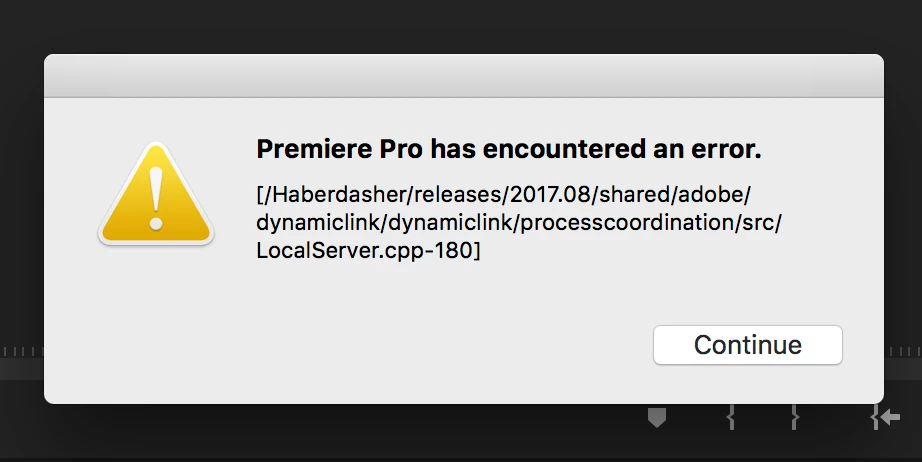
  • Premiere Pro has encountered and error alert with "[/Haberdasher/releases/2017.08/shared/adobe/dynamiclink/dynamiclink/processcooridnation/src/LocalServer.cpp-180]"
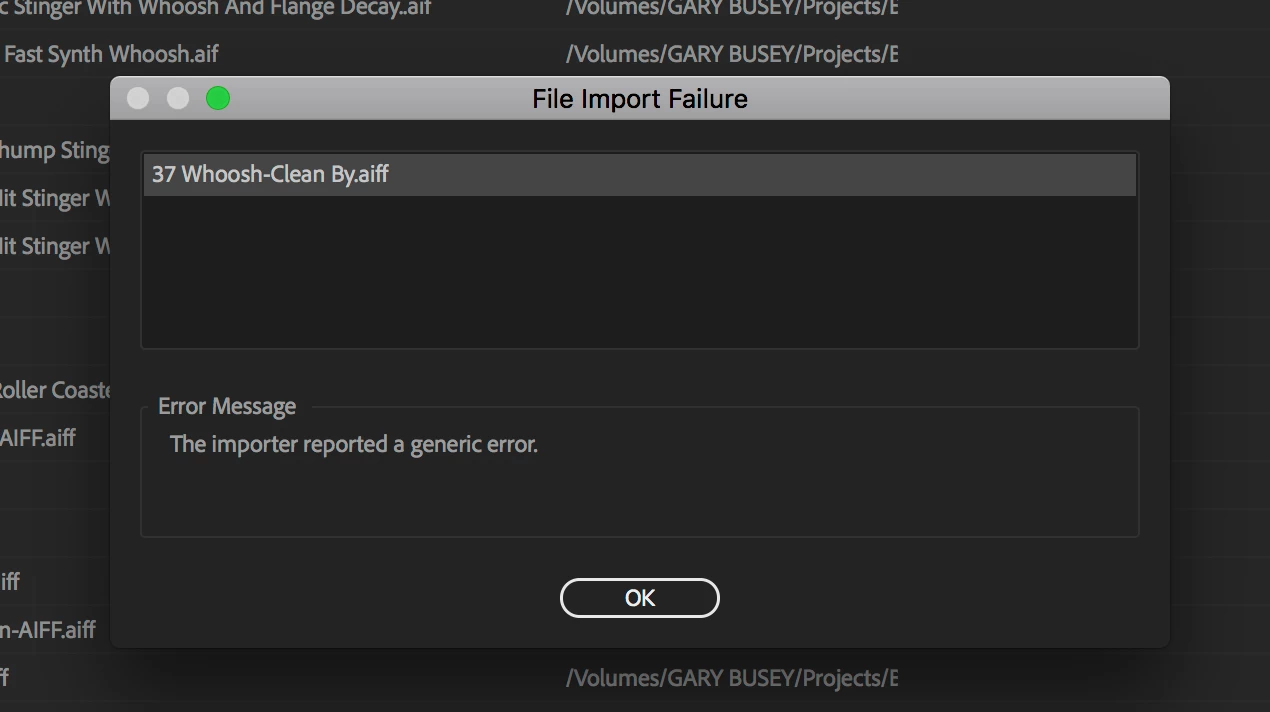
  • One project did manage to start and allowed me to start to reconnect media but I got a "File import failure" note indicating "The importer reported a generic error"
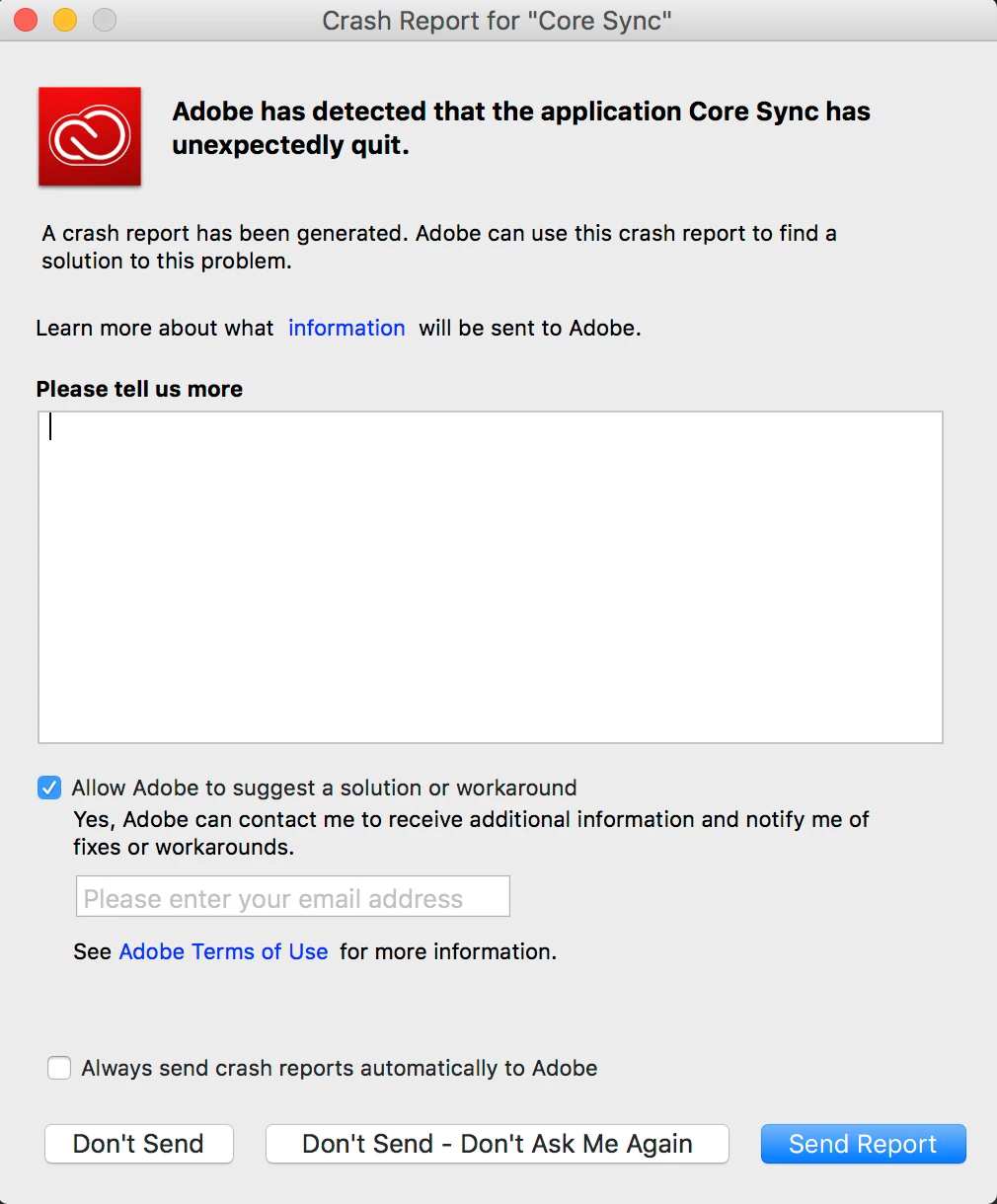
  • Adobe core sync has been crashing on restart

I have uninstalled and installed several times and I tried reverting back to previous versions.  It seems that my library file structure was disrupted, but reinstalling does not properly rebuild.  What can i do?
This topic has been closed for replies.
Correct answer Rameez_Khan

Hi mikethomastv,

Sorry for your issue and thanks for providing the screenshots!

  • Which OS are you on?
  • Did you create a new project in Premiere Pro CC (12.0) or did you upgrade a project from an earlier version?

The "Unable to access..."  error messages in the last screenshot point out that Premiere Pro isn't able to access something. If you can maximize the Events panel and post a new screenshot, that would help.

Additionally try this:

Rename the Adobe folders to Old_Adobe in the following locations:

Location 1: When in Finder, click on Go > Go to Folder > ~/Library/Application Support/Adobe

Location 2: Go > Go to Folder > ~/Library/Preferences/Adobe

Location 3: Documents > Adobe

Note: You will lose your customization

~/Library folder is hidden by default. To unhide it, read this​.

Thanks,

Rameez

1 reply

Rameez_Khan
Rameez_KhanCorrect answer
Legend
October 26, 2017

Hi mikethomastv,

Sorry for your issue and thanks for providing the screenshots!

  • Which OS are you on?
  • Did you create a new project in Premiere Pro CC (12.0) or did you upgrade a project from an earlier version?

The "Unable to access..."  error messages in the last screenshot point out that Premiere Pro isn't able to access something. If you can maximize the Events panel and post a new screenshot, that would help.

Additionally try this:

Rename the Adobe folders to Old_Adobe in the following locations:

Location 1: When in Finder, click on Go > Go to Folder > ~/Library/Application Support/Adobe

Location 2: Go > Go to Folder > ~/Library/Preferences/Adobe

Location 3: Documents > Adobe

Note: You will lose your customization

~/Library folder is hidden by default. To unhide it, read this​.

Thanks,

Rameez

lsheldonRS
Known Participant
October 30, 2017

Oh sweet, now I can't open Premiere. This error occurs when I try to import Alexa footage. Any other fixes?

Rameez_Khan
Legend
October 30, 2017

Can you share screenshots of all the directories that are mentioned above?

Did you make sure you renamed the folders in the User Library, not the System Library?

I suspect you have renamed the folders in the wrong directories. But I might be wrong! This is just a speculation.

Thanks,

Rameez