
Vylaern
Inspiring
August 24, 2018
Answered

Premiere Pro 2018 (fresh instalation) - do not start (blank screen)

  • August 24, 2018
  • 1 reply
  • 525 views

Hi,

I have a new laptop and I was trying twice to run Premiere Pro.

1) First time I downloaded Premiere Pro setup file, then, after instalation and loged-in into Adobe Cloud, I had "media pending" frozen screen.

2) I uninstalled everything, I used Adobe Cloud Cleaner to clean it, restarted computer and...

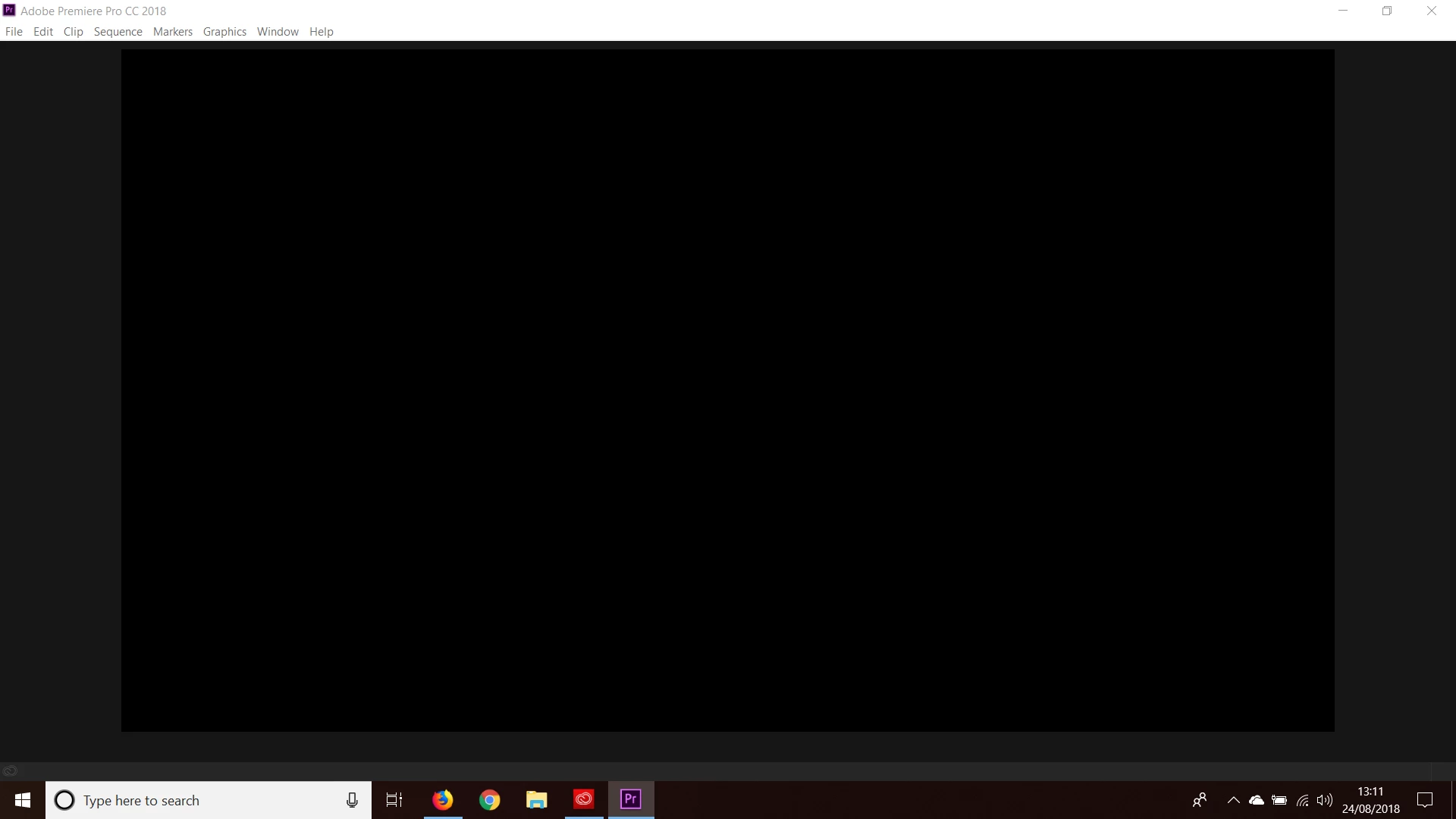
3) This time I downloaded Creative Cloud setup file, then after installation clicked Try on Premiere Pro, and after installation when I click open, I have a frozen window  with Adobe Premiere Pro 2018 and (black one this time) - there is a photo enclosed on the bottom of this post, when I click on the window I could hear sound like "beep". The only option to close it is a task manager.

I am wondering now (before buying) if Adobe will work on my new laptop or is incobatibile. Or maybe when I bough it, it will start to work? But I am bit afraid, if I will buy a subscription and will have a software won't run.

Many thanks for the answers,
    This topic has been closed for replies.
    Correct answer Vylaern

    OK. Works now, what I did.

    [1] I bought a full version to check it if it works, and did not help

    [2] As I had paid access, I downgraded it to Premiero Pro 2017, and... still the same problem

    [3] I updated from Creative Cloud again to the newest version and... works now

    In the mean time in Device Manager I was trying to switch off Inter graphic device and keep only Nvidia, but there were no difference.

    1 reply

    Vylaern
    VylaernAuthorCorrect answer
    Inspiring
    August 24, 2018

    OK. Works now, what I did.

    [1] I bought a full version to check it if it works, and did not help

    [2] As I had paid access, I downgraded it to Premiero Pro 2017, and... still the same problem

    [3] I updated from Creative Cloud again to the newest version and... works now

    In the mean time in Device Manager I was trying to switch off Inter graphic device and keep only Nvidia, but there were no difference.