Participant
May 28, 2020
Answered

Premiere Pro 2020 reverses Hebrew text when I use title templates

  • May 28, 2020
  • 1 reply
  • 7069 views

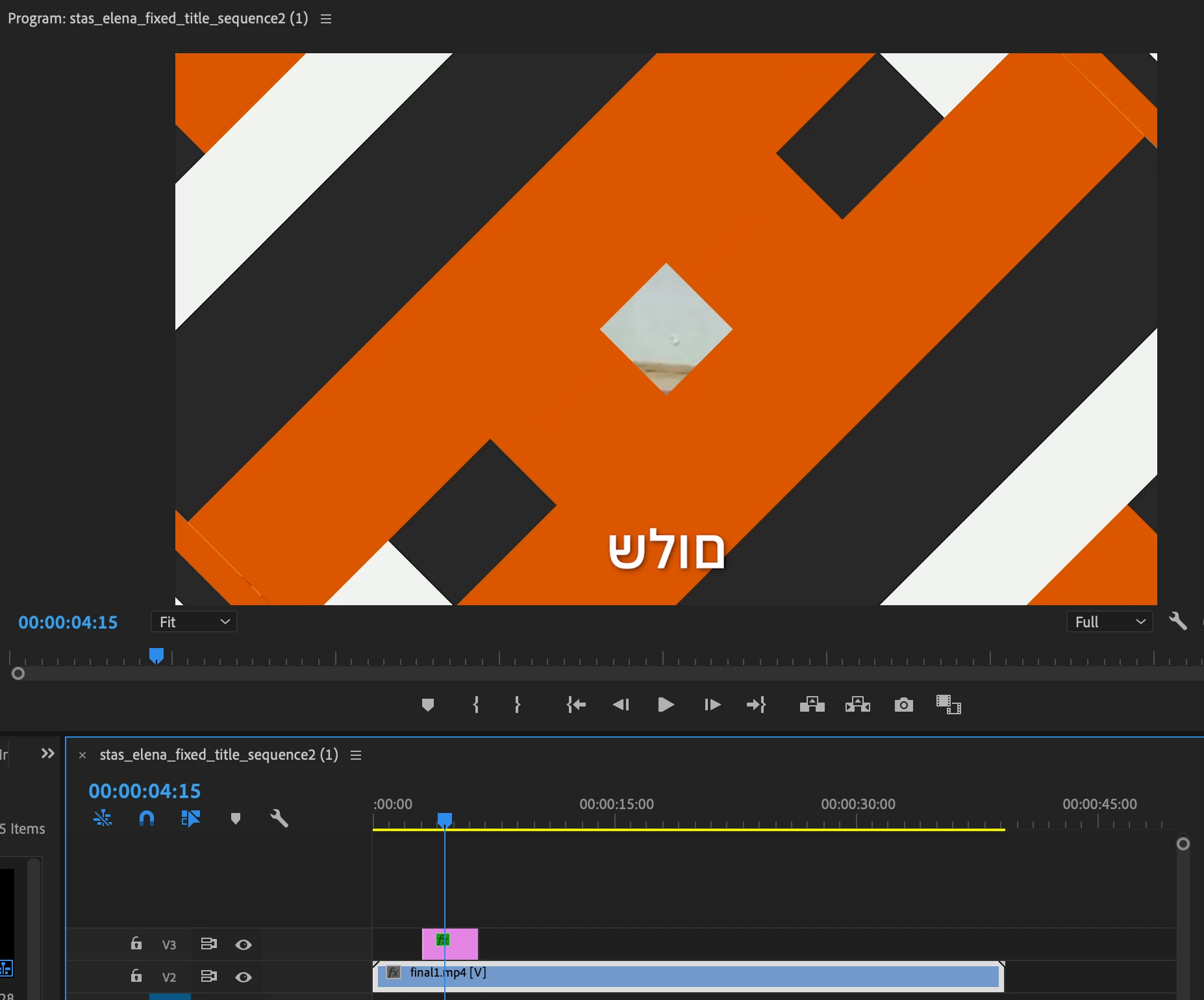
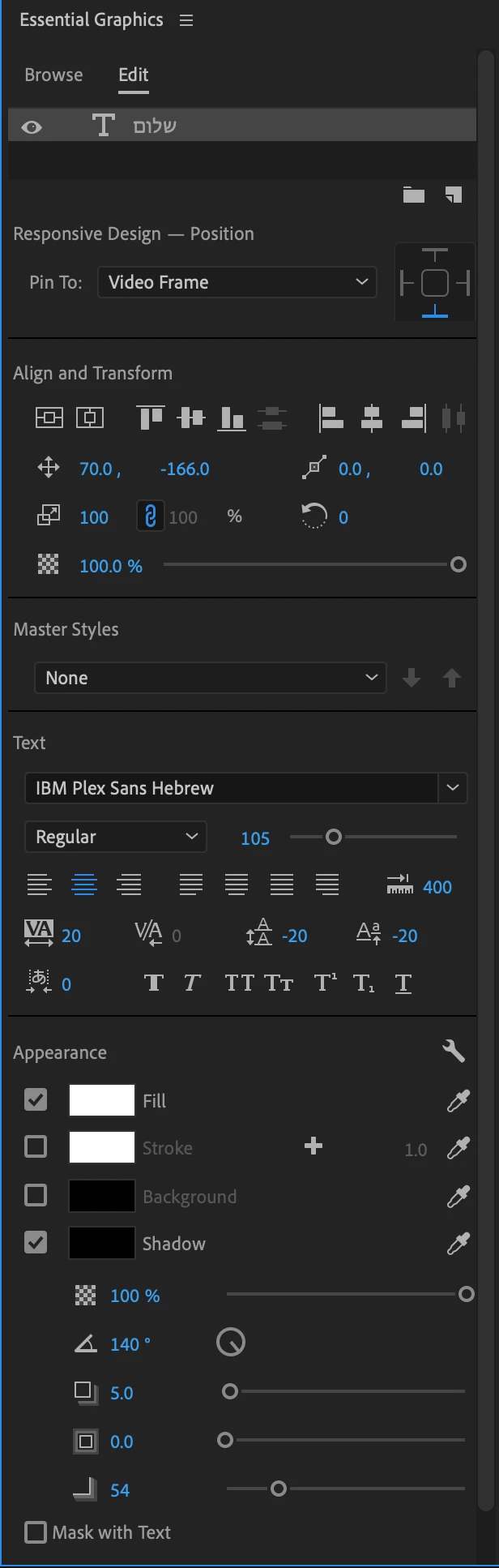
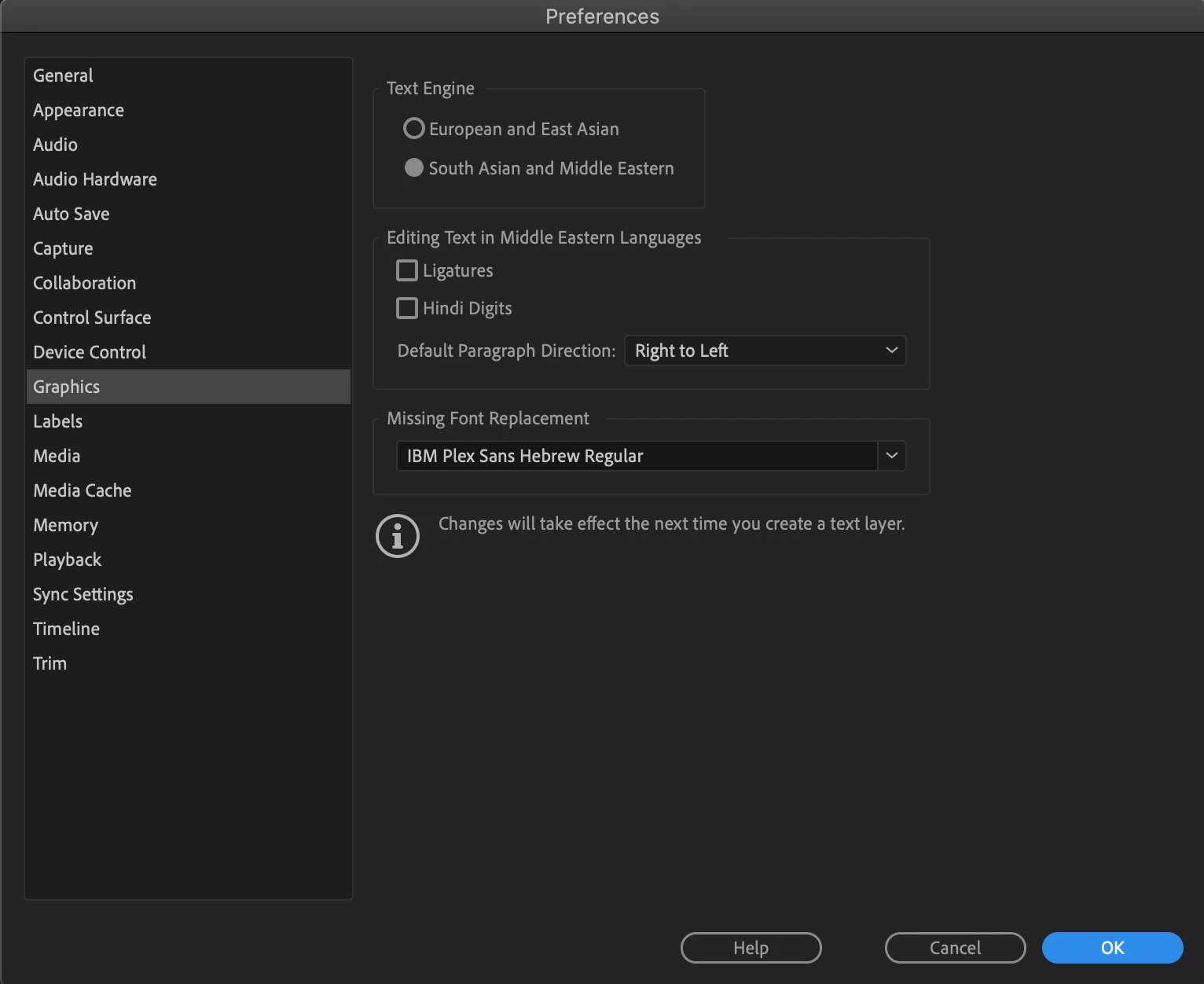
Hi, I changed my preferences (Graphics: South Asian and Middle Eastern + Default Paragraph Direction: Right to Left) and when I use the 'Bold Web Caption' template for subtitles it reverses the text (instead of 'hello' I get 'olleh').

Is there anything I can do to fix this problem? I use IBM Plex Sans Hebrew font and all my preferences seem fine yet it keeps happening even after I close and reopen the program. 


This topic has been closed for replies.
Correct answer Kevin J. Monahan Jr.

Hi A,

Sorry, were you speaking about the new captions? One of our engineers said the following:

Do you have South Asian and Middle Eastern set in your Caption Track Settings? Right-click on the Caption track header, choose Track Settings... and then under Styling Options > Text Engine, click button for South Asian and Middle Eastern. Then click Ok button.


See if that will work for you.


Thanks,
Kevin

1 reply

Inspiring
March 18, 2021

I have the same issue. Were you able to find a solution?

Kevin J. Monahan Jr.
Community Manager
Kevin J. Monahan Jr.Community ManagerCorrect answer
Community Manager
March 18, 2021

Hi A,

Sorry, were you speaking about the new captions? One of our engineers said the following:

Do you have South Asian and Middle Eastern set in your Caption Track Settings? Right-click on the Caption track header, choose Track Settings... and then under Styling Options > Text Engine, click button for South Asian and Middle Eastern. Then click Ok button.


See if that will work for you.


Thanks,
Kevin

Kevin Monahan - Sr. Community and Engagement Strategist – Adobe Pro Video and Audio
Inspiring
March 18, 2021

Thanks Kevin, that worked!