gtcable
Participant
November 18, 2021
Question

Premiere Pro 2021 - Artifacting with Lumetri Vignette Only on PC (not Mac)

  • November 18, 2021
  • 2 replies
  • 198 views

Just so happens I have two nearly identical workstations with one BIG exception; one's a Macbook the other a Window10 laptop (11th Gen Intel(R) Core(TM) i7-1165G7 @ 2.80GHz 2.80 GHz). I jump regularly between these platforms with Adobe for editing. I've noticed some bug on the PC version of Premiere. When I use vignette all these artifacts appear after I render.
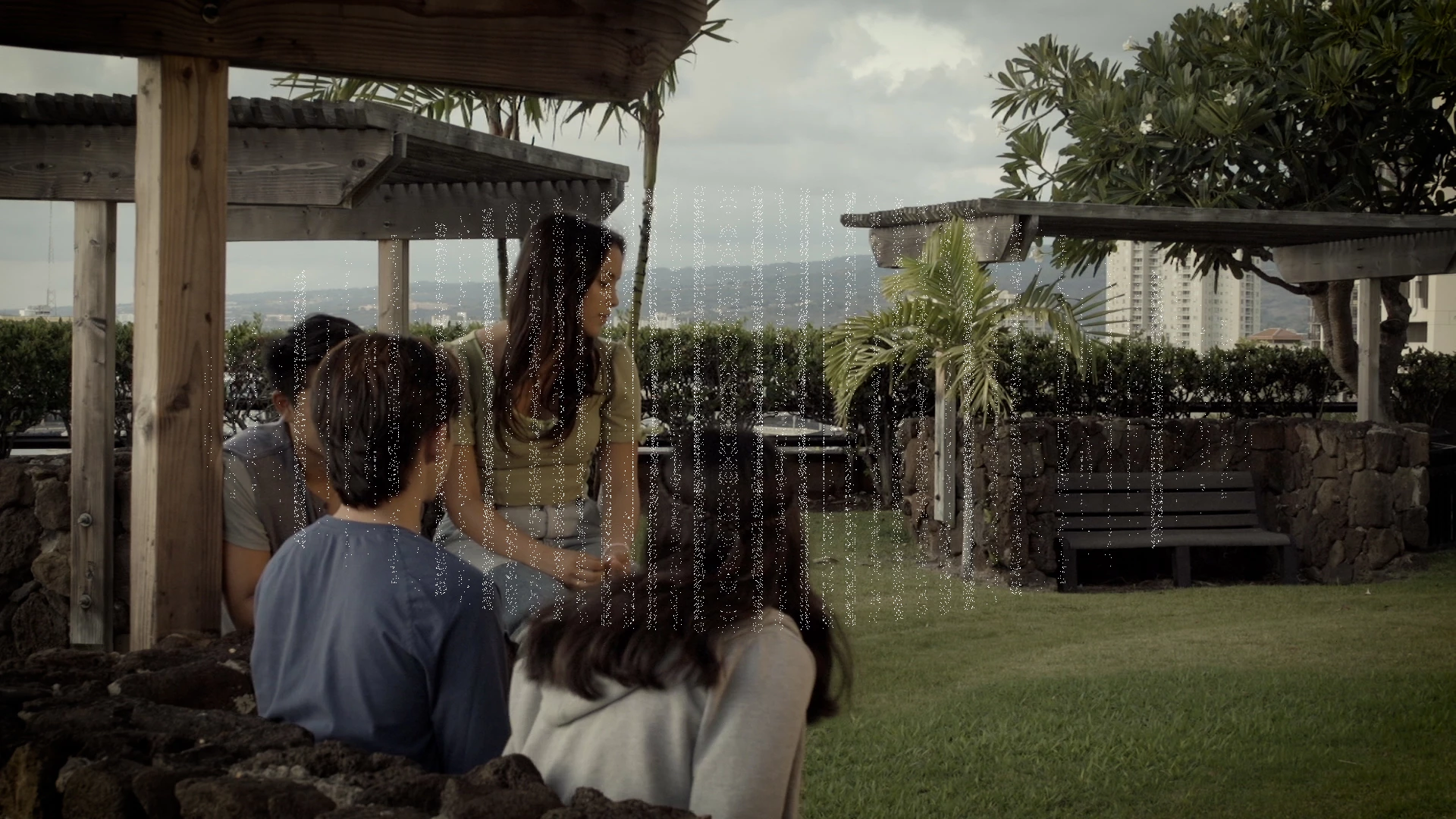
Doesn't happen on my Macbook. Any fixes for this?

This topic has been closed for replies.

2 replies

R Neil Haugen
Legend
November 18, 2021

I'll bet Ann is correct. I'm using Pr both on my desktop and laptop PCs without any such issue. And normally, visual issues with media in Pr come down to video drivers.


Quick way to check ... go to 'Mercury Acceleration, software only' in the project settings. This will disable Pr using the GPU. If that fixes this, it's definitely a GPU issue, almost always then a driver issue.


Neil

Everyone's mileage always varies ...
Ann Bens
Community Expert
Community Expert
November 18, 2021

Try updating your graphicscard driver. (intel)