


Known Participant
May 29, 2023
Question

Premiere Pro 2023 crashes on Startup

  • May 29, 2023
  • 10 replies
  • 1047 views

I cannot get Premiere Pro to start. It does always crash during "Loading ExporterBMP.prm" or similar .prms or dlls. Did several reinstalls and used the Cleaner App to uninstall it.
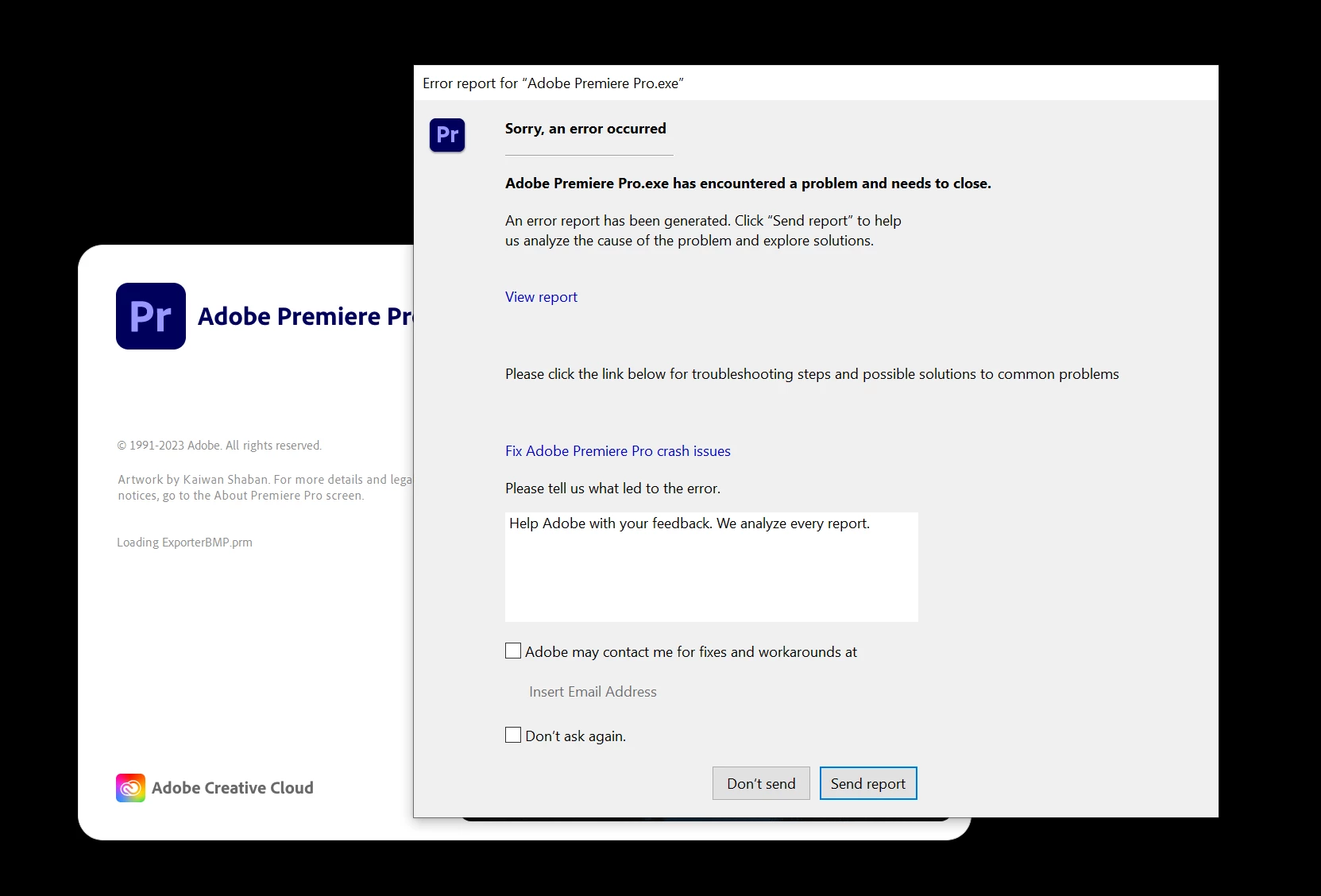
 

The dump looks like this:

 PP 2022 and AE 2022 and 2023 work fine. 


Windows 10, NVidia 3090.

This topic has been closed for replies.

10 replies

Participating Frequently
June 19, 2023

My 23.3 opens but now the video plays back jittery.

Inspiring
June 17, 2023

I've gone back to vrs 23.3 and it's workign again. 

Inspiring
June 17, 2023

I've had the exact same issue too. I first noticed it when I downloaded the new beta version of photoshop so I uninstalled and Premier pro worked perfectly again. Now that PP has updated it is crashing again. I shall try an earlier version and hope that adobe find a fix. I've sent a few crash reports so fingers crossed it's soon. 

Participating Frequently
June 6, 2023

I am running Windows 10 Pro, studio driver in the RTX 3060, 128 GB Ram. I have tried everything.

Known Participant
May 30, 2023

I tried starting with admin privilegues already. 2023 versions work fine too, just the update from 23.3 to 23.4 makes it fail.

Legend
May 29, 2023

and if 2022 versions work ok, probably not the nvidia driver.   Not really a windows expert, but wondering if it could be a permissions issue.  Maybe try and create a new system user with administrator privileges...  

Known Participant
May 29, 2023

64 GB, should not be the problem.

Legend
May 29, 2023

and how much ram do you have?  Updates often require more system resources...

Legend
May 29, 2023

by any chance do you have the game driver installed for the nvidia?  If so, uninstall and install the studio version...  Premiere does not play nice with the game driver

Known Participant
May 29, 2023

Update: I experience this crash on the 23.4 versions of AE, PP and Media Encoder. The 23.3 versions work fine.